



Hot Foil Printing Limitations
Hot foil is how our Frosted Clear, Satin Black, Metallic and White plastic cards are printed, but it is a different process to standard full colour plastic card printing, and it comes with some real constraints.
All of them are worth knowing before you send your artwork over. None of them is a reason to avoid hot foil — they are the shape of the process, and a design drawn for them looks better than one fought through them.
No Gradients, Halftones, Tints or Photographs
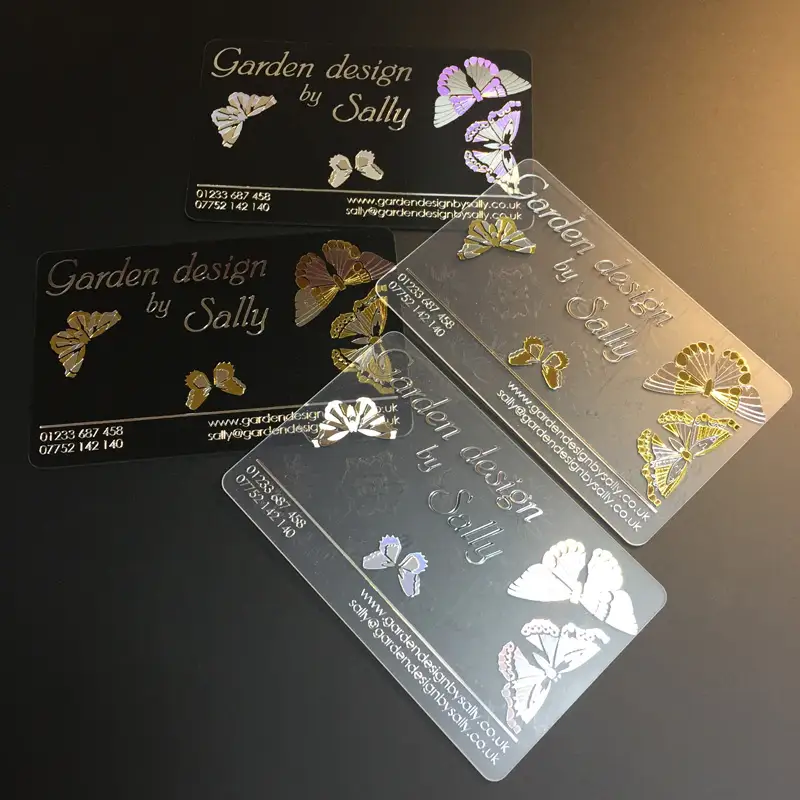
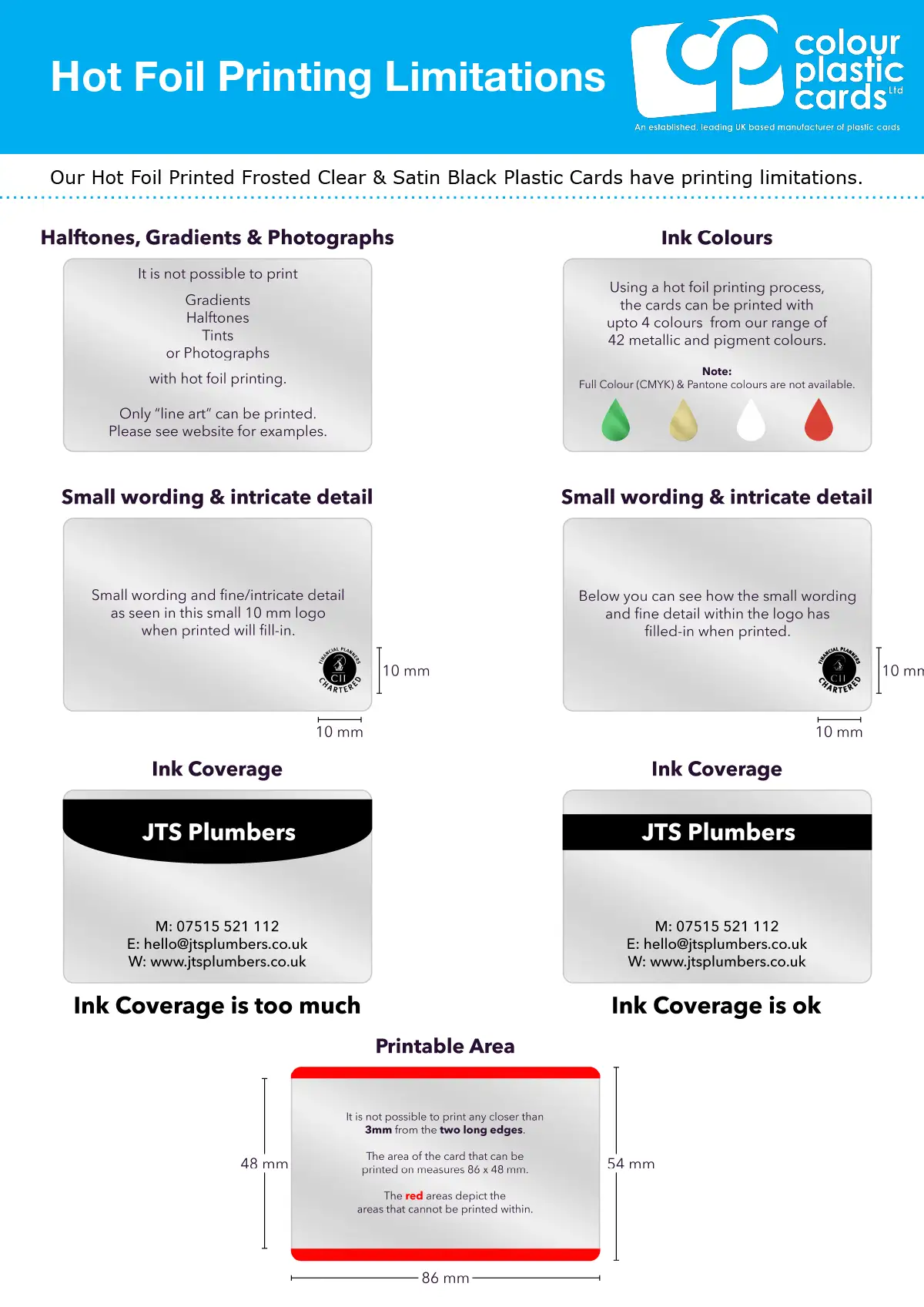
Hot foil only prints solid, flat colour. Gradients, halftones, tints and photographs simply won’t reproduce — the process can’t hold that kind of detail.
Your artwork needs to be “line art”: clean solid shapes with hard edges, no fading or blending. If your design relies on a photo or a gradient background, hot foil isn’t the right process for it — our full colour cards are.
Up to 4 Colours, No CMYK or Pantone Matching
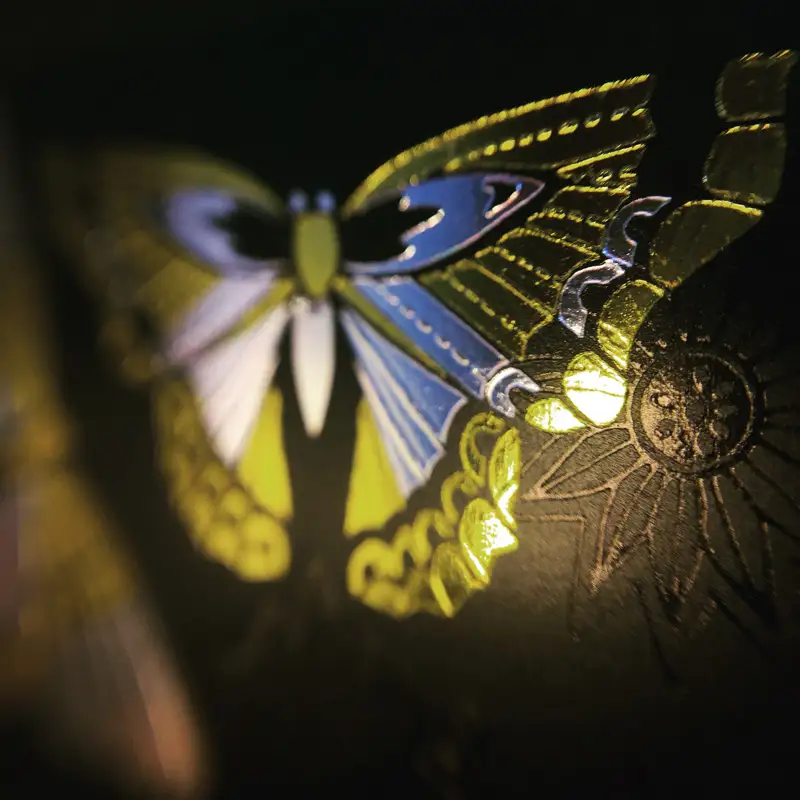
You can print up to 4 colours, chosen from our range of 42 metallic and pigment foils. There is no full-colour (CMYK) printing and no Pantone colour matching with hot foil — you are picking from our existing foil colours, not matching to an exact brand colour.
If exact colour matching matters for your logo, factor that in early. You can see the range on our ink and foil colours page.
Small Text and Fine Detail Will Fill In
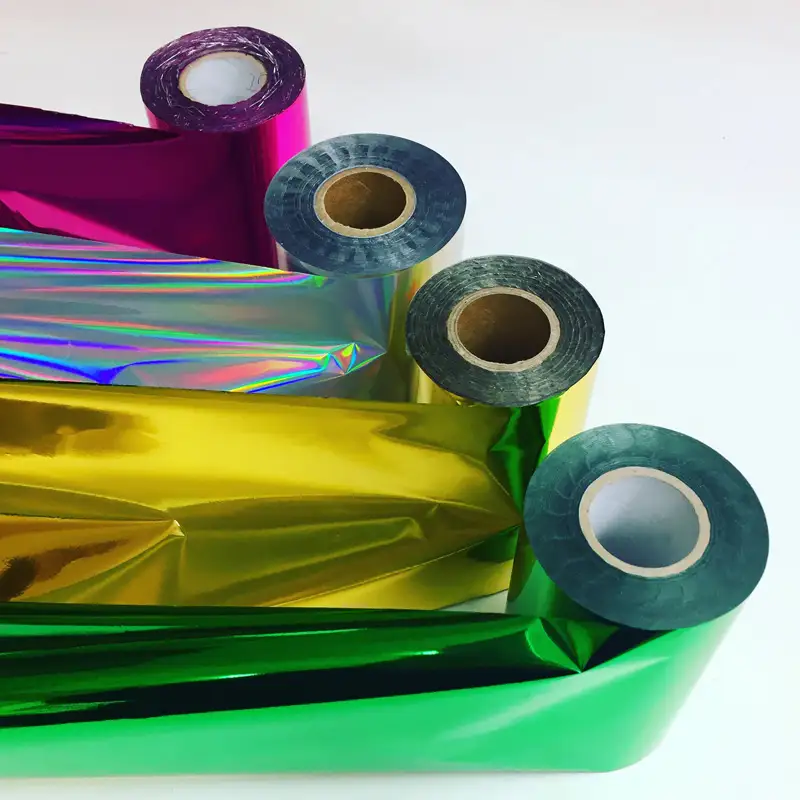
Fine detail and small wording don’t hold up well under hot foil. A logo with intricate detail at around 10mm will likely fill in and lose definition when printed.
Keep text and logos bold and simple, and avoid anything with thin lines or small type if you want it to stay legible. Our clear business card guide shows a design that is too fine for foil beside the same design made bold. Our black plastic card guide shows the same fine and bold designs on satin black.
Keep Ink Coverage Moderate
Large solid blocks of foil — a full-width colour bar, for example — can print unevenly or look patchy rather than crisp and solid. Smaller, more contained areas of colour print far more reliably than large solid fills.
Printable Area
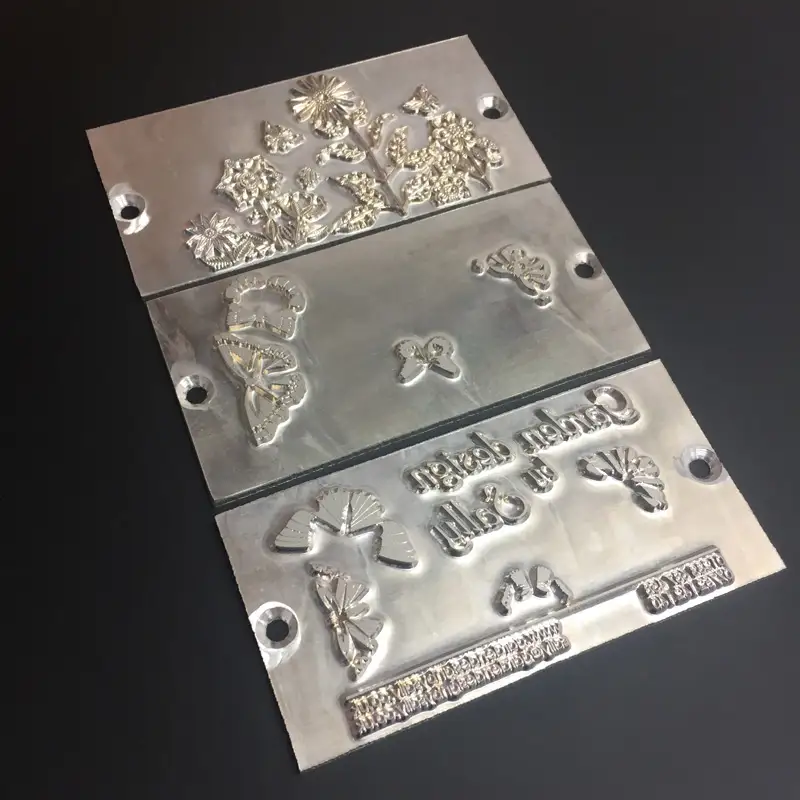
On a standard 86 × 54mm card, the printable area for hot foil is 86 × 48mm. Nothing can print within 3mm of the two long edges of the card (top and bottom on a landscape card, left and right on a portrait one), so keep any critical text or logos clear of those margins.
We’ll Check Your Artwork Before We Print
Send your artwork over and we will check it is suitable for hot foil before anything goes to print — free of charge.
If something won’t work — too much fine detail, a gradient, tight margins — we will flag it and suggest a fix rather than printing it as-is.
The Limitations at a Glance
Hot Foil Printing, in Motion
Two short films from the factory floor in England: the foiling itself, and the machine that does it.
Hot Foil Limitations: Questions & Answers
-
Can hot foil print gradients or photographs on plastic cards?
No. Hot foil only prints solid flat colour, so gradients, halftones, tints and photographs will not reproduce. Artwork needs to be line art — clean solid shapes with hard edges, no fading or blending. -
How many colours can be used in hot foil card printing?
Up to 4 colours, chosen from a range of 42 metallic and pigment foils. There is no full colour CMYK printing and no Pantone colour matching, so colours are selected from the existing foil range rather than matched exactly to a brand colour. See the ink and foil range. -
Will small text and fine detail print well with hot foil?
Not reliably. Fine detail and small wording do not hold up well under hot foil, and a logo with intricate detail at around 10mm will likely fill in and lose definition. Text and logos should be kept bold and simple, avoiding thin lines or small type. -
Can hot foil print large solid blocks of colour evenly?
Large solid blocks of foil — a full width colour bar, for example — can print unevenly or look patchy rather than crisp and solid. Smaller, more contained areas of colour print far more reliably than large solid fills, so ink coverage should be kept moderate. -
What is the printable area for hot foil on a plastic card?
On a standard 86 × 54mm card, the printable area for hot foil is 86 × 48mm. Nothing can print within 3mm of the two long edges of the card (top and bottom on a landscape card, left and right on a portrait one), so critical text or logos need to stay clear of those margins. -
Which plastic cards use hot foil printing?
Hot foil is used to print our Frosted Clear, Satin Black, Metallic and White plastic cards. It is a different process to standard full colour card printing and comes with its own design constraints. -
Will you check my artwork is suitable for hot foil before printing?
Yes. Send your artwork over and it will be checked for suitability before anything goes to print, free of charge. If something will not work — too much fine detail, a gradient, or tight margins — it will be flagged with a suggested fix rather than printed as is.
Send Us Your Foil Artwork

Send the design over and we will tell you whether it will foil cleanly before you commit to anything — free of charge. Gradients, hairline detail and tight top and bottom margins are the three we flag most often, and all three are easier to fix in the file than on the press.
Every order gets a free email proof before the full run is printed, so you can check the layout and wording. The colours on the proof are a guide only, and the same foil can look different on a frosted, white, satin black or metallic card. If in doubt, email sales@cpcards.co.uk to ask about a sample colour being posted to you for approval.