



How to Design a Clear Plastic Business Card
To design a clear plastic business card, design for hot foil rather than full colour printing. Our clear cards are frosted, semi-transparent PVC, printed in up to 4 solid foil colours, so bold type and simple line art in gold, silver, white or holoprint look best. Anything printed on the back shows through to the front.
Below: how see-through the cards are, what foil can and can’t print, which colours stand out, how to plan the back and how to set up the artwork. It’s written for the clear frosted plastic cards we supply: 86 x 54mm, 760 microns thick, from 25 cards.
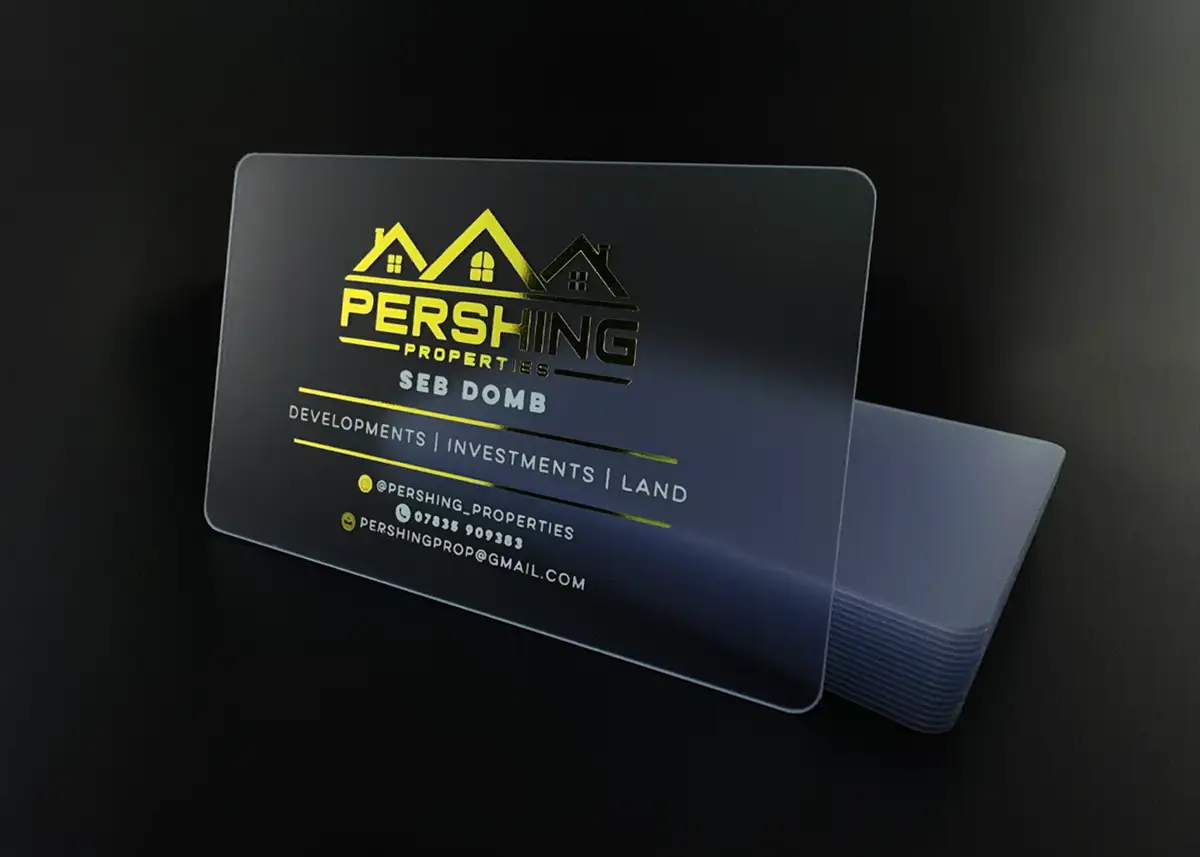
The short versionOur clear cards are frosted: see-through, but softly. They’re hot foil printed, so there are no photos, gradients or tints. Use up to 4 solid colours (gold and silver are the favourites), keep text at 8pt or more and lines at least 0.25mm thick, keep solid areas small, and leave 3mm clear along the two long edges. Anything on the back shows through, so use clear ink there for a watermark. We check every design suits foil, free of charge, and quote from it.
Are clear business cards fully transparent?
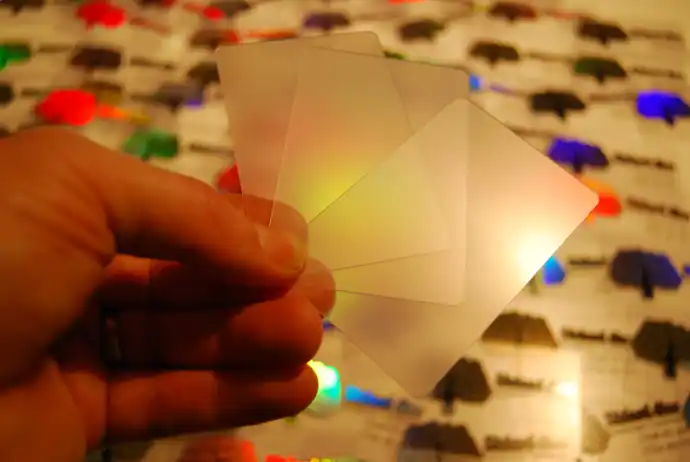
No. Our clear business cards are frosted: solid, semi-transparent PVC with a frosted finish that diffuses light as it passes through. Hold one over a page and you see the colours and shapes underneath, softened, rather than the sharp view you’d get through glass.
We avoid fully clear cards, because a totally clear card shows every little scratch. The frosted surface also tends to make a printed design stand out more sharply than it would on a fully clear card. Whether you call it transparent, see-through or translucent, ours is the same frosted card.
| Feature | Our clear frosted cards |
|---|---|
| Material | Solid, semi-transparent PVC, frosted on both sides |
| Size | 86 x 54mm, the size of a bank card, with rounded corners |
| Thickness | 760 microns (0.76mm), the same as a credit or debit card |
| Printing | Hot foil, in up to 4 colours |
| Colours | 42 foils: metallics, holoprint, pigment colours, black, white and clear |
| Printable area | 86 x 48mm: nothing prints within 3mm of the two long edges (top and bottom on a landscape card, left and right on a portrait one) |
| Minimum order | 25 cards |
| Production | 7 working days from proof approval and payment; express 3 to 4 working days (ask us for cost and availability) |
| Price | Quoted from your design |
What can be printed on a clear plastic card?
Solid colours, in foil. Our clear cards are printed by hot foil: a heated metal plate presses a wafer-thin layer of foil onto the card in the shape of your design, one colour at a time. That suits logos, wording and line art, and rules out anything shaded.
| In your design | On a clear frosted card |
|---|---|
| Logos, wording and line art in solid colours | Prints well Keep them bold and simple |
| Photographs | Won’t print Choose full colour cards instead |
| Gradients, fades, tints and halftones | Won’t print Redraw them as solid shapes with hard edges |
| Text smaller than 8pt | Can fill in 8pt is the smallest we recommend |
| Lines thinner than about 0.25mm | Can break up Make fine lines thicker, or leave them out |
| A detailed logo about 10mm across | Likely to fill in Make it bigger and simpler |
| Large solid areas of foil | Can look patchy Keep coverage moderate |
| Anything within 3mm of either long edge | Won’t print Keep inside the 86 x 48mm printable area |
Why the limits? The press bonds the foil to the card with very high temperature and up to 8 tons of force, our frosted artwork guide explains, and a large solid area needs so much heat and pressure that the card can melt and distort. If a design would spoil a lot of cards on the press, we’ll tell you before anything is printed, so you can change it.
For a photo or a gradient, choose our full colour plastic business cards, printed on both sides with the print sealed under clear PVC, so it can’t scratch or wear off. Our page on what hot foil can’t print sets out every limit, and how hot foil printing works explains the process.
Which foil colours look best on a clear card?
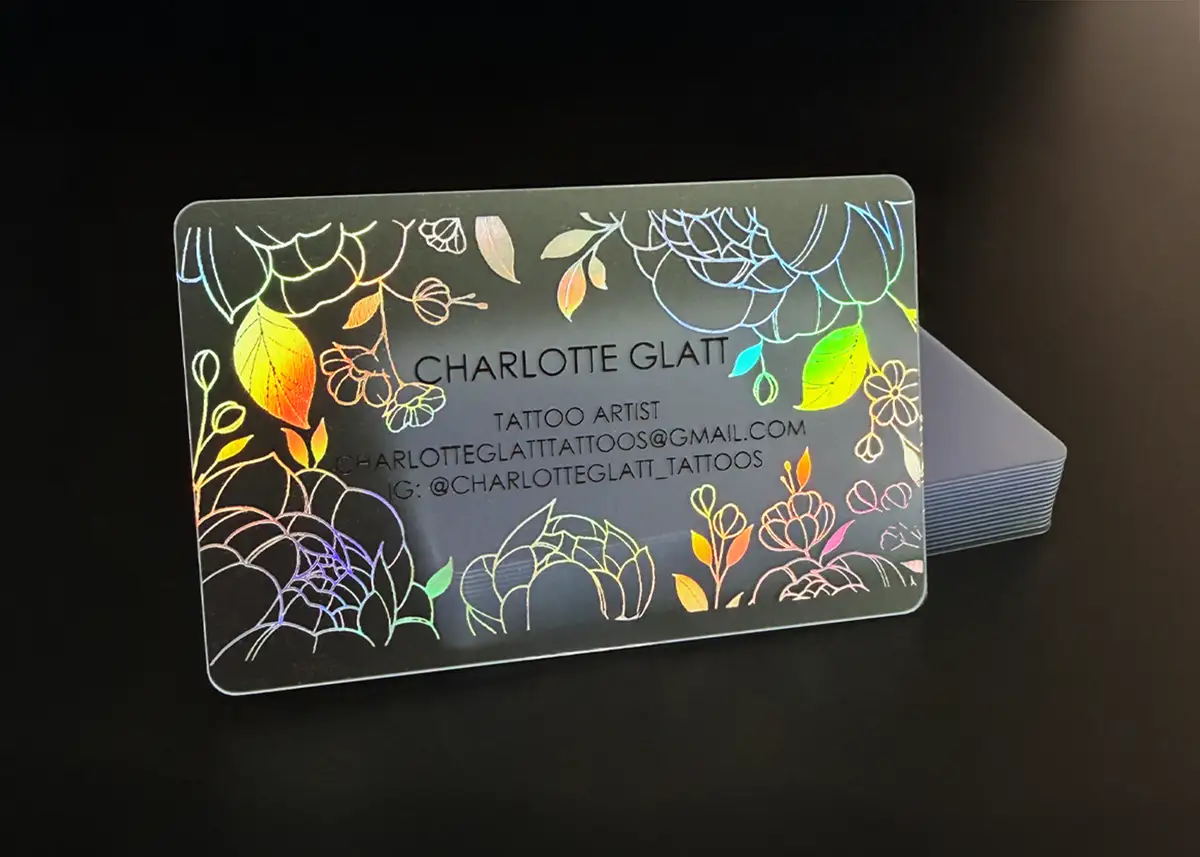
Metallic silver and metallic gold are the most popular, and metallic foil or white prints particularly well against the frosted background. You can use up to 4 colours from our range of 42: 11 metallics including holoprint, a holographic foil, 7 neutrals including black, white and clear, and 24 pigment colours.
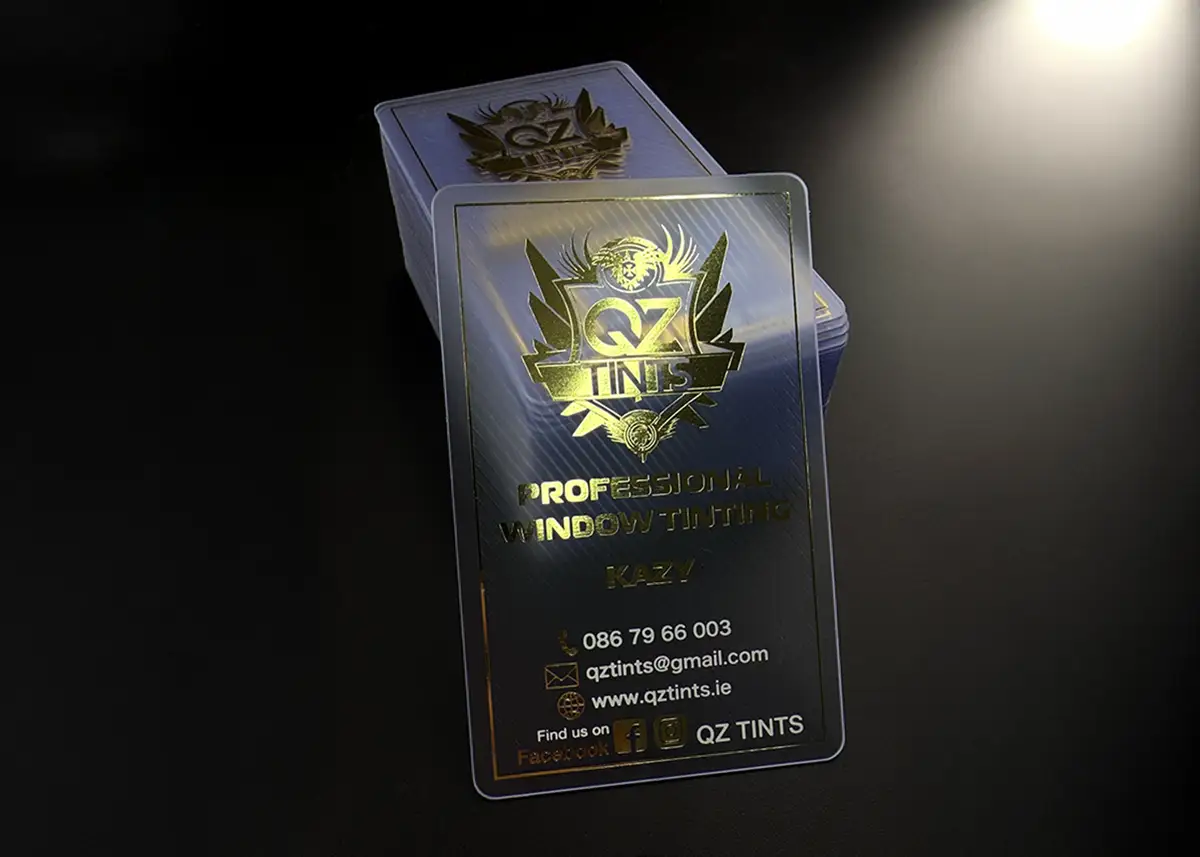
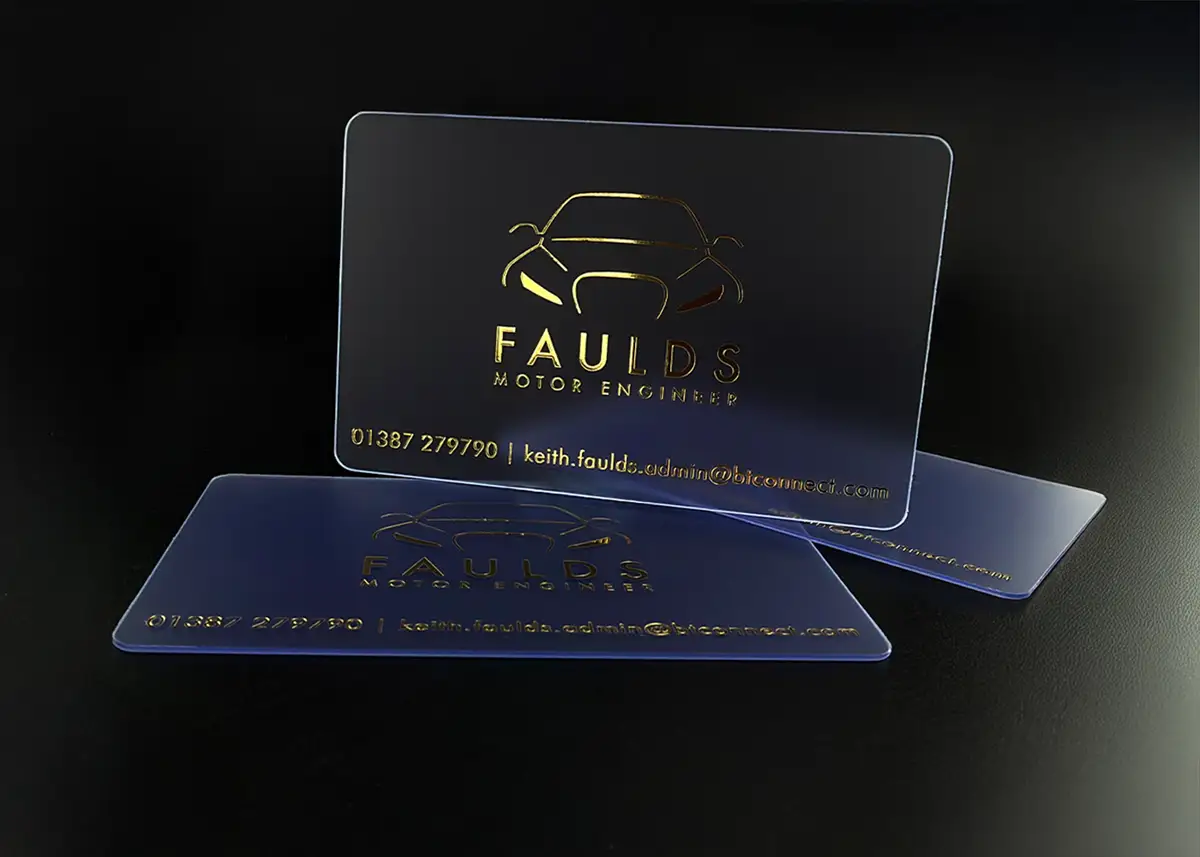
On a see-through card, the background is whatever the card is held against: a hand, a white desk or a dark wallet. Pairing a light foil with a dark one, such as holoprint with black in the photo below, means part of the design stands out against any of them.
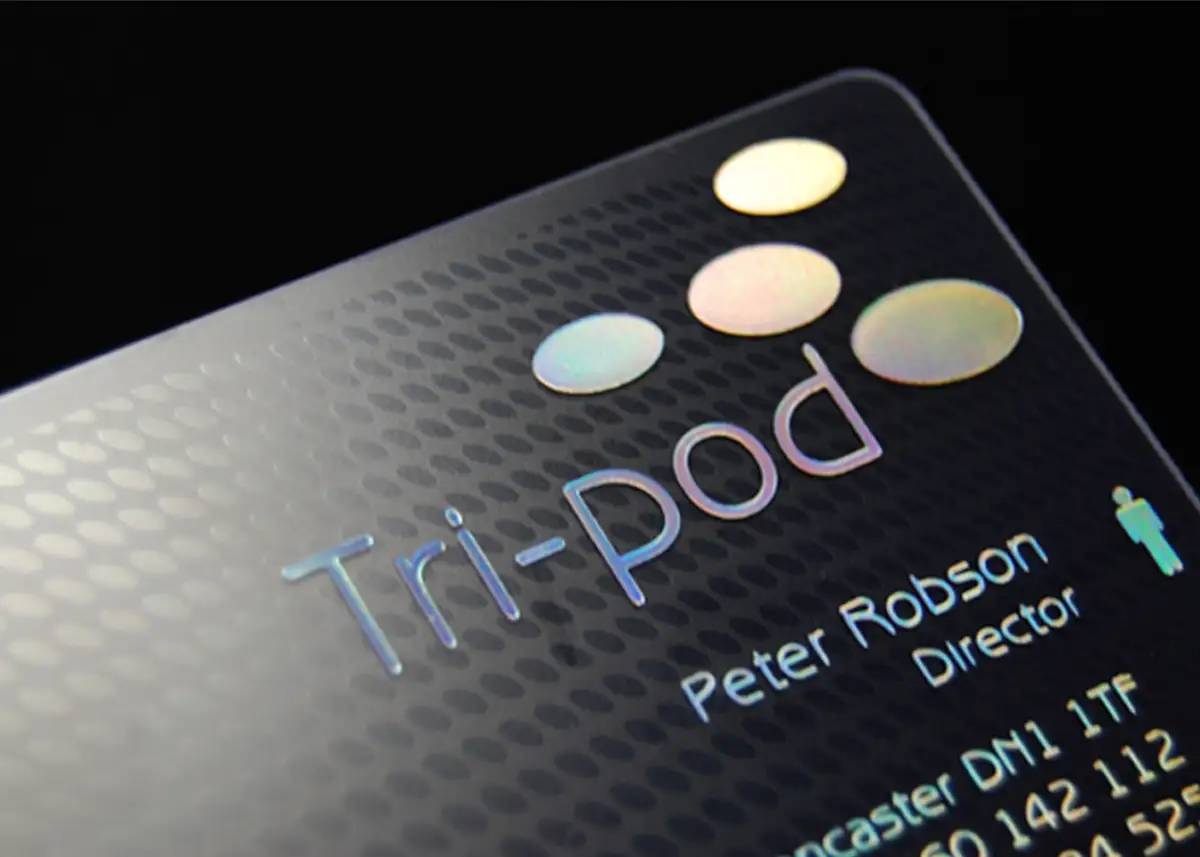
Foil can look less dense on a frosted card, because the card is semi-transparent, and the same foil can look different on a frosted, white, satin black or metallic card. Our frosted ink colours page has a photo and a video of every colour printed on a frosted card, our ink and foil colours pages show the same foils on our other cards, and we can supply a pack of colour swatches (ask us for the price).
Each colour is printed separately, from its own plate, and clear ink counts as a colour: holoprint, black and clear ink is a 3 colour print. Fewer colours also means fewer passes through the machine, and our terms note that each pass can leave surface scratches on a frosted card. There’s no Pantone matching, so choose the nearest foil to your brand colour.
Does the back of a clear card show through?
Yes. Anything printed on one side of a frosted card is visible from the other side, back to front. That’s why we don’t recommend printing your design on both sides of a clear card: the two designs show through each other.
If you want something on the back, use clear ink. It’s a clear foil, and printed on the back it makes the areas it covers more translucent than the rest of the card, so from the front they show as a subtle watermark. A pattern or a texture suits it best, because there’s nothing to read back to front.
If you want coloured foil on both sides, ask us first: each side is printed separately, which adds to production time. Then plan the two sides as one design:
- Design the two sides together. In your design software, put the back over the front, flip it left to right and fade it: that’s roughly how the back will look from the front.
- Keep them apart. Place the back’s print where the front is empty, so neither sits behind the other’s wording.
- Keep the back short. A logo or one line is easier to live with, reversed, than a block of text.
How do you keep a see-through card easy to read?
Make everything bolder than you would on a full colour card. Fine foil lines can fill in or break up, and the card shows whatever is behind it, so thin type and hairlines are the first things to suffer.
- Hairline frame: under 0.25mm, so it can break up.
- Detailed logo, about 10mm across: likely to fill in.
- Thin serif name: the thin strokes can break up, and the centres of letters such as a and e can fill in.
- Solid bar: too much foil in one place, so it can look patchy.
- Text at 8pt or larger, the smallest our frosted artwork guide recommends, and contact details a little bigger. That’s above the 6pt floor in our guide to font sizes on plastic cards, because foil needs bigger, bolder type than full colour printing.
- Sans-serif for small text, such as Arial or Helvetica, rather than a thin serif such as Times Roman.
- Simplify the logo rather than shrinking it: bold shapes at a good size hold up far better than fine detail.
- Give the wording space. Busy foil round text is harder to read on a card that already shows its background.
- Print it at actual size, 86 x 54mm, and look at it at arm’s length before you send it.
How do you set up the artwork for a clear card?
Start from our frosted template rather than a full colour one. It’s a 92 x 60mm file with the card drawn on it: 86 x 54mm with rounded corners, its edge marked, and a red band 3mm deep along each long edge where nothing can be printed. That leaves a printable area of 86 x 48mm. The template, in Photoshop and PDF, and our frosted artwork guide are on our artwork guides page.
- Send a PDF, Illustrator, EPS or Photoshop file. Vector artwork with the fonts outlined gives the cleanest edges. A JPEG or TIFF should be 600dpi: 2033 x 1277 pixels for the 86 x 54mm card. Our pages on raster and vector images and which file format to send explain why.
- Solid shapes only: no gradients, shadows, glows, tints or transparency effects. Every part of the design is either foil or bare card.
- Say which foil goes where. Give each foil its own solid colour in the file and list them, for example: logo in metallic gold, wording in black.
- Supply clear ink as a separate design for the back, marked as clear ink.
- Leave 3mm empty along the two long edges, whichever way up the card is, and keep wording and logos 3mm in from the short edges too.
- Check the wording yourself. Our free check covers whether the design will foil cleanly and is set up correctly, not spelling, phone numbers or email addresses: you check those on the proof.
Our artwork setup guide is written for full colour cards, printed in CMYK with no bands to keep clear, so for a frosted card use the frosted template and guide. Rather not set it up yourself? Send your logo and wording, a sketch or a photo of an old card, and our in-house design service will create it for £29 +vat. A technical fix to your own file is £10 +vat.
What will the proof show?
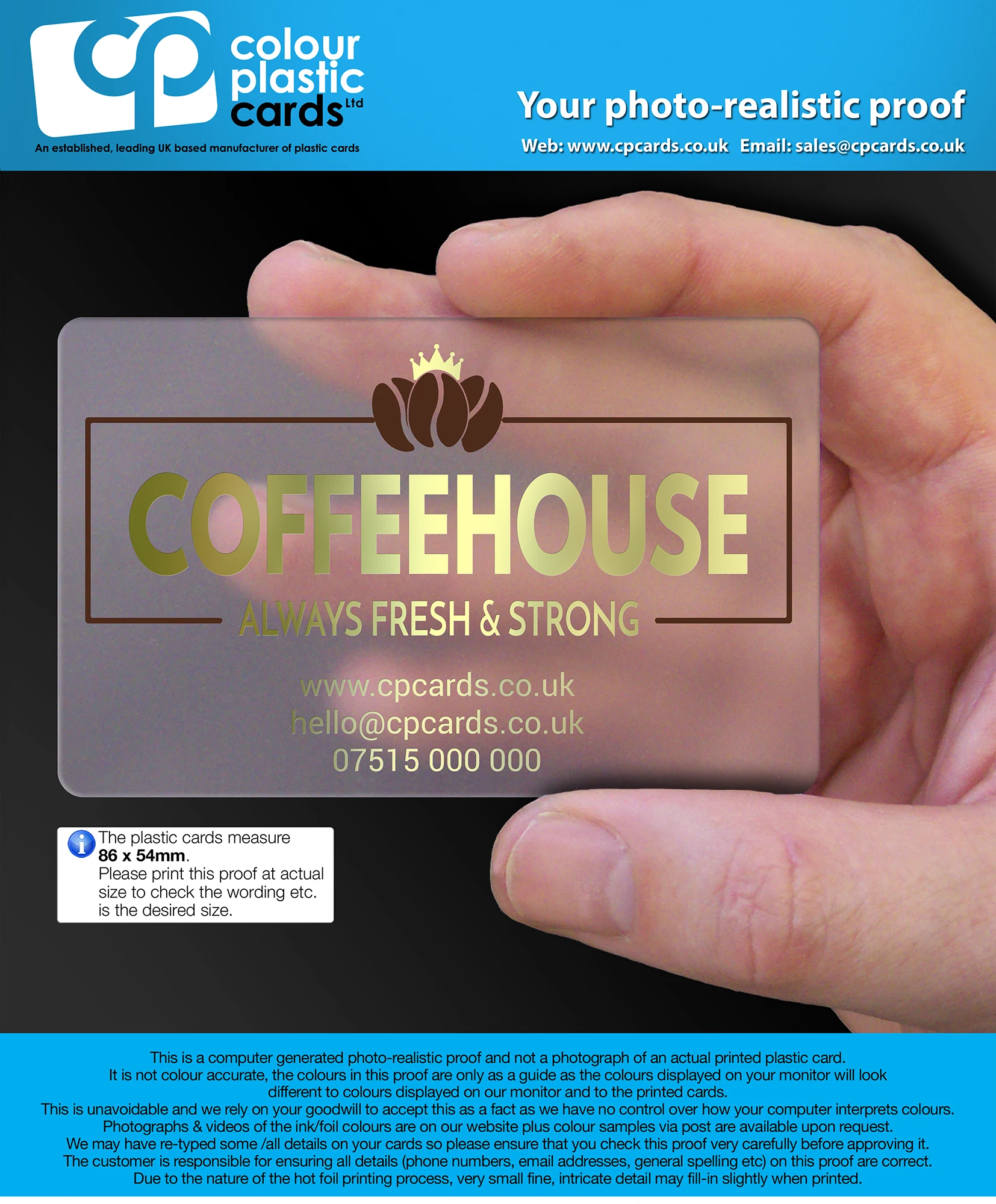
Every order gets a free email proof before the full run is printed, so you can check the layout and wording. The colours on the proof are a guide only, and the same foil can look different on a frosted, white, satin black or metallic card. If in doubt, email sales@cpcards.co.uk to ask about a sample colour being posted to you for approval.
The proof is a computer-generated mock-up of your card, not a photograph. Check every word, number and address on it, and print it at actual size to make sure the text isn’t too small. Once you approve it in writing, the cards are printed from that artwork, so check it carefully.
Postal proofs, a few real cards printed and posted before the full run, are for full colour cards only, so there isn’t one for a frosted card. To hold a real frosted card first, order our sample pack: its cost comes off your order if you order within 30 days.
Is a clear card the right choice for your design?
A clear card suits a design that works in a few solid colours and gains from being see-through. If yours doesn’t, one of our other cards will suit it better.
- Choosing a premium business card?
- Does the design need a photo, a gradient or more than 4 colours?If yes: Full colour cardsPrinted in CMYK, with the print sealed under clear PVC
- If not: Do you want people to see through the card?If yes: Clear frosted cardsFoil on semi-transparent PVC
- If not: Would a dark card suit your brand?If yes: Satin black cardsFoil on solid black PVC
- If not: White or metallic cardsFoil on gloss white, or on a gold or silver card
Our satin black, white and metallic cards are hot foil printed too, so they suit the same bold designs, and because they aren’t see-through they can be printed on both sides.
How much do clear business cards cost, and how do you order?
Clear frosted cards are quoted individually, because each one is priced from its design. Email your design, or your logo and wording, to sales@cpcards.co.uk, or use our frosted card quote form. We aim to reply within 10 minutes, 9am to 5pm, Monday to Friday.
- SendYour design or your logo and wording, the foil colours and how many cards. The minimum is 25.
- CheckWe check the design will foil cleanly, free of charge, and email your quote.
- ApprovePlace your order, then check the free email proof and approve it in writing.
- PrintOnce the order is paid, it’s printed in 7 working days. Express takes 3 to 4: ask us for cost and availability.
Looking for ideas? Any of our frosted card examples can be the starting point for your design: tell us which one you like and send your logo, and our designers will tailor it to you as part of the design service.
Questions & Answers
-
Are clear business cards fully transparent?
No. Ours are frosted: solid, semi-transparent PVC with a finish that diffuses light, so you see what’s behind the card, softened. We avoid fully clear cards, because they show every little scratch.
-
Can you print a photo or full colour on a clear card?
No. Our clear cards are hot foil printed, which prints solid, flat colour only, so photos, gradients, halftones and tints won’t reproduce. For a photo, choose our full colour plastic business cards, with the print sealed under clear PVC.
-
What can be printed on a clear plastic card?
Logos, wording and line art in up to 4 solid colours, from 42 foils including metallics, holoprint, black, white and clear. Keep text at 8pt or larger, lines at least 0.25mm thick and solid areas small. Nothing can print within 3mm of the card’s two long edges.
-
Which foil colours look best on a frosted card?
Metallic silver and gold are the most popular, and metallic foil or white prints particularly well against the frosted background. Holoprint refracts the light into a rainbow effect as the card moves. Pairing a light foil with black keeps part of the design clear whatever is behind the card.
-
Does the back of a clear card show through?
Yes. Print on either side is visible from the other side, back to front, which is why we don’t recommend printing your design on both sides. Clear ink, a clear foil, works on the back instead: the areas it covers become more translucent, giving a subtle watermark seen from the front.
-
How do I set up artwork for a clear business card?
Start from our frosted template, which marks out the 86 x 54mm card and the 3mm along its two long edges where nothing can print. Send a PDF, Illustrator, EPS or Photoshop file in solid colours, say which foil goes where, and we’ll check it suits foil, free of charge.
-
Can I see the foil colours before I order?
Yes. Our frosted ink colours page has a photo and a video of every colour printed on a frosted card, and we can supply a pack of colour swatches (ask us for the price). The colours on the email proof are a guide only, so if a colour matters, email sales@cpcards.co.uk to ask about a sample colour being posted to you for approval.
-
How much do clear plastic business cards cost?
They’re quoted individually, from your design. Email it to sales@cpcards.co.uk or use our quote form, and we aim to reply within 10 minutes, 9am to 5pm, Monday to Friday. The minimum order is 25 cards.
-
Can you design a clear business card for me?
Yes. Our in-house designers can create your design for £29 +vat from your logo and wording, a sketch or one of our frosted examples. If you have your own artwork, we check it’s suitable for foil free of charge, and a technical fix is £10 +vat.
Designing a clear business card?

Email your design, or your logo and wording, to sales@cpcards.co.uk, with the foil colours you’d like. We’ll check it suits foil, free of charge, and quote from it. Everything is agreed in writing, and you approve a free email proof before anything is printed.
We aim to reply within 10 minutes, 9am to 5pm, Monday to Friday.