



What to Put on a Business Card
A business card has one job: to make it easy for someone to remember you and get back in touch. Everything on it should help with that, and anything that doesn’t is taking up room.
This guide covers what goes on the front, what earns a place on the back, what to leave off, and what businesses like yours usually include, with a labelled example and a checklist to work through before you order.
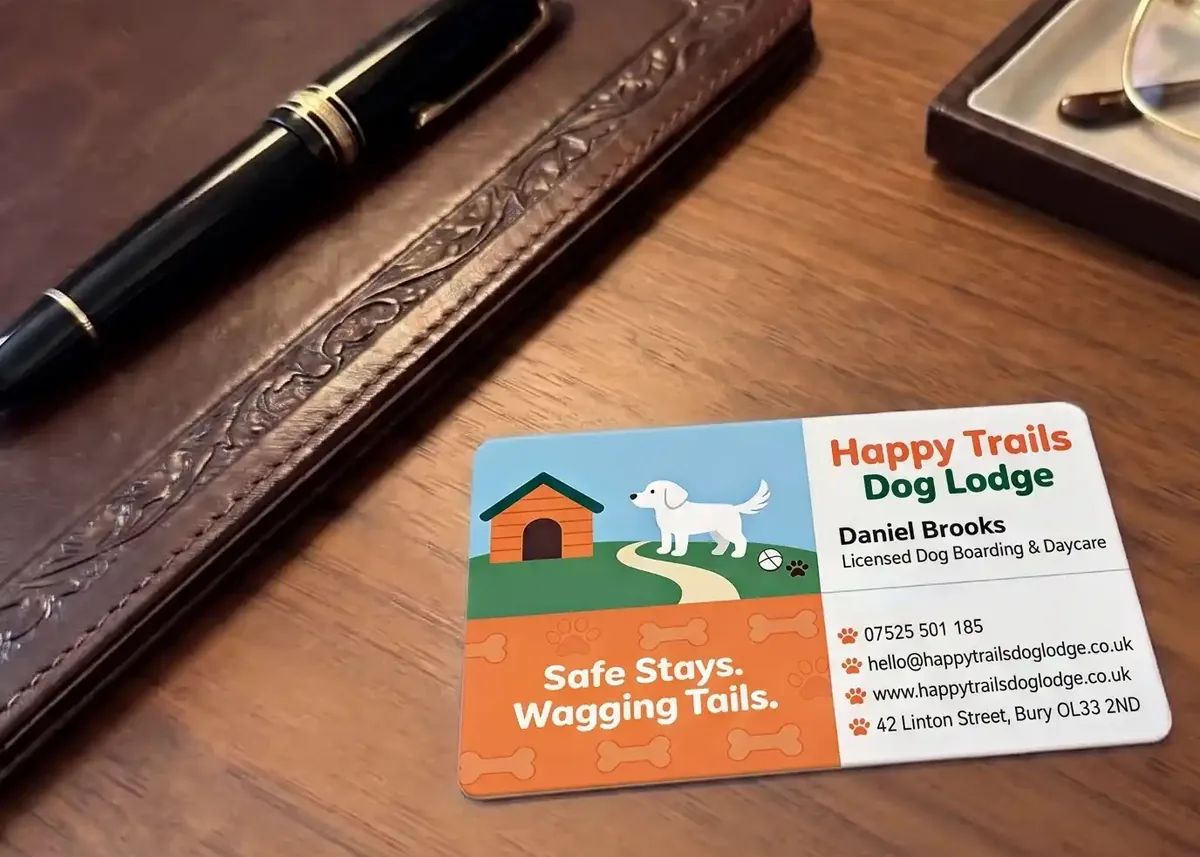
The short versionOn the front: your name, what you do, your business name and logo, and one phone number, an email address and a website. On the back: services, a QR code, your address or area, or an appointment panel. Leave off anything that will go out of date.
A business card, labelled
Here’s a typical tradesperson’s card, front and back. The front answers the three questions someone has when they find your card in a drawer a month later: who is this, what do they do, and how do I reach them? The back does the selling.
- Logo. Big enough to recognise, but not so big that it pushes the details onto two lines.
- Business name. The largest words on the card, unless you are the brand.
- Your name and what you do. “Qualified electrician” tells a stranger more than a job title like “Director”.
- How to reach you. One phone number, one email address, one website. Each one on its own line.
- Services. The jobs you want more of. Four short lines is plenty.
- QR code. Points at your booking page, your reviews or your website. Keep it at least 15mm square.
- Area and reassurance. Where you work, and a short line of trust: insured, free quotes, your hours.
Larkspur Electrical is made up for this page. The phone number is from the range Ofcom keeps for drama and examples.
The five essentials
Whatever your business, these five belong on the front. If the card carries nothing else, it still works.
- Your name. People remember a person more easily than a company. If several of you hand out cards, each card carries its own name.
- What you do. A job title, or better, a few plain words: “Mobile dog groomer”, “Chartered accountant”, “Kitchen fitter”. If your business name already says it, you can skip this.
- Your business name and logo. The logo is what someone recognises when they see your van, your sign or your website afterwards.
- How to reach you. A mobile or office number, an email address and a website. Use the number you actually answer, and an email address on your own domain if you have one.
- Where you are, or where you work. A full address if customers come to you; an area such as “Covering Chester and Wrexham” if you go to them.
A tip on phone numbersWrite them the way people say them, with spaces: 07700 900461, not 07700900461. They’re easier to read, and easier to copy into a phone.
Worth adding, if it earns its place
Everything here is optional. The test for each one is whether it helps the person holding the card, or just fills space.
| Detail | Add it when… | Skip it when… |
|---|---|---|
| QR code | It goes somewhere useful: a booking page, your reviews, a menu or a contact card that saves your details to a phone. | It only repeats the website address printed beside it. |
| Social media | You post regularly and customers find you there. One or two, as handles (@larkspurelec), not full web addresses. | The account hasn’t been updated for a year. |
| List of services | People know you for one thing and you want them to know you do others. | The list would run past four or five short lines. |
| Opening hours | Customers come to you: shops, salons, cafés. | The hours change with the seasons. They’ll be wrong by spring. |
| Qualifications and memberships | They matter to your customers, such as letters after your name or a trade body you belong to. | You’d be using a logo you haven’t been given permission to print. |
| A short tagline | It says something specific: “Same-day callouts across Cheshire”. | It could be on anyone’s card: “Quality you can trust”. |
| Your photograph | You are the business: estate agents, personal trainers, therapists. | The card is shared by several people. |
What to leave off
A plastic card lasts for years, so anything that goes out of date dates the card with it.
Front or back?
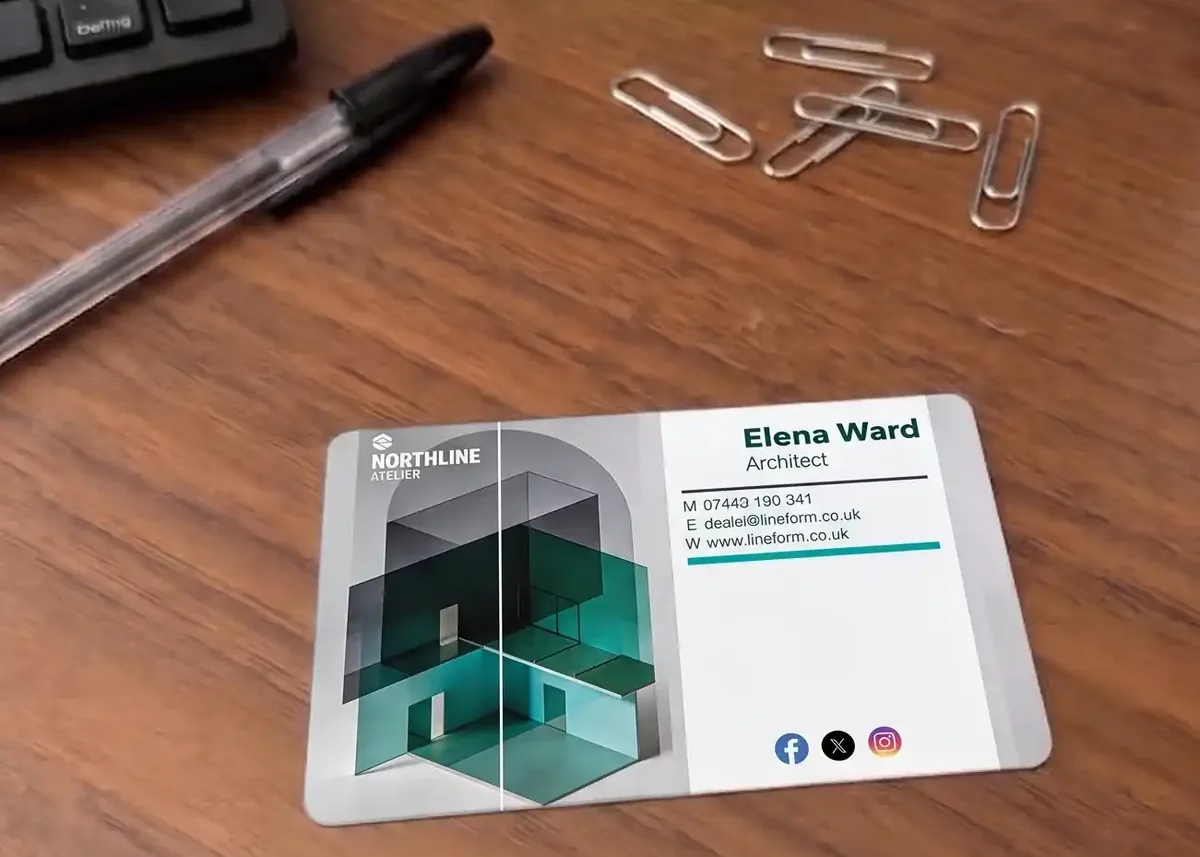
Our plastic business cards are printed in full colour on both sides at no extra cost, so use both. Keep the front to four or five pieces of information, set big enough to read, and give everything else to the back.
- Front: logo, business name, your name and what you do, phone, email, website.
- Back: services, QR code, address or area covered, opening hours, social media, a map, or an appointment or loyalty panel.
Two cards in one is a popular choice. The back of a salon’s business card can carry write-on lines for the next appointment, and a café’s can carry loyalty stamp boxes. Writing on plastic needs a write-on panel, which takes an ordinary pen.
Suggested details by type of business
| Business | On the front | Worth adding on the back |
|---|---|---|
| Electricians, plumbers and builders | Name, trade, mobile, email, website | Services, area covered, “fully insured”, a QR code to your reviews. Examples |
| Hair, beauty and nail salons | Salon name, logo, phone, booking link or QR code | Next appointment write-on lines, opening hours, social media. Cards for beauty therapists |
| Accountants and solicitors | Name with qualifications, role, firm, direct line, email | Office address, the services you offer, a QR code to your website. Examples |
| Estate and letting agents | Name, photo, branch, mobile, email | Branch address, “Thinking of selling?” with a QR code to a valuation page. Cards for estate agents |
| Cafés, shops and restaurants | Name, logo, address, website | Opening hours, a QR code to the menu, or loyalty stamp boxes |
| Dog groomers and pet services | Business name, logo, phone, booking link | Services and next appointment lines. Cards for dog groomers |
| Personal trainers and therapists | Name, photo, what you do, phone, email | Qualifications, where you work, a QR code to book a session. Cards for personal trainers |
Our plastic business card examples show how hundreds of businesses have laid these details out.
Three layout rules that help
- Decide what’s read first. One thing is biggest: your name or your business name. Everything else is smaller and grouped, so the eye goes from who to what to how.
- Keep text at a readable size. Nothing below 6pt, and contact details nearer 8pt. Our guide to font size on plastic cards shows what each size looks like on a card.
- Keep it 3mm inside the edge. The card is cut from a larger sheet, so anything closer than 3mm to the edge may be trimmed. The artwork setup guide explains bleed and the safe zone.
Landscape is the usual way round, but a portrait card stands out. Portrait or landscape? covers when each works. For the design itself, see how to design a plastic business card.
Your business card checklist
- Your name, spelt the way you want customers to use it
- What you do, in plain words
- Business name and logo, in CMYK and high resolution
- One phone number, written with spaces, and checked digit by digit
- Email address, ideally on your own domain
- Website, without the https://
- Address or area covered
- Back of the card: services, QR code, hours, or an appointment or loyalty panel
- Nothing that will go out of date: no prices, offers or seasonal hours
- Everything 6pt or larger, and 3mm inside the edge
Before you approve the proofRing the phone number, send a test email to the address and type in the website. We check your file for technical problems, not its wording, so the details on the proof are yours to check. A typo is easy to miss on screen and expensive to reprint.
Questions & Answers
-
What should be on a business card?
Your name, what you do, your business name and logo, and how to reach you: a phone number, an email address and a website. Add your address if customers come to you. Everything else can go on the back.
-
What should go on the back of a business card?
Whatever helps the person holding it: a list of services, a QR code, opening hours, your address or the area you cover, or an appointment or loyalty panel. Our plastic business cards are printed on both sides at no extra cost.
-
Should I put a QR code on my business card?
If it goes somewhere useful, such as a booking page, your reviews or a contact card, yes. Keep it at least 15mm square. If every card carries the same QR code, it’s part of your artwork and costs nothing extra.
-
Should I put my home address on a business card?
Only if customers visit you there. If you go to your customers, “Covering” and the area you work in tells them what they need to know without printing your address.
-
How many phone numbers should a business card have?
One, the number you actually answer. Two at most, such as a mobile and an office number.
-
Should I include social media on my business card?
Only the accounts you keep up to date, and only one or two. Print the handle, such as @yourbusiness, rather than the full web address.
-
What’s the smallest text I can use on a business card?
Keep body text no smaller than 6pt. Contact details read more comfortably at around 8pt, particularly on gloss cards under bright light.
-
Can you design my business card for me?
Yes. Our in-house design service is £29 +vat, with no limit on reasonable amends. Send us your details and logo, or a rough sketch, and we’ll email a photorealistic proof.
Ready to print your business cards?

Send us your artwork for a free check, or send us your details and logo and our in-house design team will lay your card out for £29 +vat.
Either way, you’ll get a free photorealistic proof to check every detail before anything is printed.