



Business Cards With QR Codes
A QR code on a plastic business card should be at least 15 x 15mm, dark on a light background, with a clear border of 4 squares all round. Point it at a page you control, such as a contact or booking page, and test it on several phones at actual size before you approve the proof.
We supply plastic business cards with QR codes from 25 cards, printed in England.
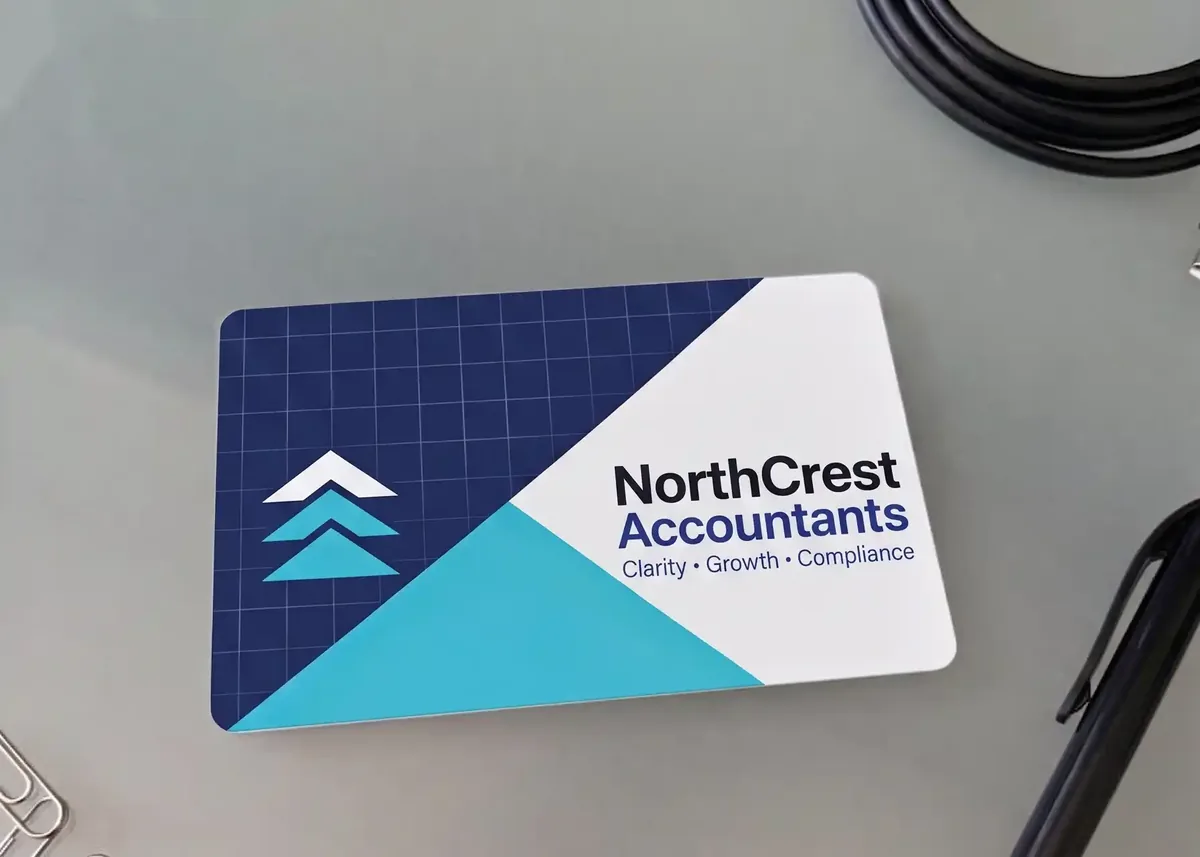
The short versionAt least 15 x 15mm, plus a border of 4 squares. Black on white is safest. A shorter link makes a simpler code. Place it in your artwork as a vector file, with the squares set to K100 black, then scan a printed proof at actual size, because we can’t test it for you.
What should a QR code on a business card open?
It should open the one thing you most want someone to do next, usually on a page you control. A code that opens your home page only repeats the web address printed beside it.
| It opens | Suits | Worth knowing |
|---|---|---|
| A contact page | Most businesses | A page on your own website with your phone, email and a save-contact file. You can edit it at any time. |
| A contact card | People who want to be saved to a phone | Scanning it offers to save you as a contact. It can’t be changed once printed, and each detail makes the code denser. |
| A booking page | Salons, trainers, trades and consultants | Takes people straight to the next step. |
| Your reviews | Businesses that win work on reputation | Use the link from your Google Business Profile. See Google review cards. |
Whichever you pick, say what it does on the card: “Scan to book a visit” gives people a reason to get their phone out. See also what to put on a business card.
How big should a QR code be on a business card?
At least 15 x 15mm, with a clear border of 4 squares on every side. The border sits outside the 15mm, so a 15mm code holding a short web address needs about 19mm of plain space.
- The code. 20mm here. It has to be square, and we recommend at least 15 x 15mm.
- The border, or quiet zone. 4 squares of plain, light space all round, which scanners use to find the code. It’s shaded here to show it: on the card it’s plain white.
- What it does. A reason to scan.
- The safe area. Keep the code, its border and your wording 3mm inside the edge.
- A short address, for anyone who can’t scan.
Why does a shorter link make a simpler code?
The more a code holds, the more squares it needs, and the smaller each one prints. These examples were made with our free QR code generator, which warns that some phones will struggle below 0.4mm a square. The last column is the size that keeps squares at 0.4mm or more: a guide, not a printing limit.
| What the code holds | Squares across | Each square at 15mm | Size for 0.4mm squares |
|---|---|---|---|
| Short web address (31 characters) | 29 | 0.52mm | 15mm |
| Long web address (91 characters) | 41 | 0.37mm | 17mm |
| Contact card: name, mobile, email, website | 49 | 0.31mm | 20mm |
| Contact card with every box filled | 69 | 0.22mm | 28mm |
So a link to a contact page often beats a contact card packed into the code. An address such as yourbusiness.co.uk/card keeps the code simple, and you can change the page.
Should the QR code go on the front or the back?
Usually the back. A QR code can go anywhere on the card, but the front is busy with your name and contact details, and printing on the back costs nothing extra.
Wherever it goes, keep it clear of any hole or slot, and clear of embossed names or numbers, because embossing shows through on the other side.
What colours can a QR code be?
Dark squares on a plain, light background. Black on white is the safest choice. A dark brand colour can work, but light squares on a dark background won’t scan on some phones.
On a dark or busy card, give the code its own white square. Our guide to designing a black plastic card covers both kinds of black card. On a mostly white card, it can sit straight on the design. The gift card and loyalty cards below show where a code can sit, not how big it should be: their codes are smaller than the 15mm we recommend, and the gift card’s border is tighter than 4 squares.
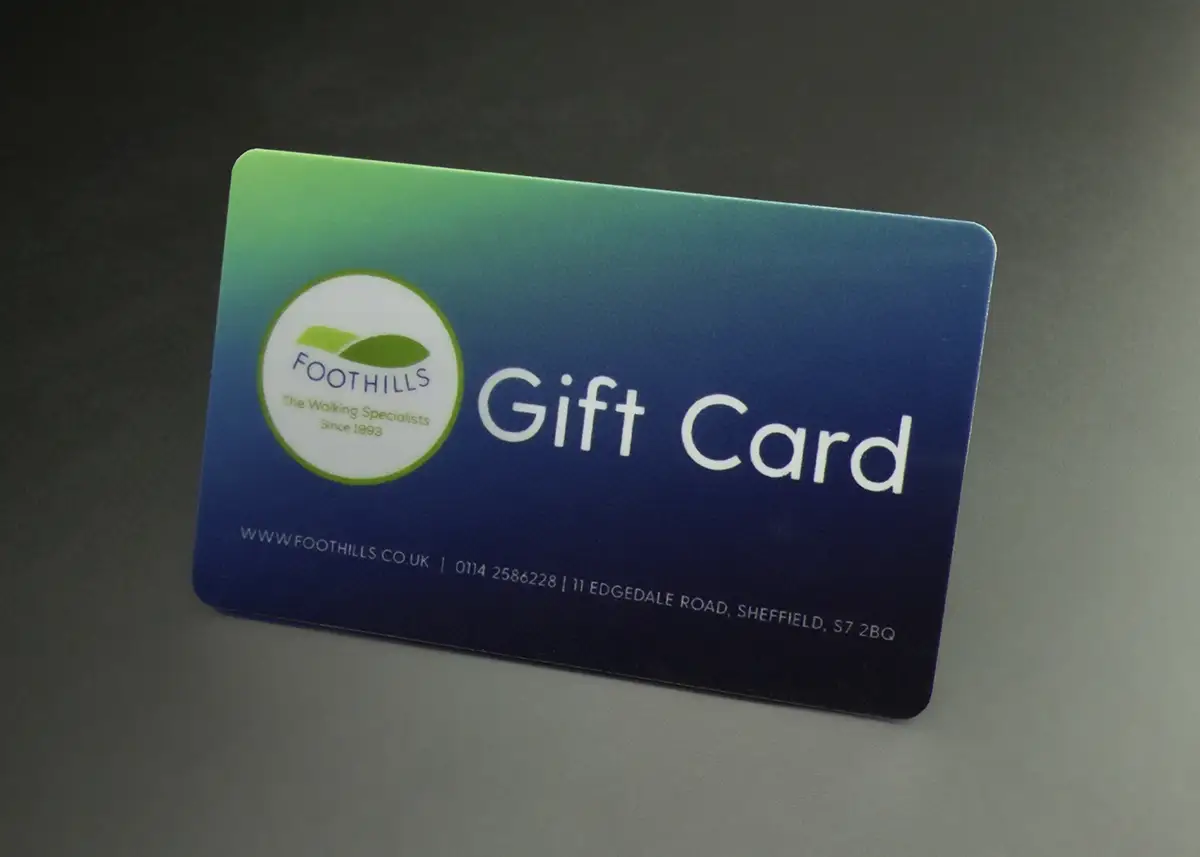
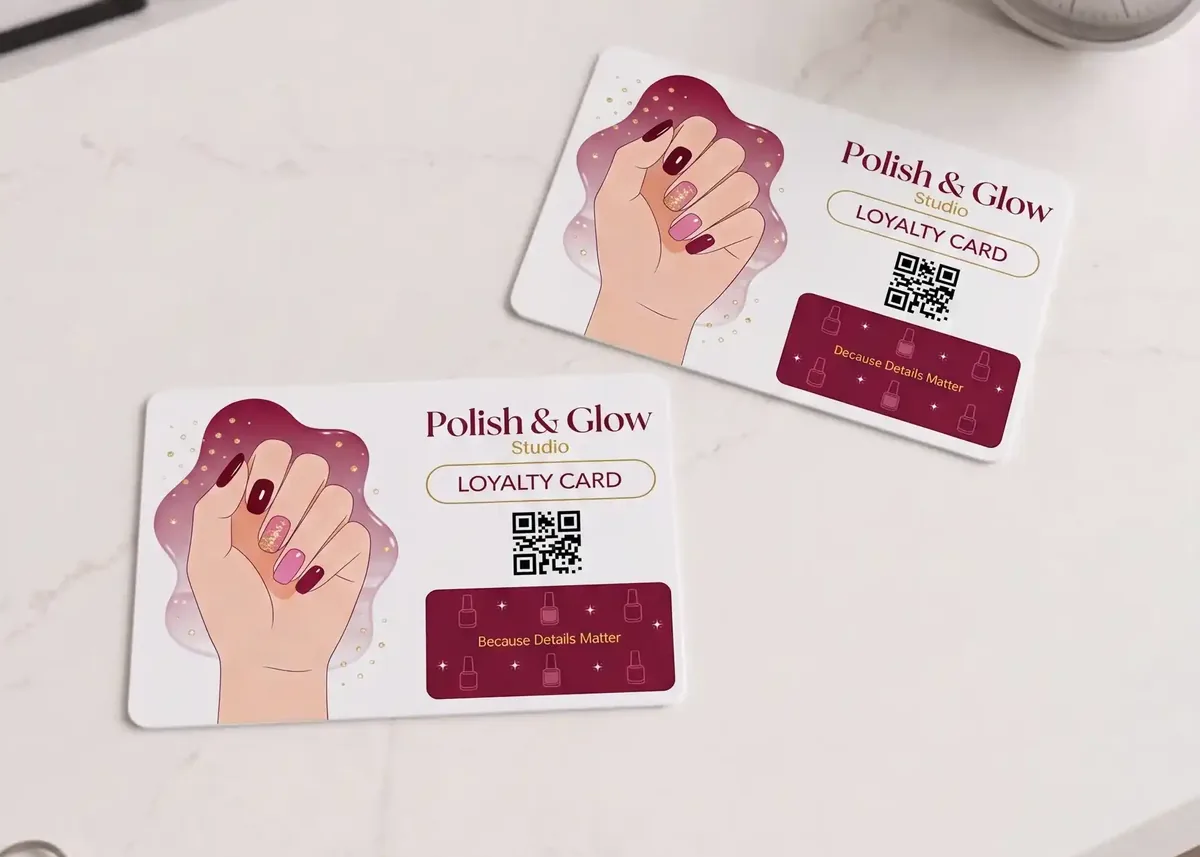
A Premium Matt finish has no glare, so codes scan more easily under bright lights. It costs £20 +vat per order: see our gloss and matt guide.
A logo can go in the centre of the code. Our generator keeps it to 30% of the width and makes the code denser to allow for it, so test it on phones.
How do I add a QR code to my business card design?
Make the code, place it in your artwork as a vector file, and send it with the rest of the design. The artwork is 92 x 60mm, including 3mm of bleed all round.
- Make the code. Our free QR code generator needs no sign-up. Its PDF is the format we prefer.
- Use vector if you can. A PNG or JPG must be at least 600 dpi at the size it prints: about 450 pixels across for a 15mm code with its border. See raster and vector images.
- Use a deep black. The generator’s files are RGB, and we convert RGB to CMYK. RGB black can become a mix that prints a dark, muddy brown, so set the squares to C0 M0 Y0 K100 in your design program. Our guide to the CMYK colour gamut explains what conversion does to colours.
- Rather not do it yourself? Email the web address to sales@cpcards.co.uk and ask us to make the code. Our design service lays out the whole card for £29 +vat.
Our free artwork check is technical only: bleed, resolution, colour mode and file set-up, as our print-ready artwork guide explains. It doesn’t cover your wording or where the code goes. A technical fix is £10 +vat.
Can each person on a team have their own QR code?
Yes. Each card can carry its own QR code, with its own web address. You send one design and an Excel file with one row per card.
- Give each person a page. Point each code at a short address like yourbusiness.co.uk/team/anna. When someone’s number changes, or they leave, you edit the page, not the cards.
- Test the links first. Open each address on a phone before you send the file, because you won’t have a code to scan yet.
- Check your spreadsheet before you send it, because our artwork check is technical and doesn’t cover names or spelling. The free email proof shows where the names and numbers sit.
A different code on every card is an optional extra, priced in your quote. Tell us how many people there are and how many cards each needs. Our guide to personalised plastic cards covers the file.
Will my QR code still work if my link changes?
Only if you plan for it. A printed code can’t be changed, but where it leads can, if it points at an address you control.
| Set-up | What it does | Worth knowing |
|---|---|---|
| Straight to a page | The code holds the page’s address. | If the page moves, the code breaks unless you redirect the old address. |
| A redirect you control | The code holds a short address on your own website, which forwards to wherever you choose. | Change the destination at any time. Keep your domain name renewed. |
| A dynamic QR code service | The code holds the service’s short address, which forwards to yours. | No web skills needed, but if the service closes or your subscription lapses, a printed code can stop working. |
Our generator makes static codes, which work for as long as the address inside them does. Plastic cards last for years, and the print on our full colour PVC cards, code included, is sealed under clear PVC, so it can’t scratch or wear off. So choose an address that will last as long as the card.
How do I test a QR code before printing?
Scan it yourself, at actual size, on more than one phone, before you approve the proof. We can’t check that a code scans, because phones differ.
- Scan the fileScan it on your screen and follow the link. Does the right page open on a phone?
- Print the proofPrint your free email proof at actual size, with any fit-to-page setting off. Measure it: the card should be 86mm across.
- Try several phonesInclude an older one, and try it in ordinary indoor light.
- Test real cardsIf it has to work on your customers’ phones, add a postal proof to your order: £65 +vat, around 5 working days, full colour cards only.
If a code won’t scan, the usual causes are low contrast, a logo that covers too much, too little clear space, or a code too small for what it holds. Go back to black on white, then change one thing at a time.
How much do plastic business cards with QR codes cost?
The same as any full colour plastic business card, from £75.00 +vat for 25. The same QR code on every card costs nothing extra as part of your artwork. For more ways to save, see cheap plastic cards.
| Quantity | Price | Per card |
|---|---|---|
| 25 | £75.00 +vat | £3.00 |
| 50 | £79.00 +vat | £1.58 |
| 100 | £85.00 +vat | 85p |
| 200 | £99.00 +vat | 49.5p |
| 250 | £109.00 +vat | 43.6p |
| 500 | £175.00 +vat | 35p |
| 1,000 | £245.00 +vat | 24.5p |
Full colour on both sides, 86 x 54mm, 760 microns, for one design from your print-ready artwork. Delivery is free within Great Britain, and our delivery prices list the charges for Northern Ireland, the Republic of Ireland and the Channel Islands. A different QR code on each card is priced on your quote.
How do I order?
- Ask for a quote. Email sales@cpcards.co.uk or use our quote form.
- Check your proof. We email a free proof so you can check the layout and wording. The colours on the proof are a guide only, because every screen shows colour differently. If a colour has to be right, add a postal proof.
- Get your cards in 7 working days from proof approval and payment. Express is 3 to 4 working days: ask us for cost and availability.
Questions & Answers
-
How big should a QR code be on a business card?
At least 15 x 15mm, with a clear border of 4 squares all round it. A code that holds a lot has smaller squares, so print it bigger or put less in it.
-
What should a QR code on a business card link to?
The one thing you most want people to do next, on a page you control: usually a contact page or a booking page. A contact card that saves your details to a phone also works, but it can’t be changed once printed.
-
Should a QR code go on the front or back of a business card?
Usually the back, where there’s room for the code, its border and a few words saying what it does. It can go anywhere, so the front works too if there’s space.
-
Can each person on my team have their own QR code?
Yes. Each card can carry its own QR code, from an Excel file with one row per card and one design. Point each code at that person’s own page, so you can edit it when their details change. It’s an optional extra, priced in your quote.
-
What happens to the QR code if my website address changes?
The printed code keeps opening the old address, so that address needs to keep working. Set up a redirect from the old address to the new one, and the cards carry on working.
-
Can you put a QR code on a clear or black plastic business card?
On a black design printed in full colour, yes: give the code its own white square, and it can be the same on every card or different on each. Satin black and clear frosted are hot foil ranges, so email sales@cpcards.co.uk with your design first: a QR code needs strong contrast and fine detail, and foil can look less dense on a frosted card. White hot foil cards can carry a QR code if it’s the same on every card.
-
Where can I get plastic business cards with a QR code in the UK?
CP Cards supplies them, printed in England, from a minimum order of 25 cards. Prices start at £75.00 +vat for 25 cards. Every order gets a free email proof. Delivery is free within Great Britain, and our delivery prices list the charges for Northern Ireland, the Republic of Ireland and the Channel Islands. Email sales@cpcards.co.uk or use our quote form. We often reply within minutes, 9am to 5pm, Monday to Friday.
Ready to add a QR code to your cards?

Send us your artwork with the QR code in it, and tell us how many cards you need. No artwork? Our £29 +vat design service can lay out the card from your logo, wording and the web address. We’ll quote by email, often within minutes, 9am to 5pm, Monday to Friday.
Your free email proof lets you check the layout and wording before anything is printed.