



QR Code vs Barcode on Loyalty Cards — Which Is Better?
Both work. The right answer depends on your setup, your customers, and how they will scan. Picking the wrong one does not just cause inconvenience — it can mean your cards are useless on day one because they do not match your hardware or software.
Here is a straightforward breakdown of each option and how to decide between them.
The honest answer up front
Neither format is universally better. Barcodes suit businesses with fixed POS scanners at the till. QR codes suit businesses where customers scan with their own phone. Pick based on your workflow — not on which looks more modern.
What is a barcode on a loyalty card?
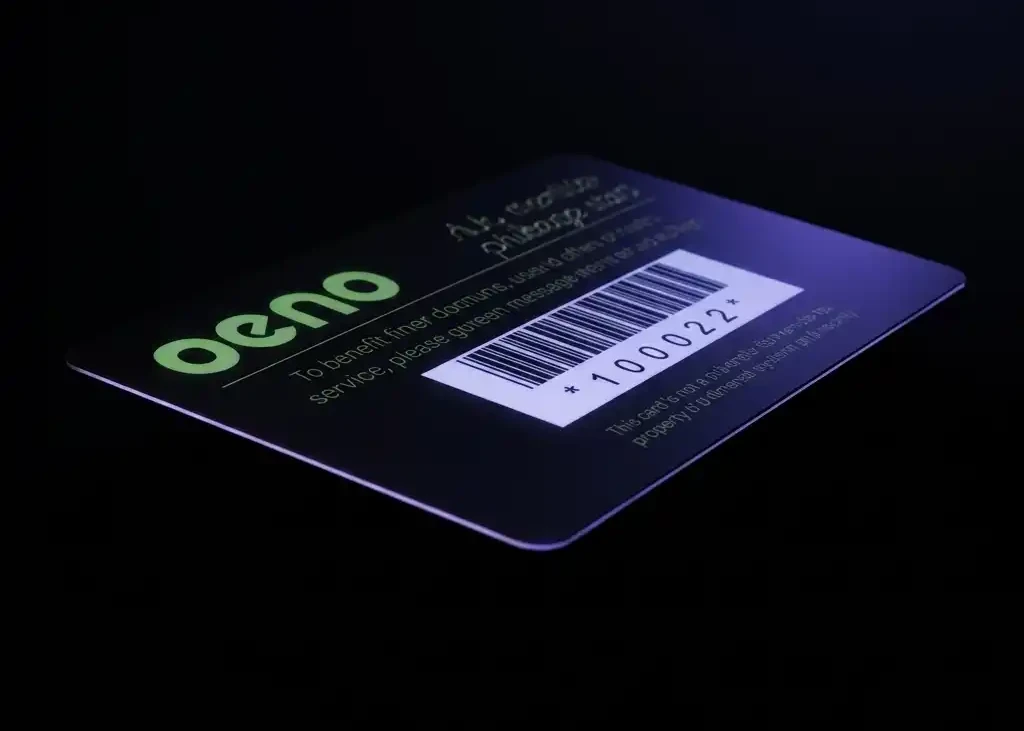
A traditional barcode (also called a 1D or linear barcode) encodes data as a series of parallel lines of varying widths. The most common formats used on loyalty cards in the UK are Code 128 and EAN-13.
The barcode stores a number — typically a customer ID or card number. Your POS system, till, or loyalty software reads that number via a dedicated barcode scanner and looks it up in your database to identify the customer and update their points or rewards.
Pros of barcodes on loyalty cards:
- Scanned by dedicated barcode scanners at the till — fast, reliable, requires no action from the customer
- Widely supported by existing POS and EPOS systems without additional setup
- Work reliably under any lighting condition with a good scanner
- Smaller physical footprint on the card, leaving more room for design
Cons of barcodes on loyalty cards:
- Customers cannot scan them with a smartphone — standard phone cameras do not read 1D barcodes
- Store numeric or alphanumeric data only — cannot encode a URL or rich data
- Require precise printing — smudging, low contrast, or inadequate quiet zones cause scan failures
What is a QR code on a loyalty card?
A QR code (Quick Response code) is a 2D matrix barcode — a square grid of black and white modules that can be read by any modern smartphone camera, as well as by 2D barcode imagers.
QR codes can store significantly more data than a linear barcode. On a loyalty card, they typically encode either a customer ID number or a URL that links directly to the customer's loyalty account, app, or sign-up page.
Pros of QR codes on loyalty cards:
- Any modern smartphone can scan them — no dedicated hardware needed
- Can encode a URL, directing customers to a loyalty app, account page, or sign-up form
- Store much more data than a linear barcode
- Built-in error correction — still scan even if slightly damaged or dirty
Cons of QR codes on loyalty cards:
- Require the customer to take out their phone and scan — adds friction at the till
- Standard 1D barcode scanners at the till cannot read QR codes — you need a 2D imager
- If your loyalty system expects a simple ID number, the QR workflow needs to be built around that
- Larger physical footprint on the card
How to decide which one you need
Use a barcode if: staff scan the card at the till using existing hardware, and your POS system expects a card number lookup. This is the most common setup for salons, coffee shops, and retail businesses.
Use a QR code if: customers scan their own card using a phone app, or you are linking to a web-based loyalty platform. Also worth considering if you want to be able to update where the QR code points to (via a redirect) without reprinting cards.
Use both if: you need to support staff scanning at the till AND customer self-scanning via an app. Both formats can coexist on one card — just ensure the design gives each sufficient space and quiet zone around it.
The most important step: ask your loyalty software supplier
Before you finalise your card design, confirm with your loyalty system or POS provider which format they support and what data they expect to receive. This is not a design decision — it is a technical one. The wrong format means cards that cannot be scanned by your system, regardless of how well they are printed.
Printing considerations
For barcodes: high contrast is essential. Black bars on a white background is ideal. Do not print barcodes over patterned backgrounds, on dark card stock, or in colours that reduce contrast. Allow adequate quiet zone — clear space around the barcode — or scanners will not read them reliably.
For QR codes: do not go below 20 × 20mm on a plastic card. Smaller than that and scanning reliability drops, particularly with cheaper phone cameras. The same contrast rules apply — dark on light, with a clear quiet zone.
Always test scan a printed proof with the actual scanner or app your customers will use before approving the full print run. A barcode that looks correct visually can still fail to scan if the quiet zone is too tight or the contrast is insufficient.
Ready to order?

We print loyalty cards with barcodes, QR codes, or both — in England, with free UK delivery. If you are not sure which format suits your setup, get in touch and we will help you work it out before you commit to a print run.
View our loyalty card printing options or get in touch if you have a question about your specific loyalty system.