
Using AI to Design Your Plastic Card Artwork
AI image tools are brilliant for getting a design idea fast. The problem is that the image which comes out the other end is built for a screen, not for a 0.76mm sheet of PVC running through a printer.
Most AI-generated artwork we receive looks great and is completely unprintable as it stands. Here is how to use AI properly, so what you send us is something we can print rather than something that looks nice on your phone.
Why AI Artwork Usually Gets Rejected
Six faults account for nearly every AI file we have to send back. None of them means don’t use AI — they mean use it for the background artwork and leave the technical setup to us.
Wrong shape
AI tools default to square or A4-style images, not a card-shaped rectangle.
Wrong resolution
A “high quality” 1024×1024px image is low-res once it is stretched across a card and printed. It comes out soft or pixelated.
Wrong colour mode
AI images are built in RGB, for screens. Print uses CMYK. Bright neons, deep blues and vivid greens often shift noticeably when converted — that is physics, not us being fussy.
No bleed or safe margin
Nothing in the image accounts for trimming, so anything important near the edge risks being cut off.
Fake text
Ask an AI for “a card with LOYALTY written on it” and you will usually get warped, misspelled gibberish. AI still cannot reliably render real text.
Compressed exports
Most free AI tools only let you download a watermarked or compressed preview, and that compression shows up badly once printed.
Five Steps to an AI File We Can Print
Work through these in order and the file you send will need very little doing to it.
1Tell the AI the Exact Shape and Size
A standard card is 86mm × 54mm — a 1.585:1 ratio, wider than it looks face-on. For printing, your artwork file should be set up at 92mm × 60mm (card size plus 3mm of bleed on all four sides) at a minimum of 600 dpi.
Prompt to use “Create the image at a 1.585:1 landscape aspect ratio, like a credit card. Fill the entire frame edge to edge — no border, no frame, no rounded corners, no drop shadow.”
Do not ask the AI to “design a credit card” or “design a loyalty card” — it will draw you a little 3D mockup of a card sitting on a table. You want the artwork itself, not a picture of a card.
We accept artwork in PDF, AI, EPS, PSD, TIFF, and high-resolution JPG or PNG. PNG is preferred over JPEG for AI exports, as it does not compress the image and throw away quality.
2Keep Important Content Away From the Edges
AI tools have no idea your card gets trimmed after printing, so tell them directly:
Prompt to use “Keep all text, logos and important details at least 5mm in from every edge. Background colour, pattern or texture can run right to the edge.”
3Describe the Vibe Properly
The difference between a vague prompt and a useful one:
Always give the AI these four things:
- Style words — minimalist, vintage, luxe, playful, corporate, hand-drawn, geometric, botanical.
- Exact colours — hex codes if you have a brand palette, or specific names. “Forest green and cream”, not “nice greens”.
- What to leave empty — tell it where your logo, name, barcode or magnetic strip needs to sit, and tell it to keep that area clear.
- What to leave out — “no text”, “no logos”, “no people”, “no card mockup”, “no drop shadow or 3D effect”.
4Never Let the AI Generate Your Real Text
Logos, business names, numbers, barcodes — add these separately in proper design software, or send us the background image with clear written instructions on exactly what text needs adding and where.
We will not use text baked into an AI image. The fonts, spelling and spacing are not something we can fix afterwards.
5Download the Largest File You Can
Whatever tool you are using, look for “download original”, “high resolution” or “upscale” before saving. Do not screenshot a preview.
PNG over JPEG wherever you have the choice — it does not compress the image and throw away quality.
Checklist Before You Send It Over
- Image fills the frame — no card mockup, no rounded corners or shadow baked in.
- Aspect ratio close to 1.585:1, landscape.
- Highest resolution export available, PNG preferred.
- No AI-generated text, numbers or logos in the image.
- Important detail kept away from the edges.
- Colours described in hex codes or specific names, not “vibrant” or “punchy”.
What Happens Once We Receive It
Send us your AI-generated background, your logo (a vector file if you have one), and the exact wording you need adding. Our design team sets it up correctly for print — sizing, bleed, colour conversion and text placement included.
If what you have sent is too low-res to print cleanly, we will tell you before we go any further, not after the cards are made.
See It Done
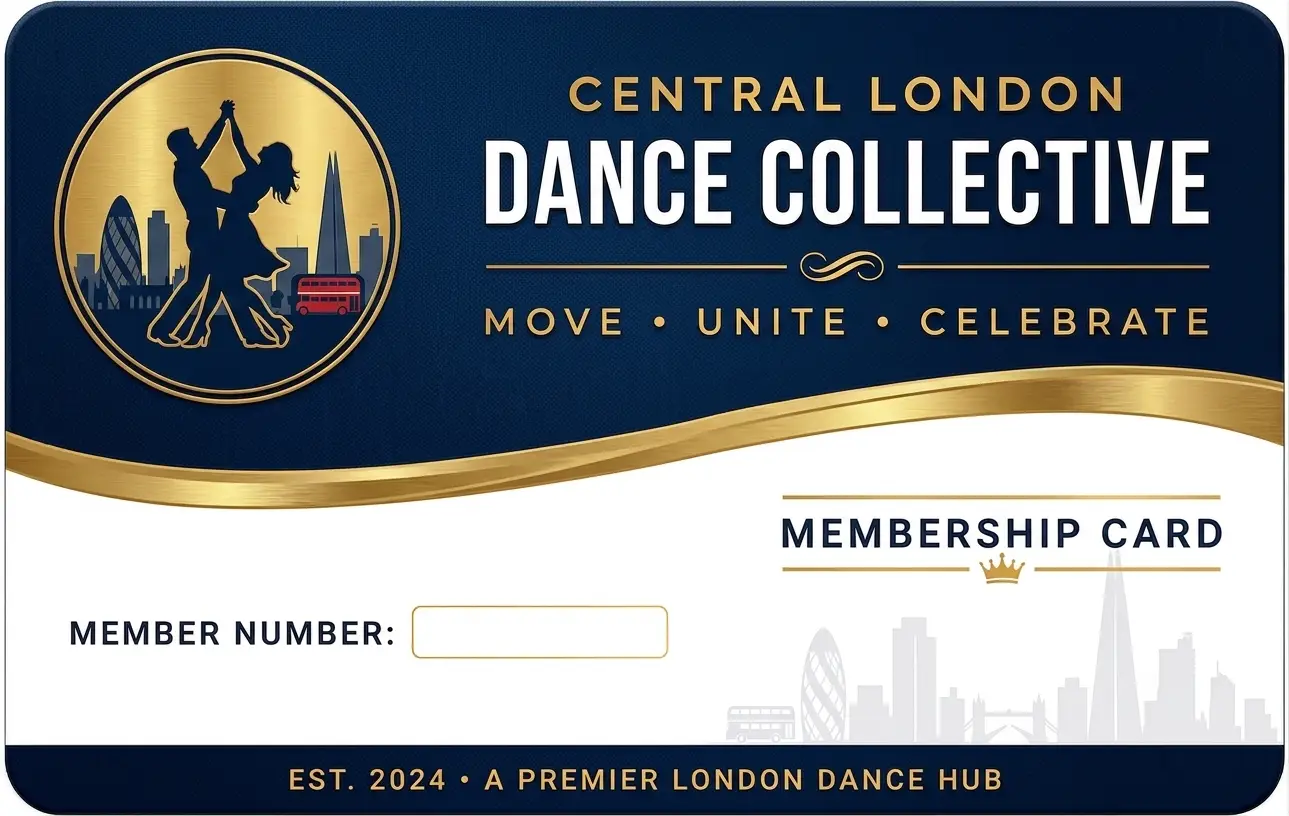
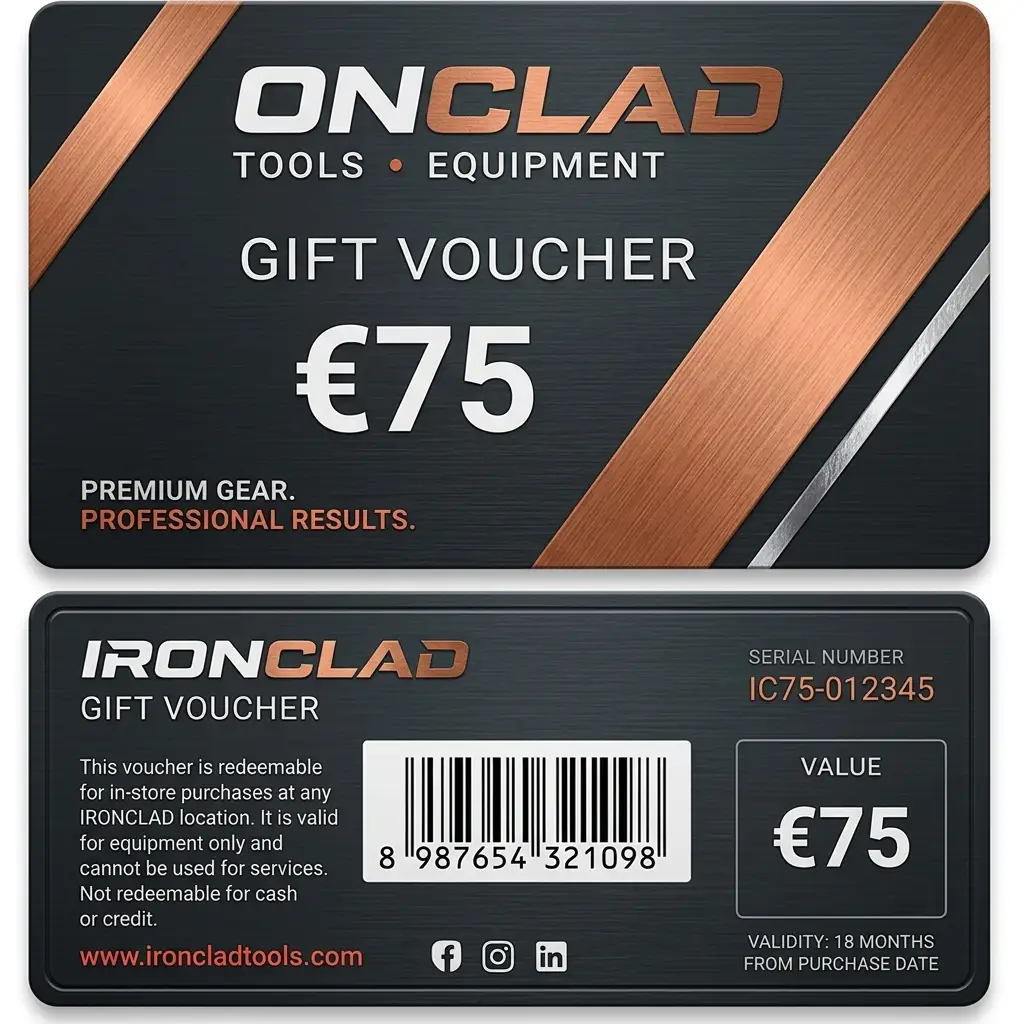
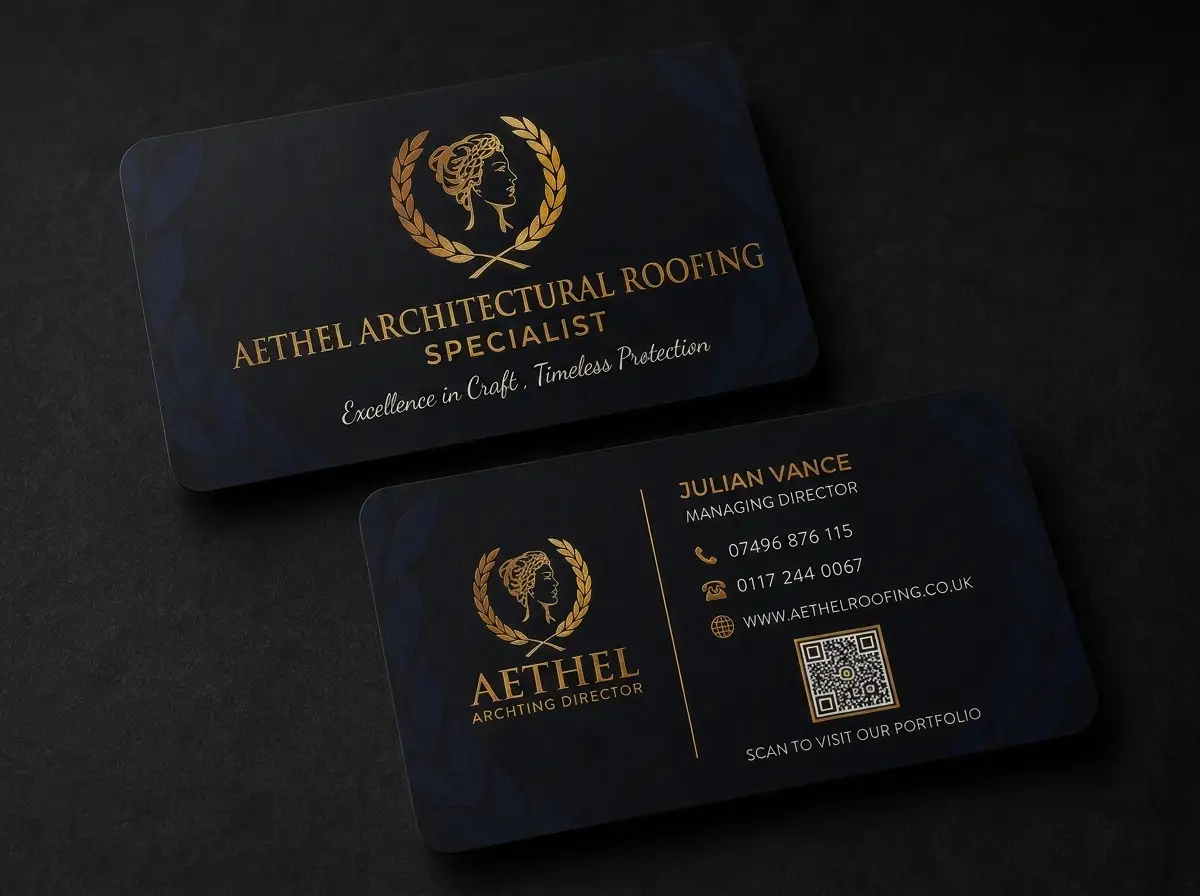
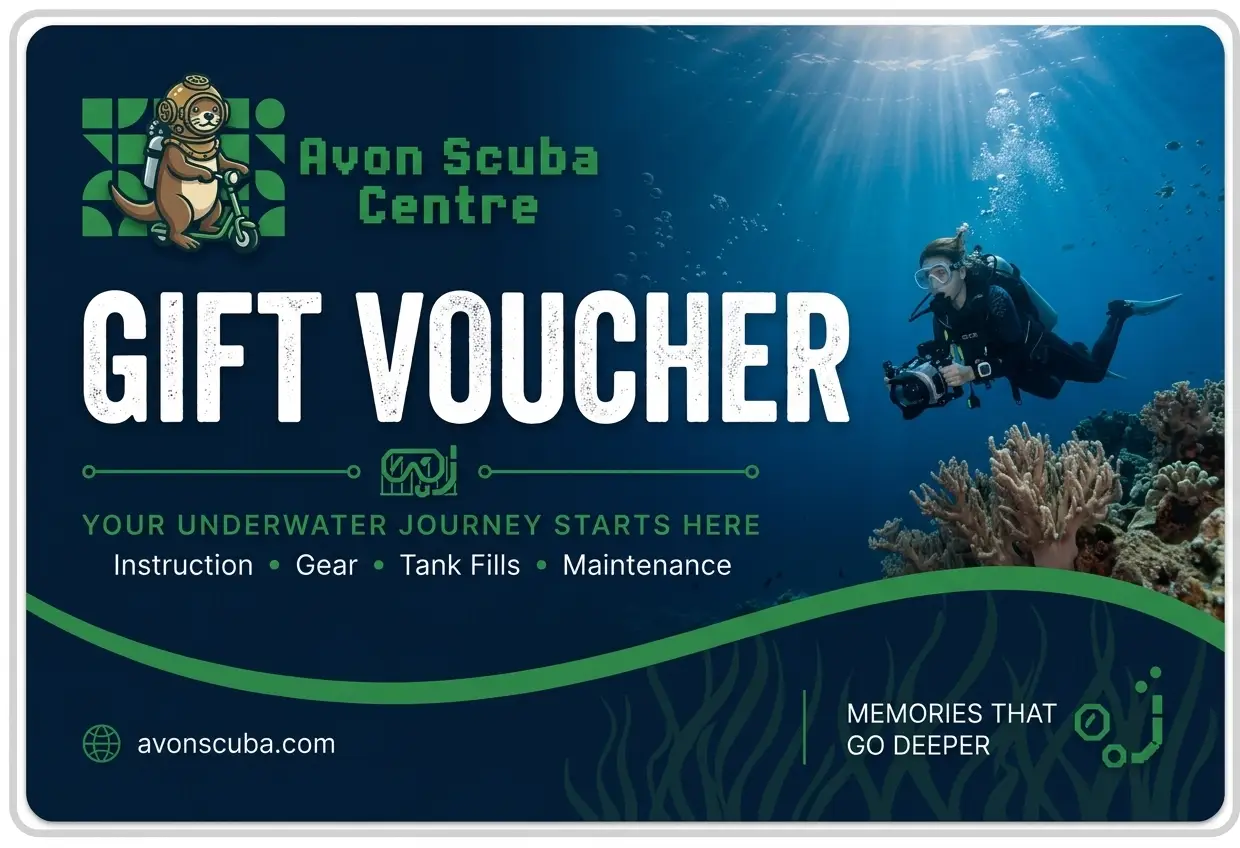
Thirty-five cards we have printed from AI-generated artwork — membership cards, gift vouchers, business cards, season passes and photo ID.
Quick Questions
-
Can I just send you the AI image and let you sort the rest?
Yes. Send us the highest resolution version you can get, plus your logo and exact wording. We will handle the technical setup — sizing, bleed and colour conversion included. -
Will my colours print exactly as they look on screen?
Close, but not identical. Screens use RGB light, print uses CMYK ink, and the two do not match perfectly — especially with very bright or neon shades. We will flag it if a colour is likely to shift noticeably before we proceed. There is more on this in our guide to CMYK versus RGB. -
Can the AI add my business name or logo directly into the image?
Do not let it. AI-generated text is unreliable and we cannot edit it once it is part of the image. Send your logo and wording separately and we will place it properly. -
What size should I set my AI artwork to?
A standard card is 86mm × 54mm, a 1.585:1 landscape ratio. The artwork file should be set up at 92mm × 60mm — card size plus 3mm of bleed on all four sides — at a minimum of 600 dpi. Our bleed and size guide shows it drawn out. -
What file formats do you accept for AI-generated artwork?
PDF, AI, EPS, PSD, TIFF, and high-resolution JPG or PNG. PNG is preferred over JPEG for AI exports because it does not compress the image and throw away quality. See what file format to send for the full picture. -
Why does my 1024×1024px AI image print badly?
The tool that made it calls it high quality, but once it is stretched across a card and printed at 600 dpi there are not enough pixels to go round, so it prints soft or pixelated. There is a worked example on our resolution page.
Send Us What You Have Made
Send the AI background, your logo and the wording you need adding, and we will tell you what the file needs before you commit to anything. If it is too low-res, or a colour is going to shift badly in conversion, you will hear it from us at the start rather than at proof stage.
Every full colour order gets a free photorealistic email proof, and then an actual printed card posted to you, so you can see how the colours have landed on real plastic before the full run is printed.
See our artwork specifications for the exact sizes, formats and bleed we need, have us check and fix your file for £10+vat, or let us design the card for you.