



AI-Generated Artwork for Plastic Cards
More and more customers are sending us designs made with AI tools — and honestly, a lot of them look fantastic. The problem is that AI image generators have no idea your design is going on a plastic card, so the files almost always arrive in the wrong format for print.
Below are thirty-five designs made with AI tools. We are not precious about how a design gets made — AI, Photoshop, by hand, it makes no difference to us. We just want what ends up in your hand to look as close as possible to what you had in your head. None of the AI designs below can be printed as they are and all need work — some extensive work to make them printable. Making AI artwork print-ready costs £10 +vat or £29 +vat, depending on the work involved. See what print-ready artwork is, and why an AI image isn’t.
Thirty-Five AI-Generated Card Designs
Every design on this page arrived as an AI-generated image — click any one of them to see it larger.
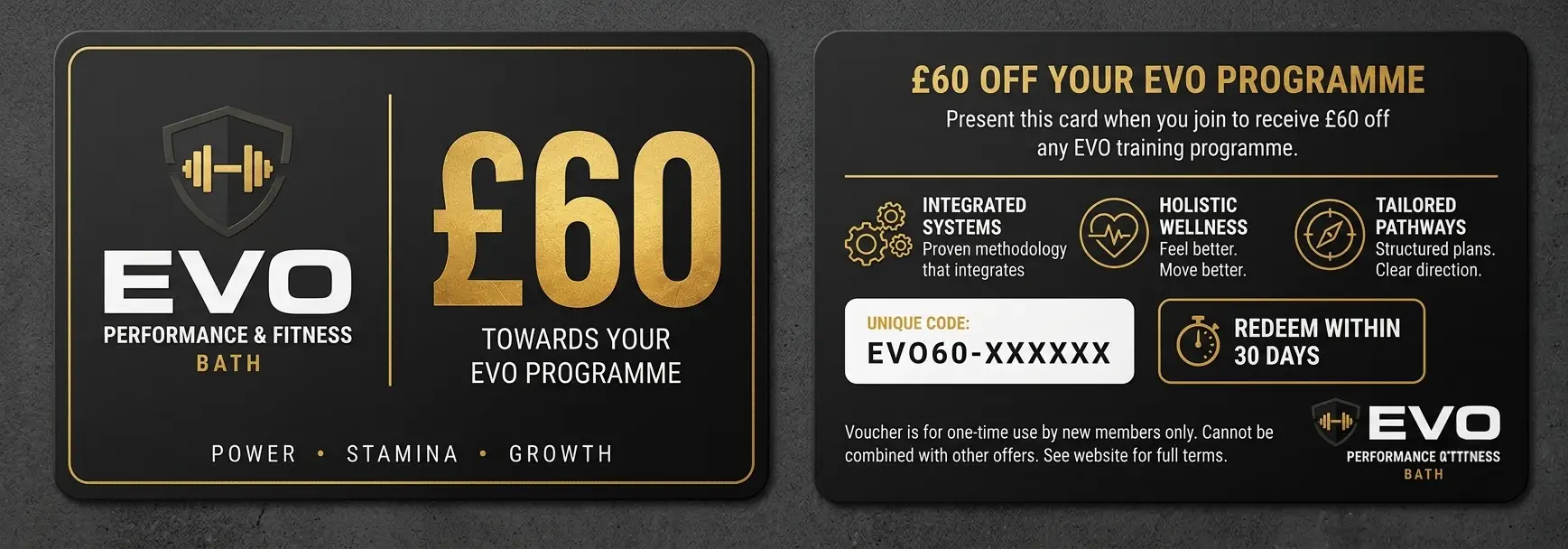
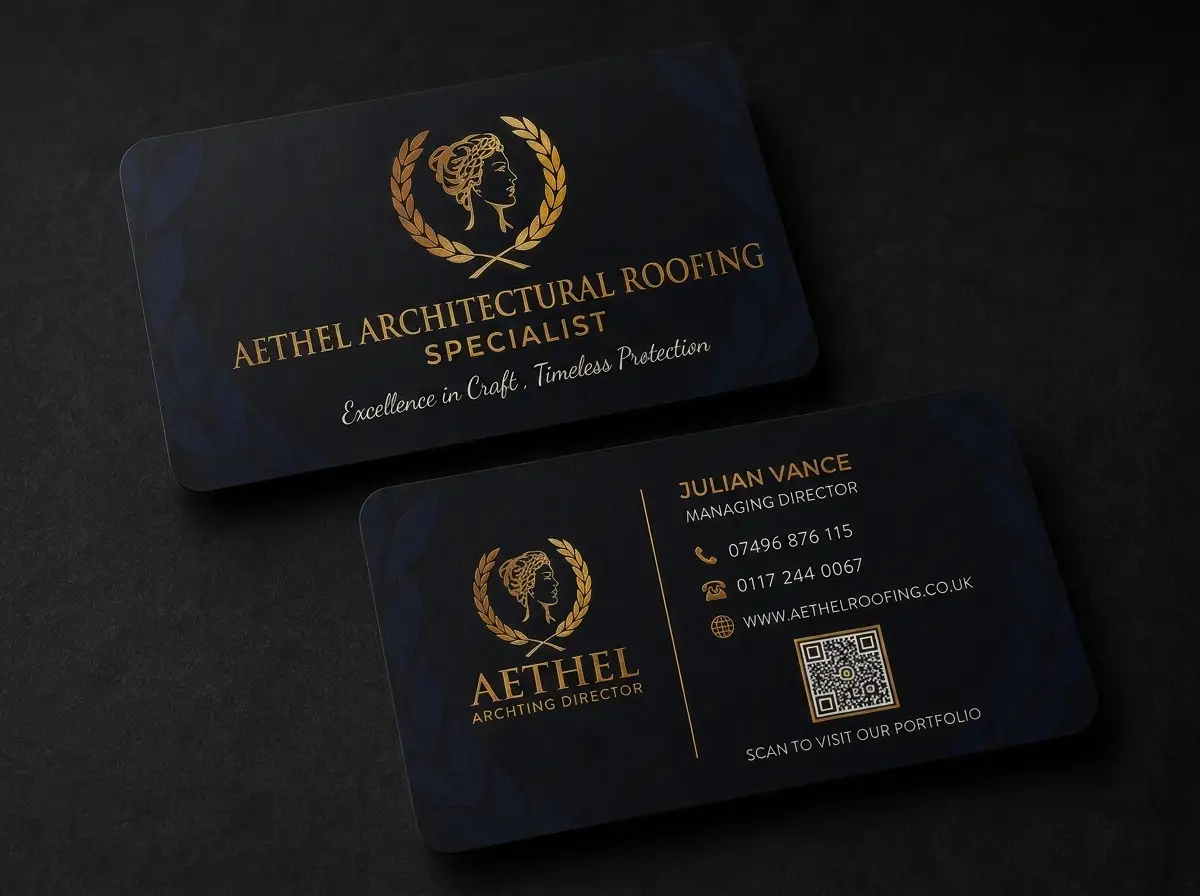
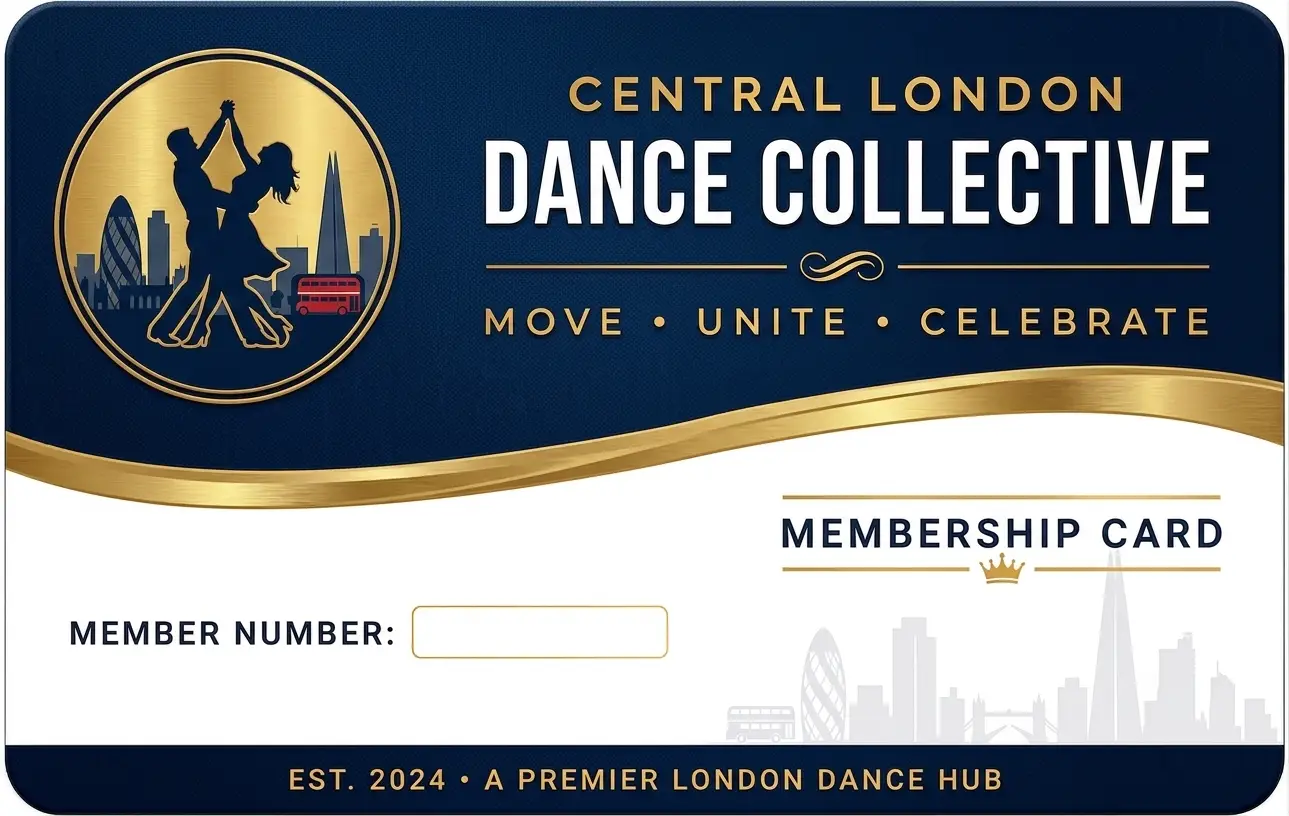
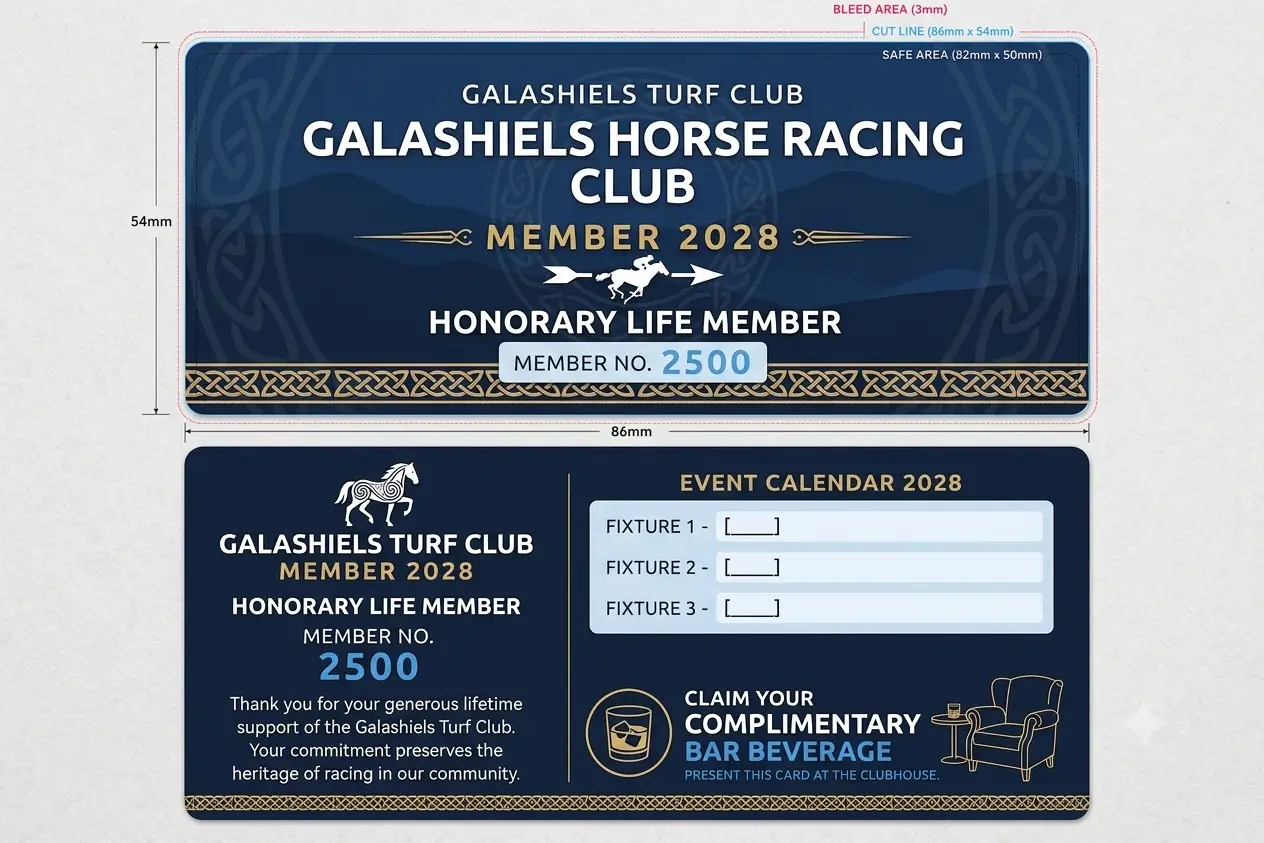
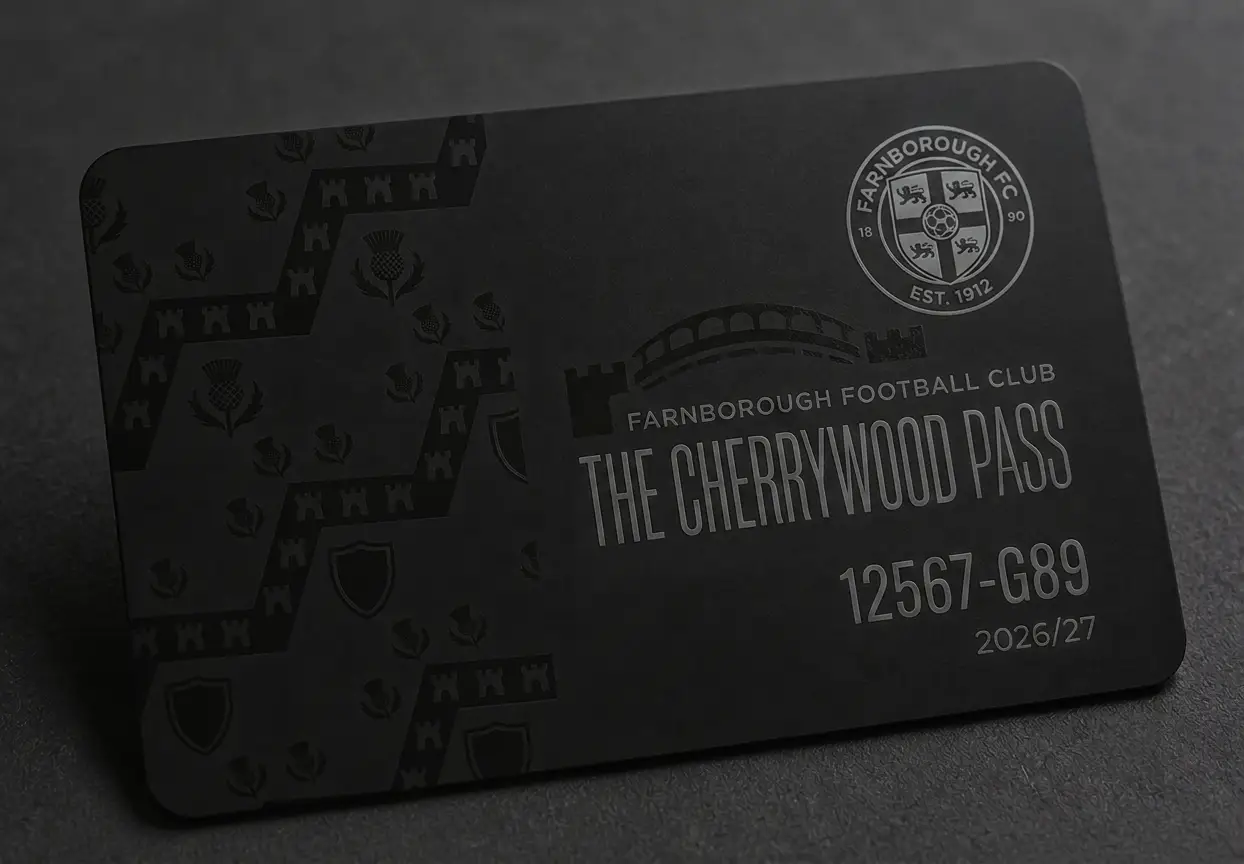

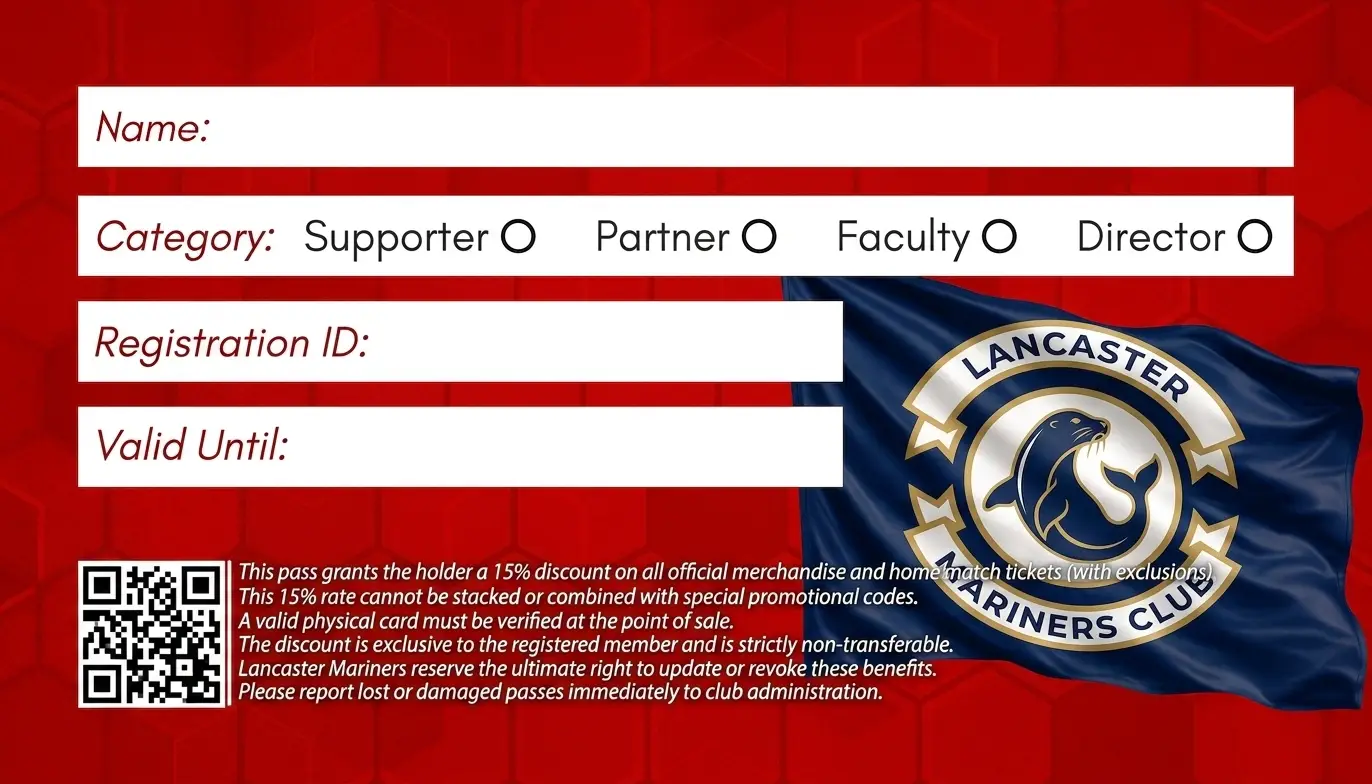
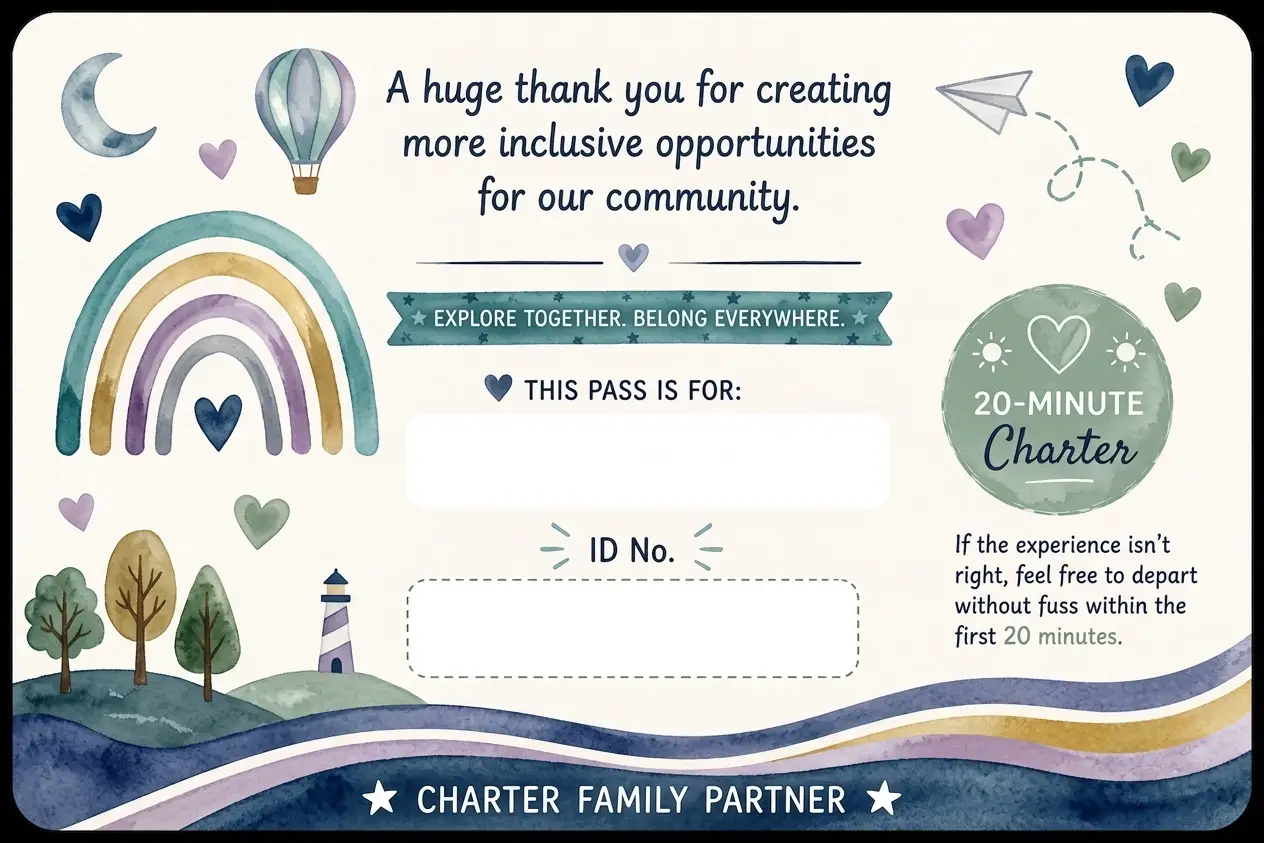
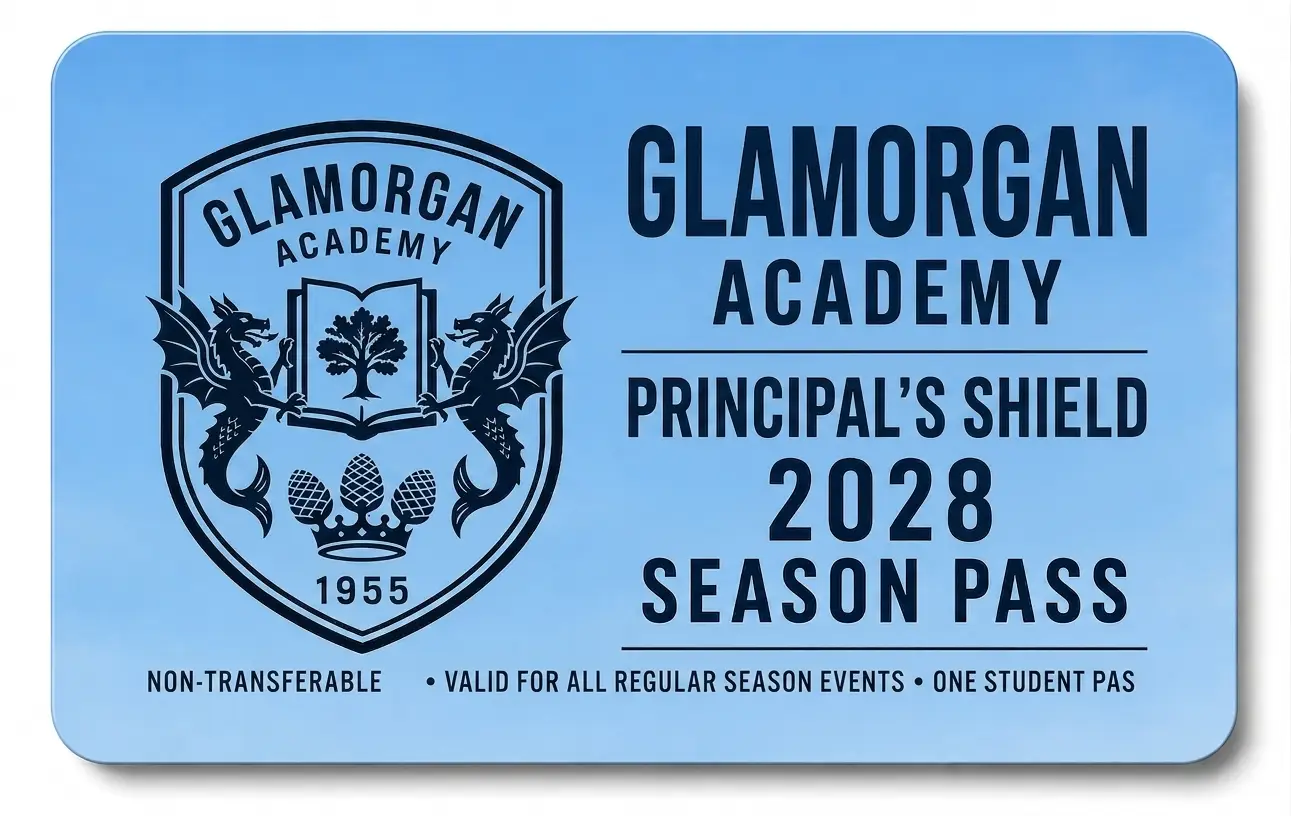

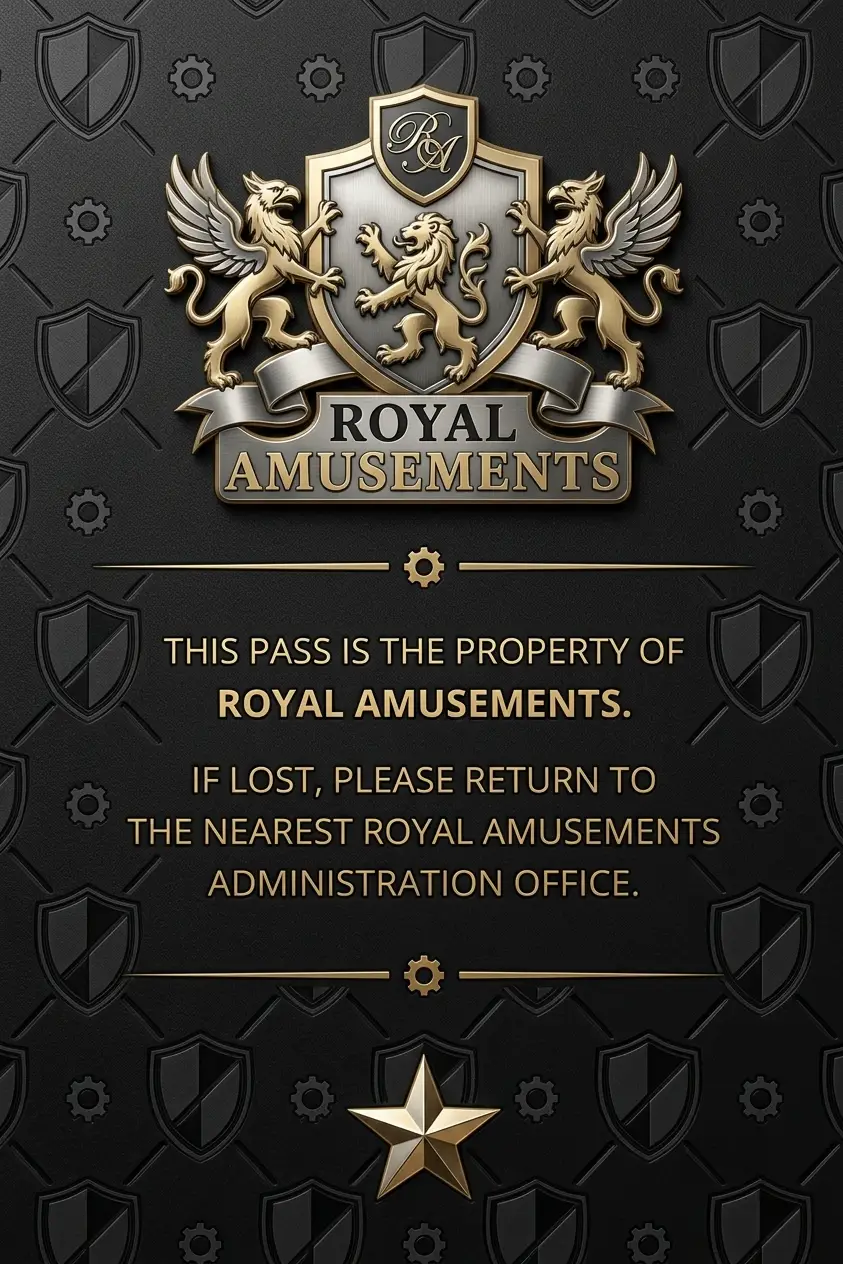
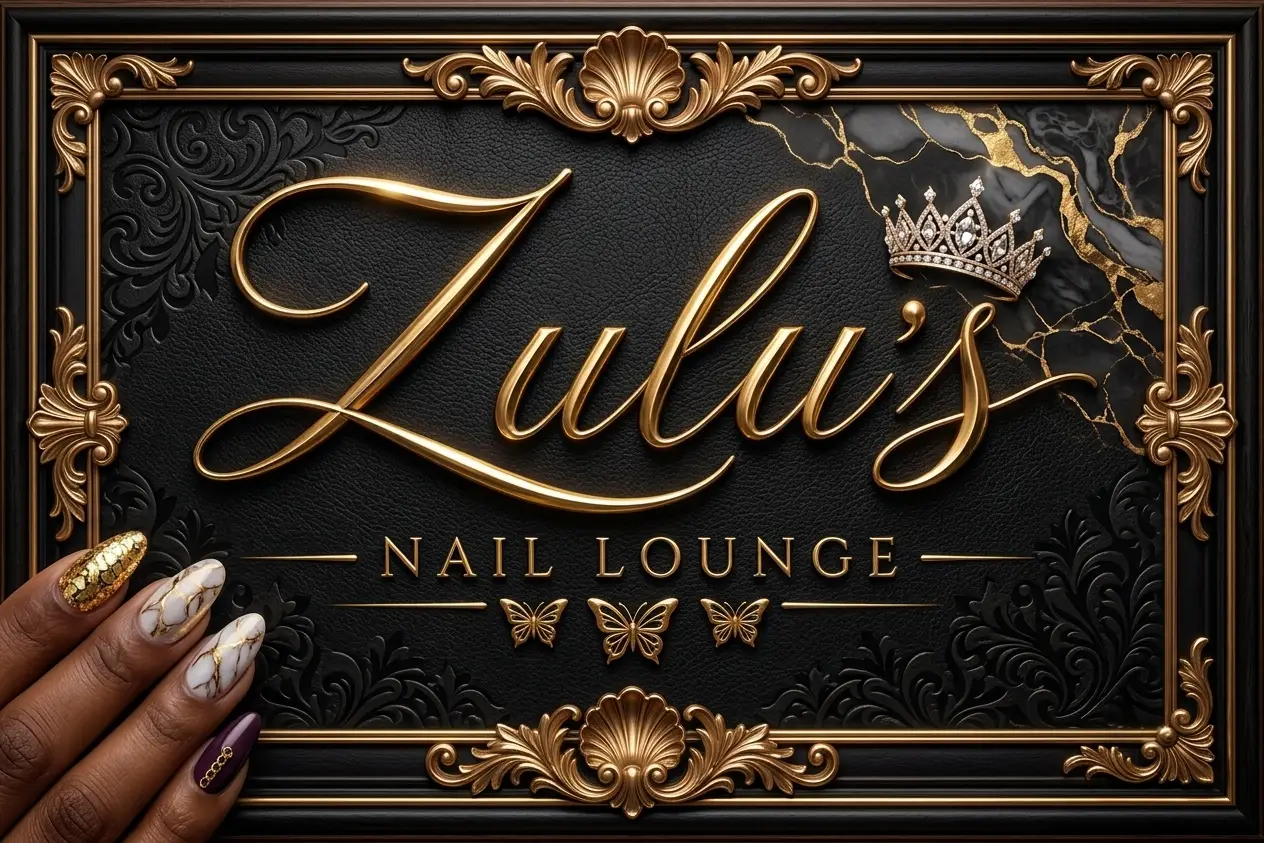
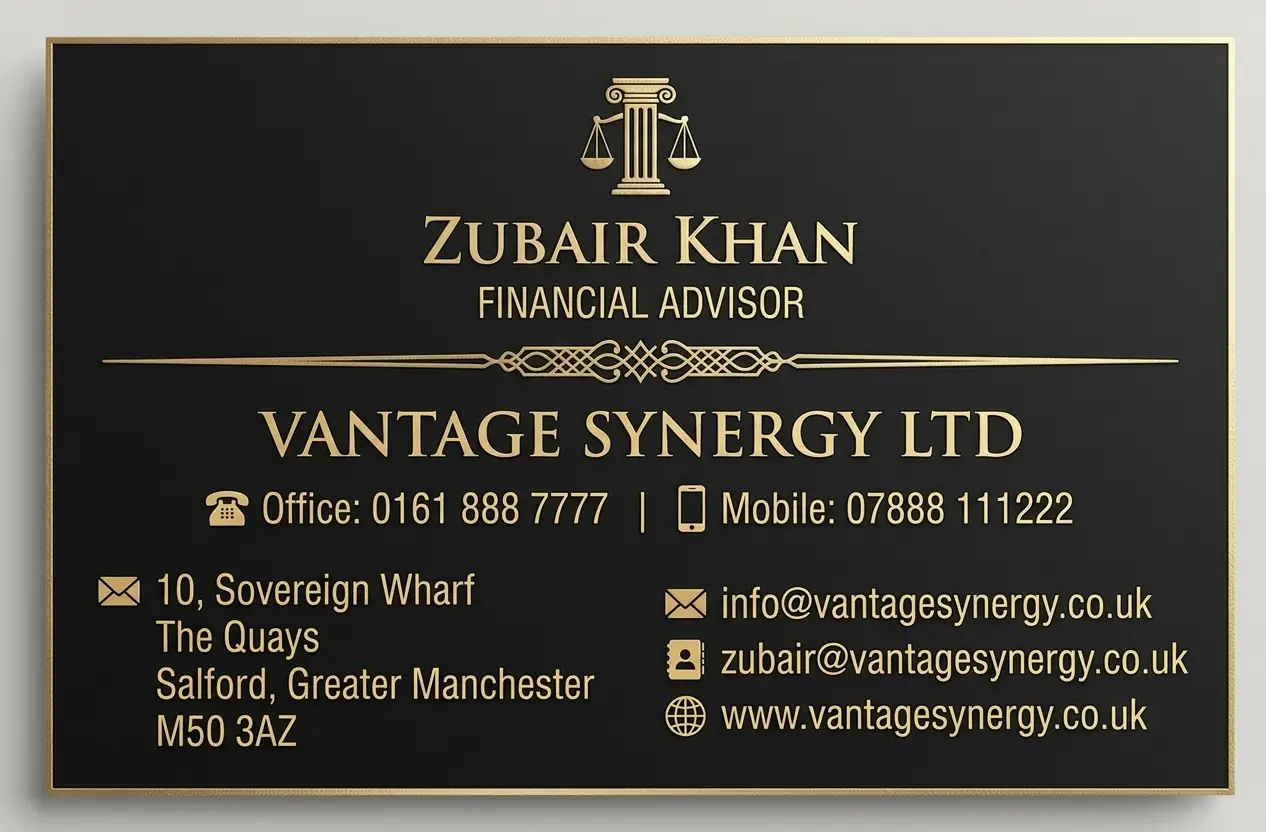
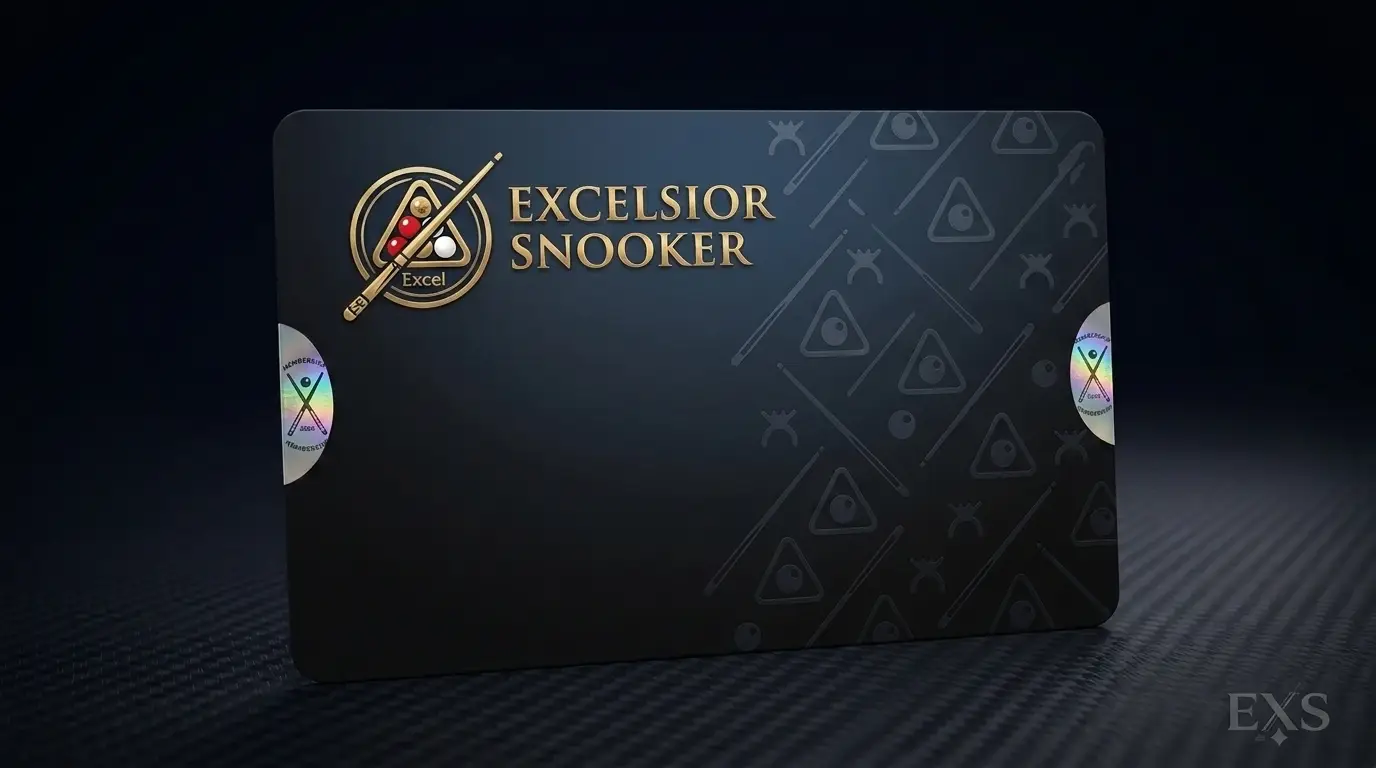

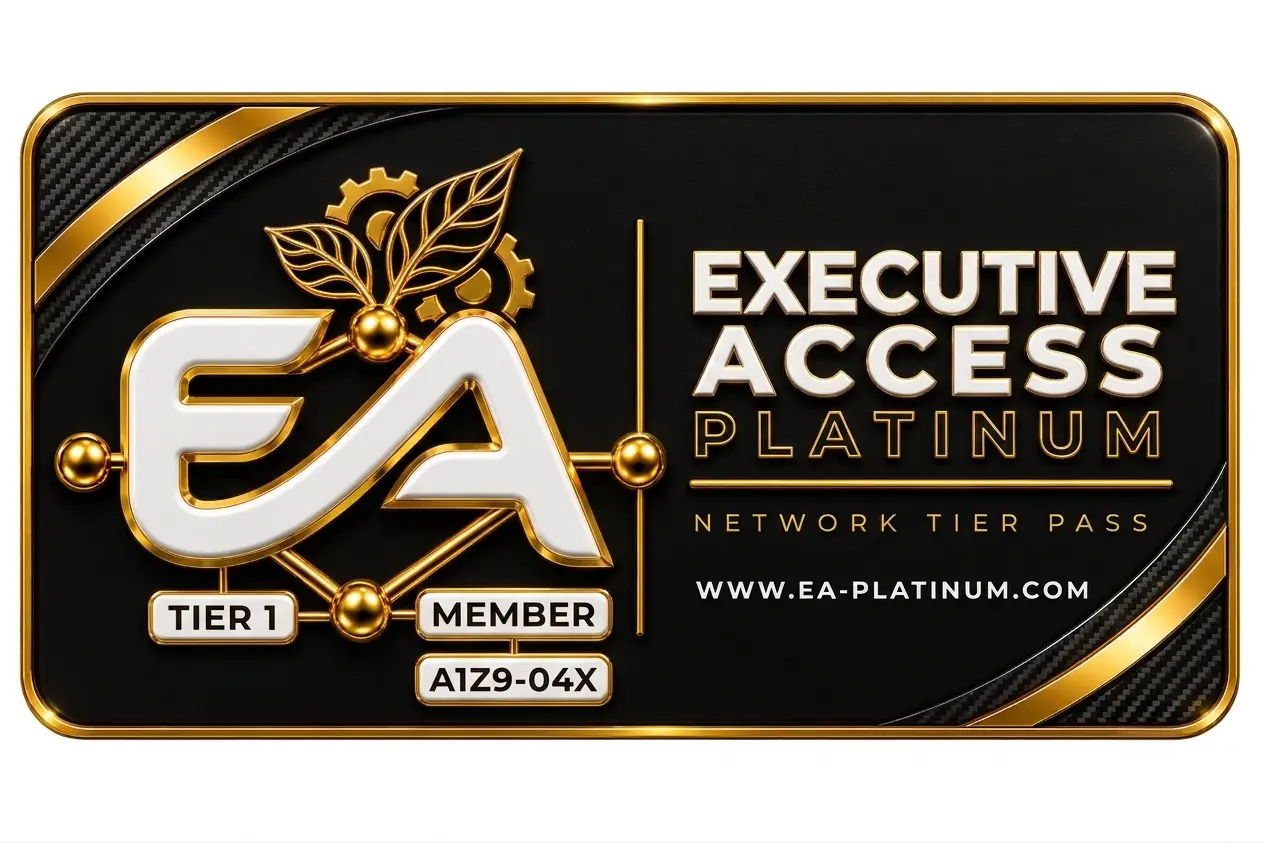
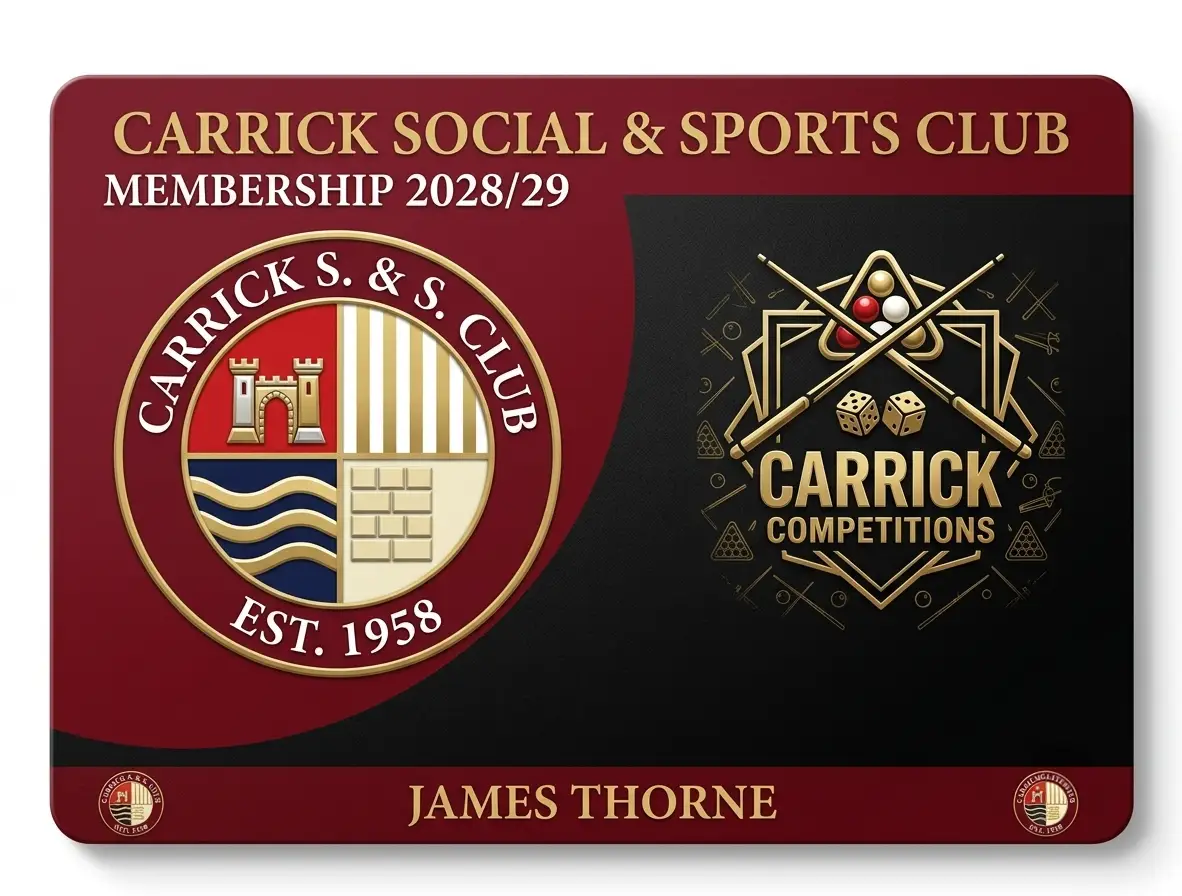
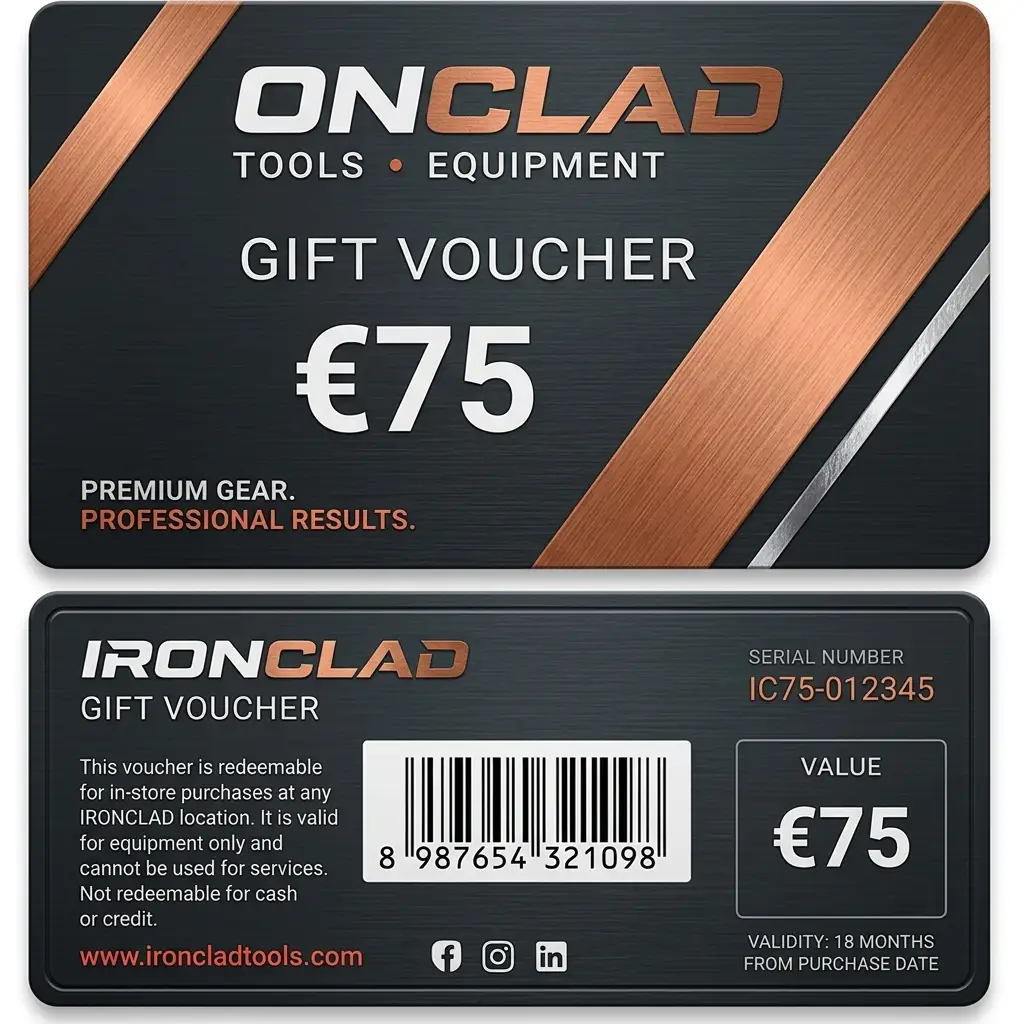

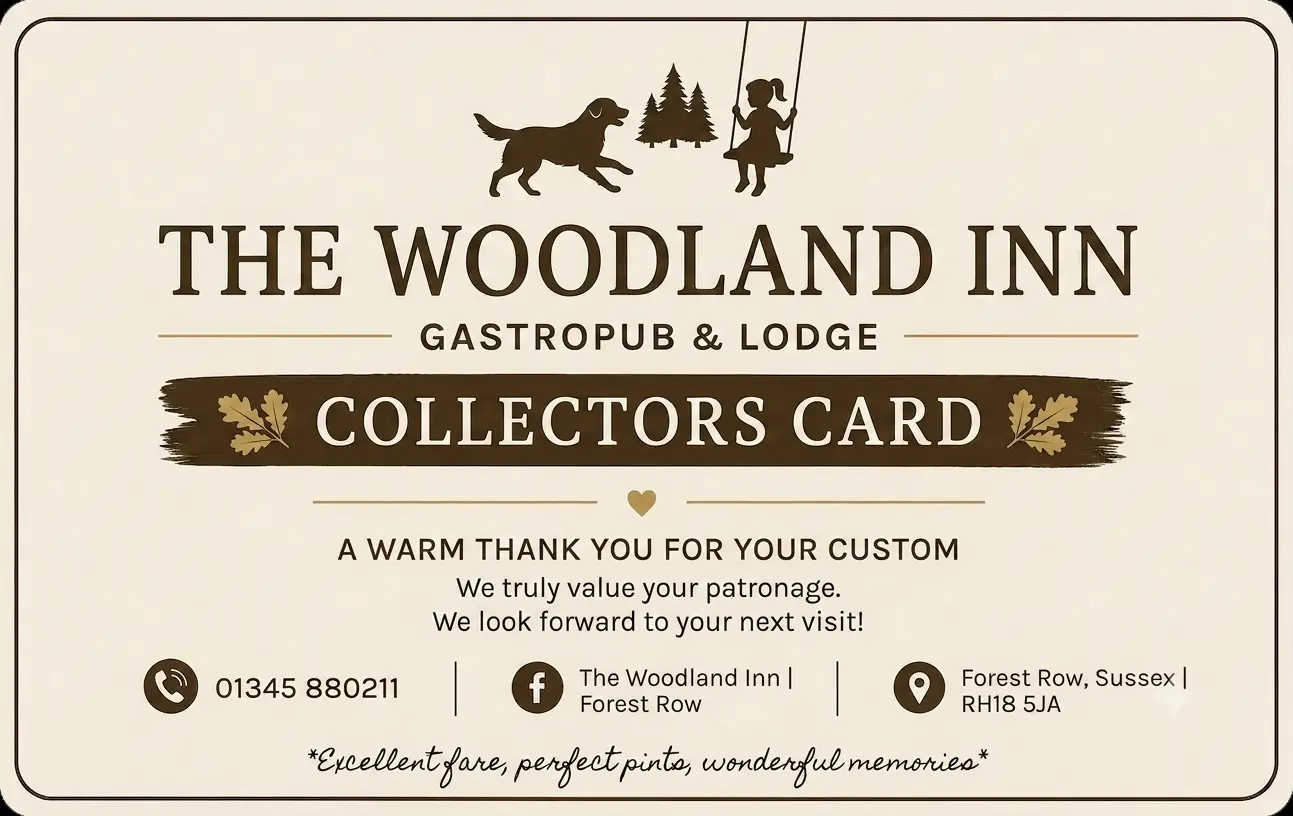
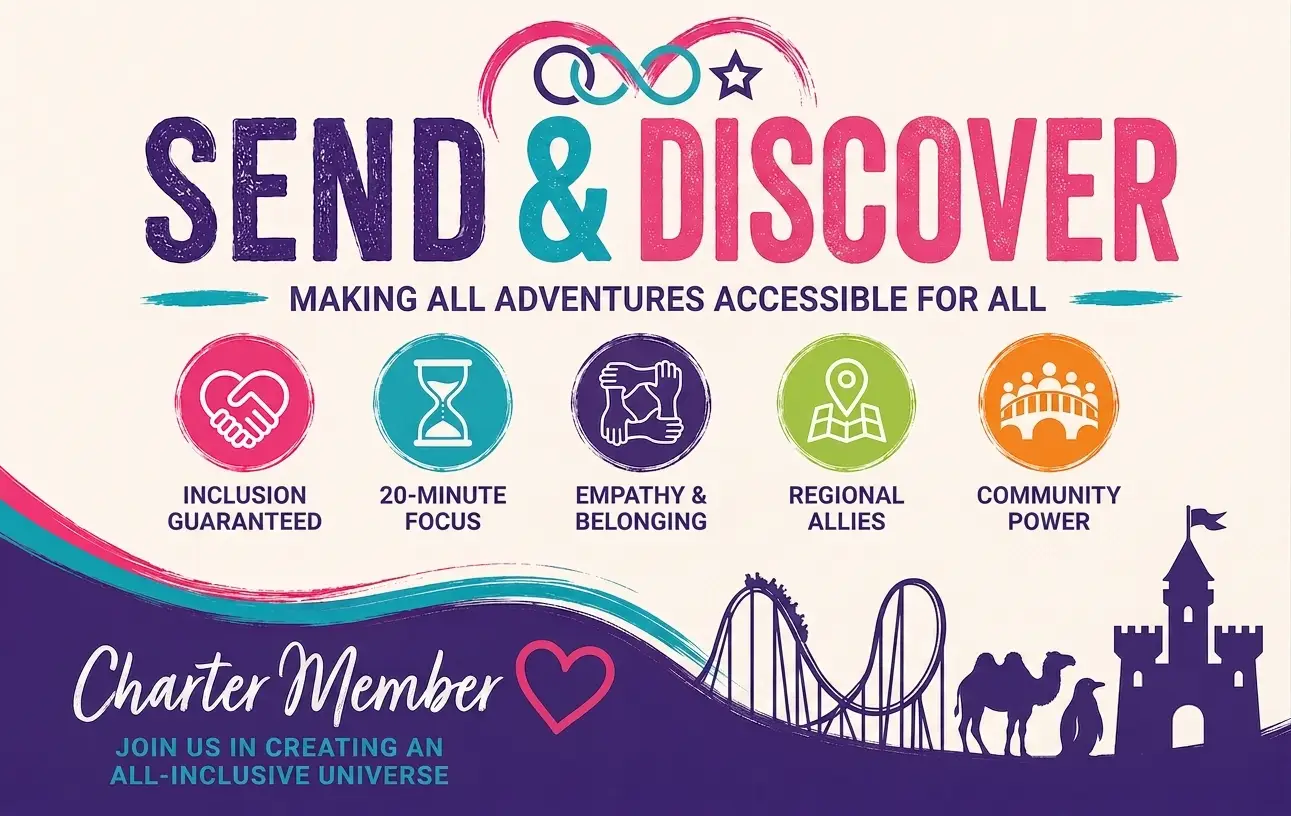
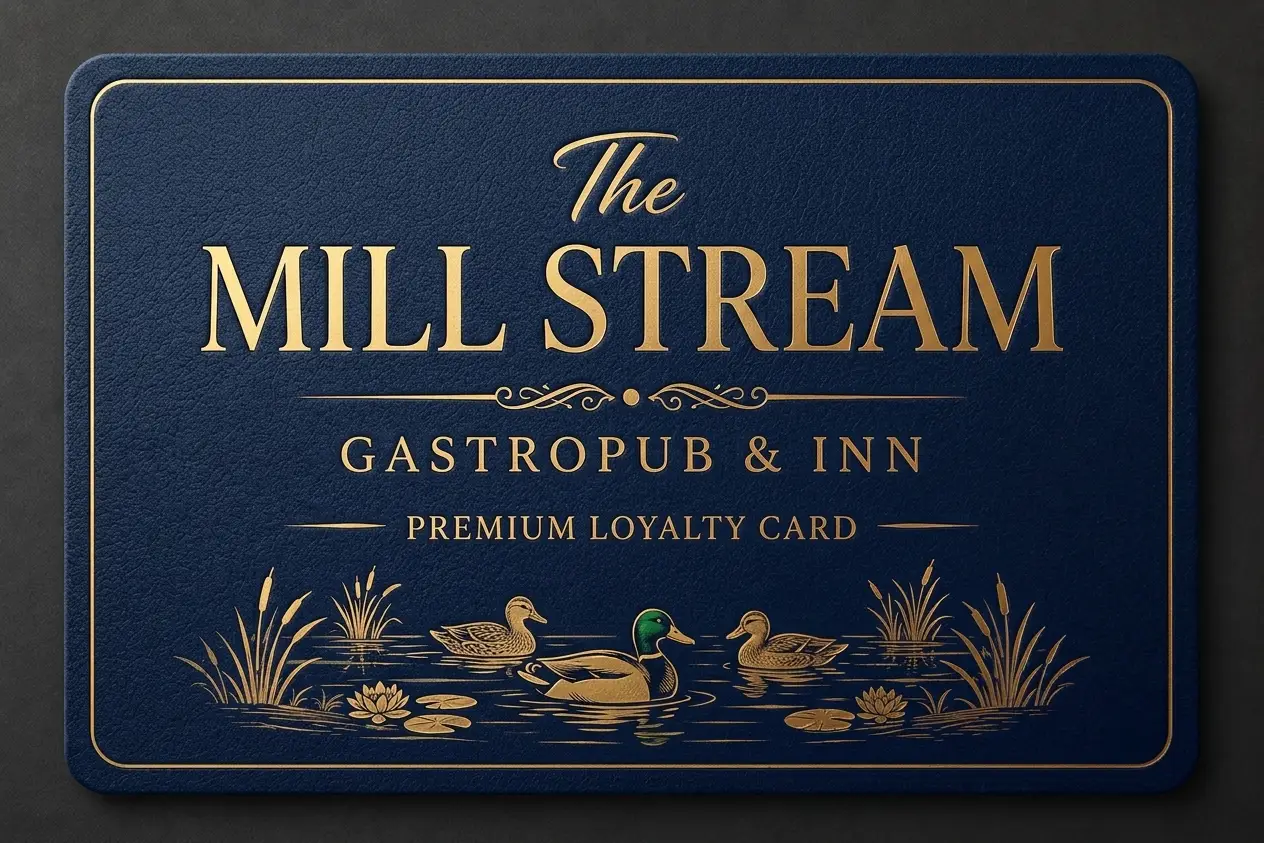
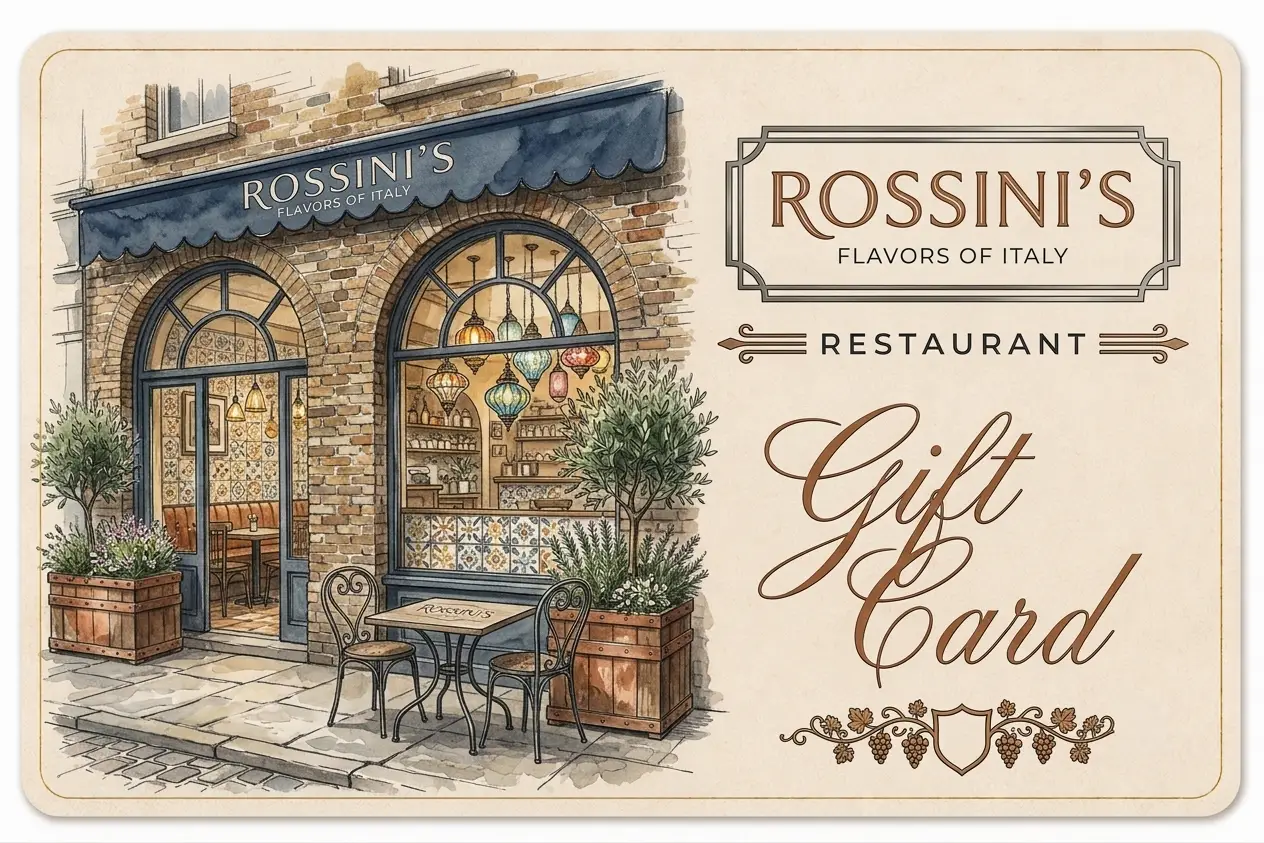
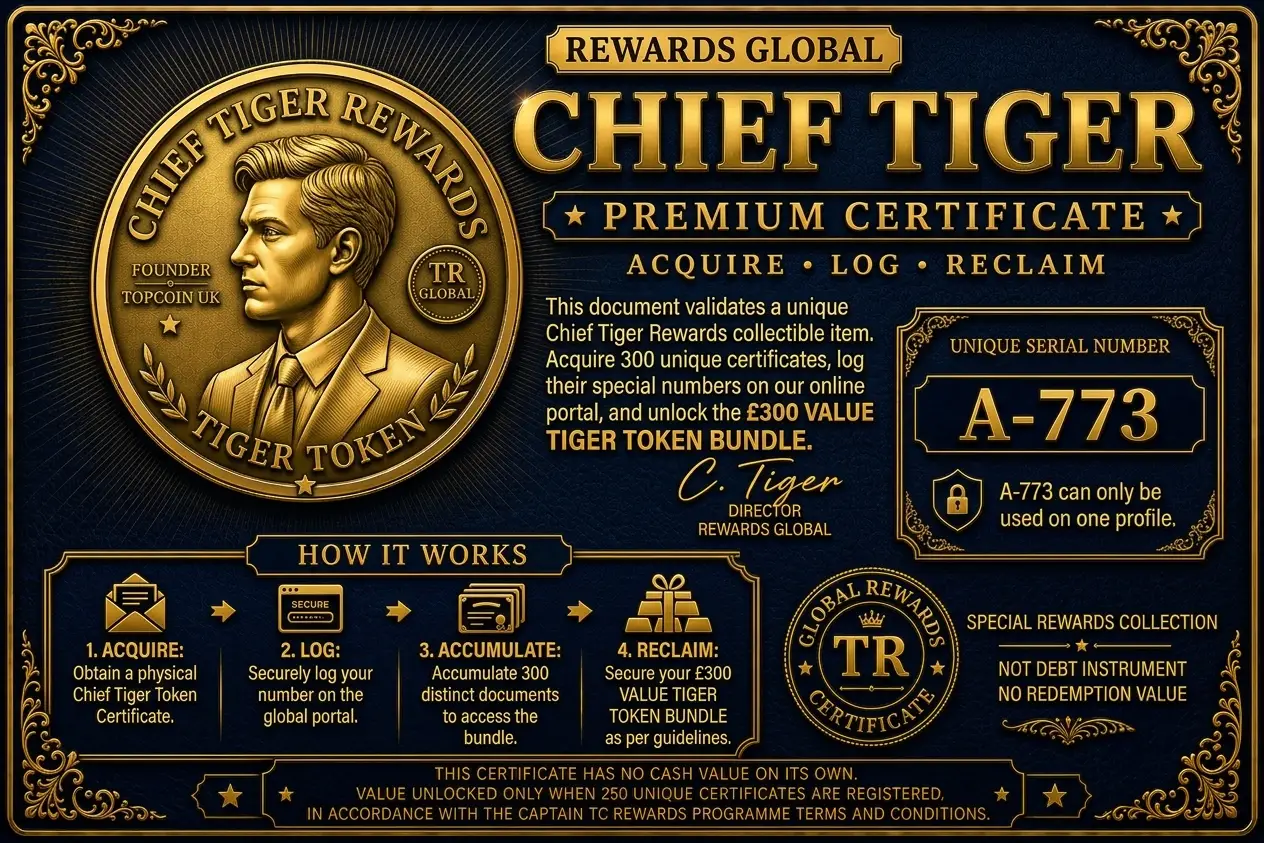
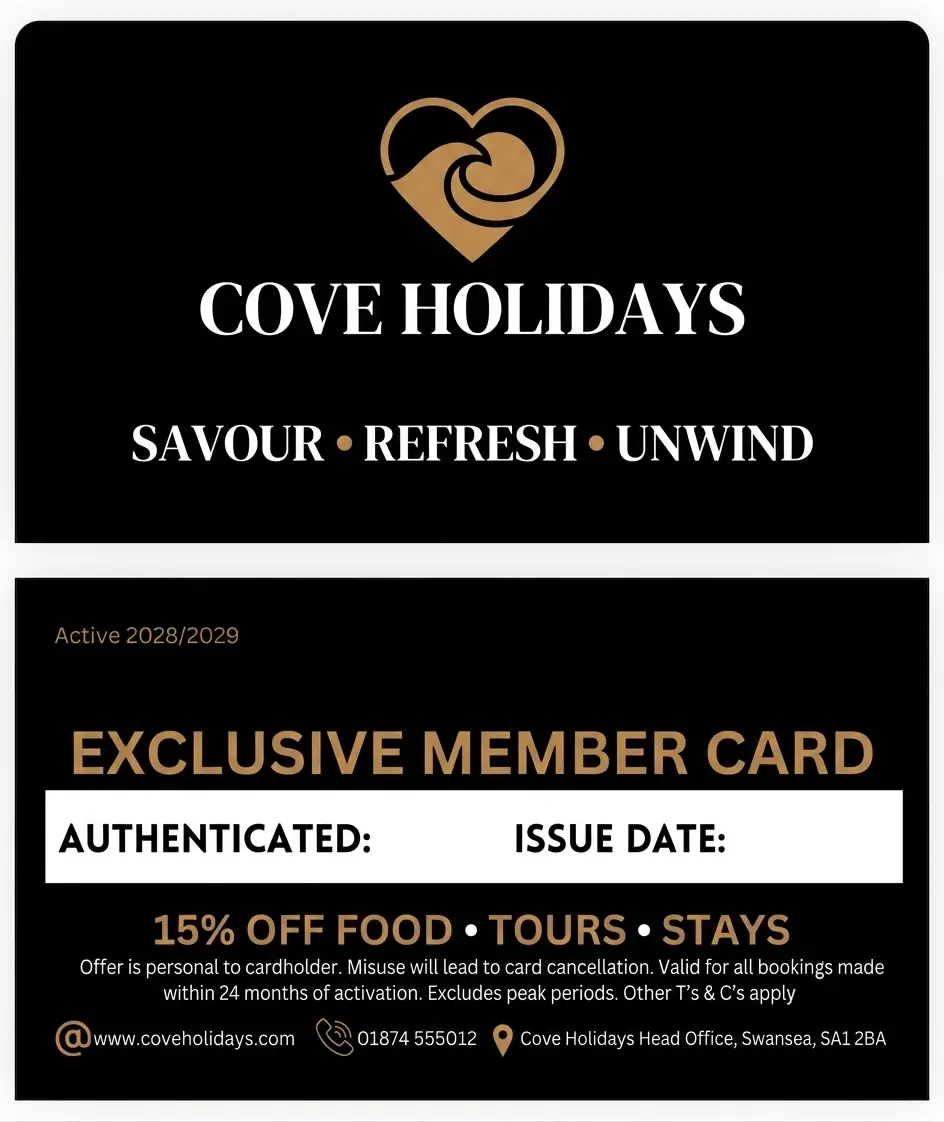

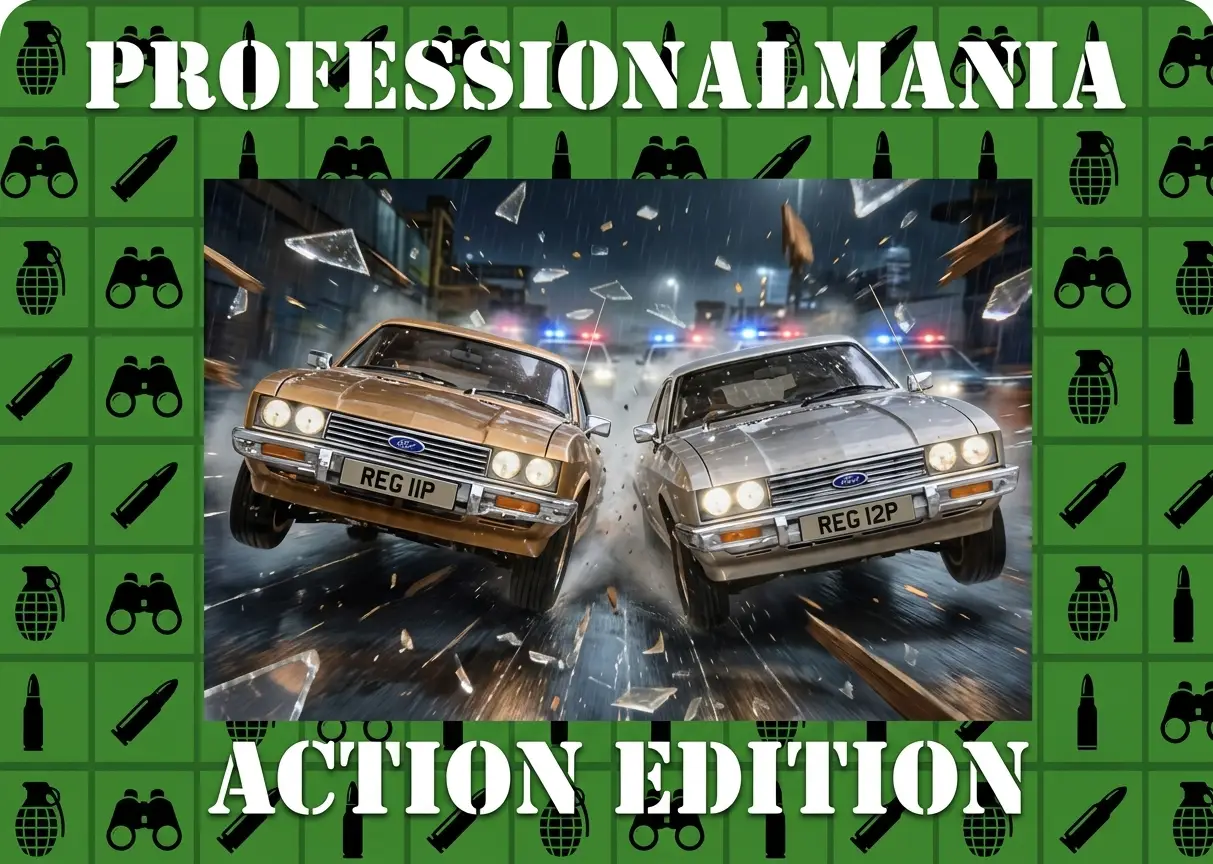
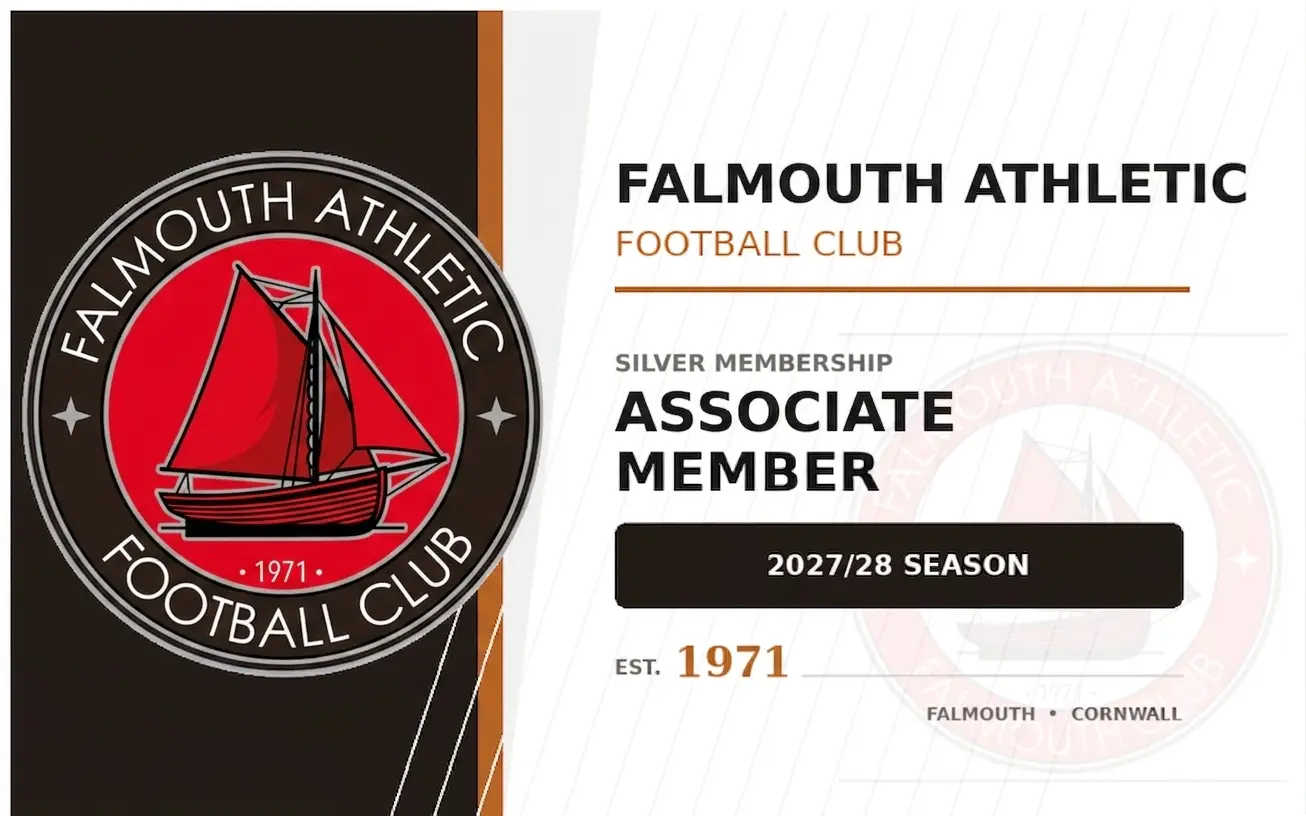

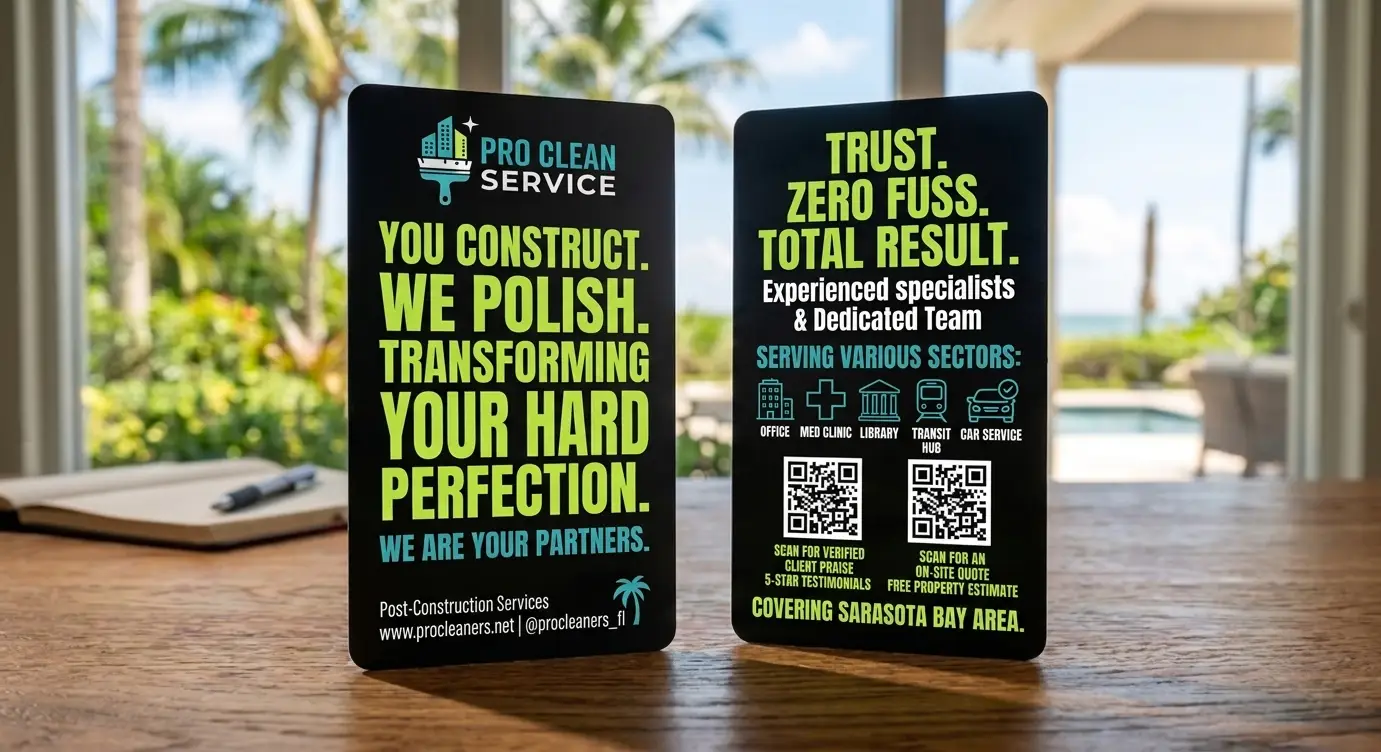
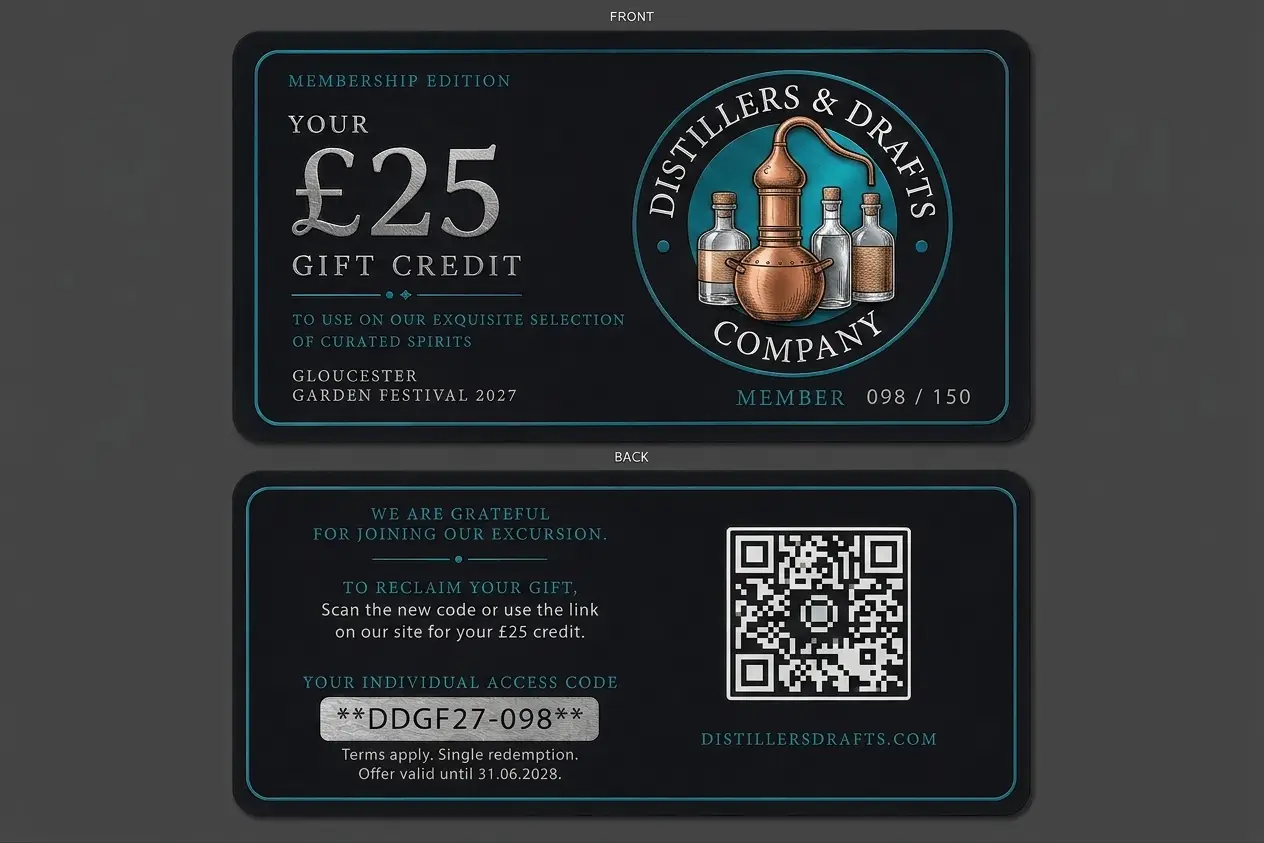
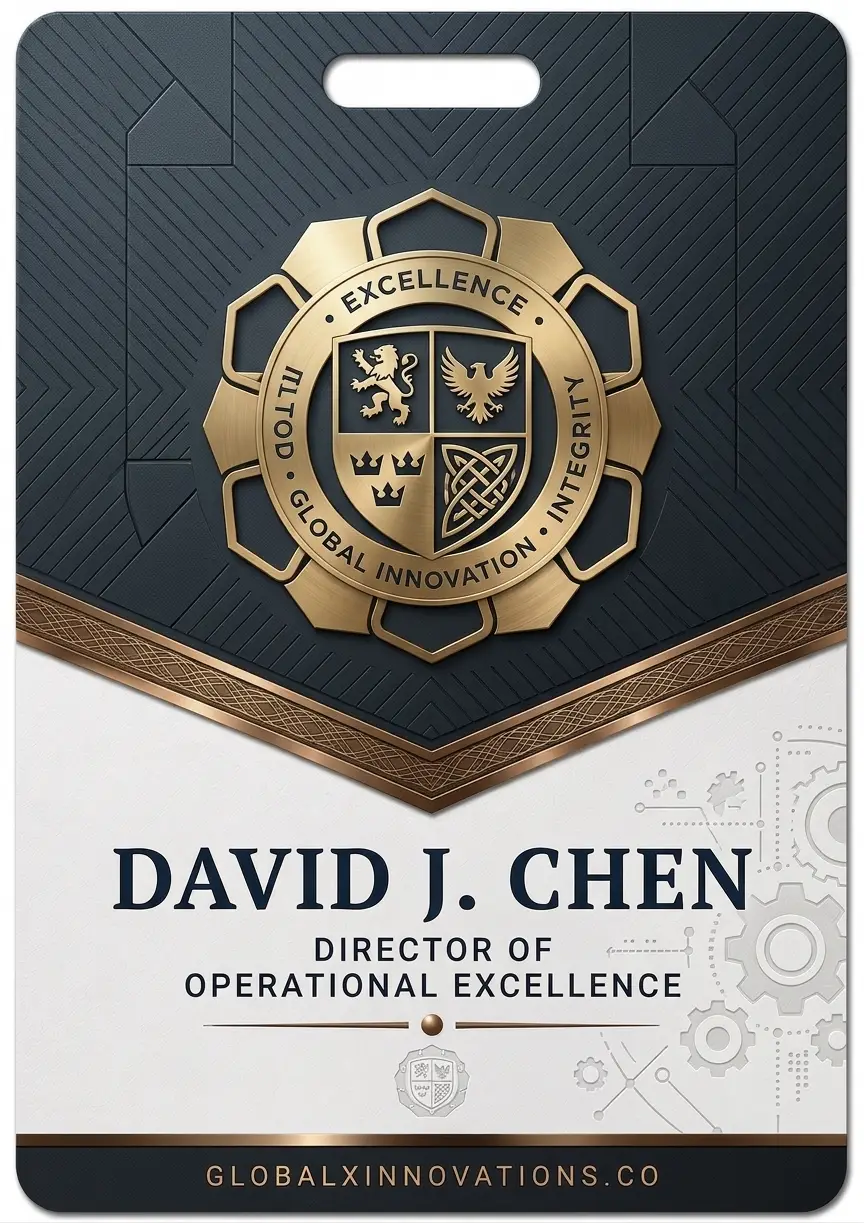
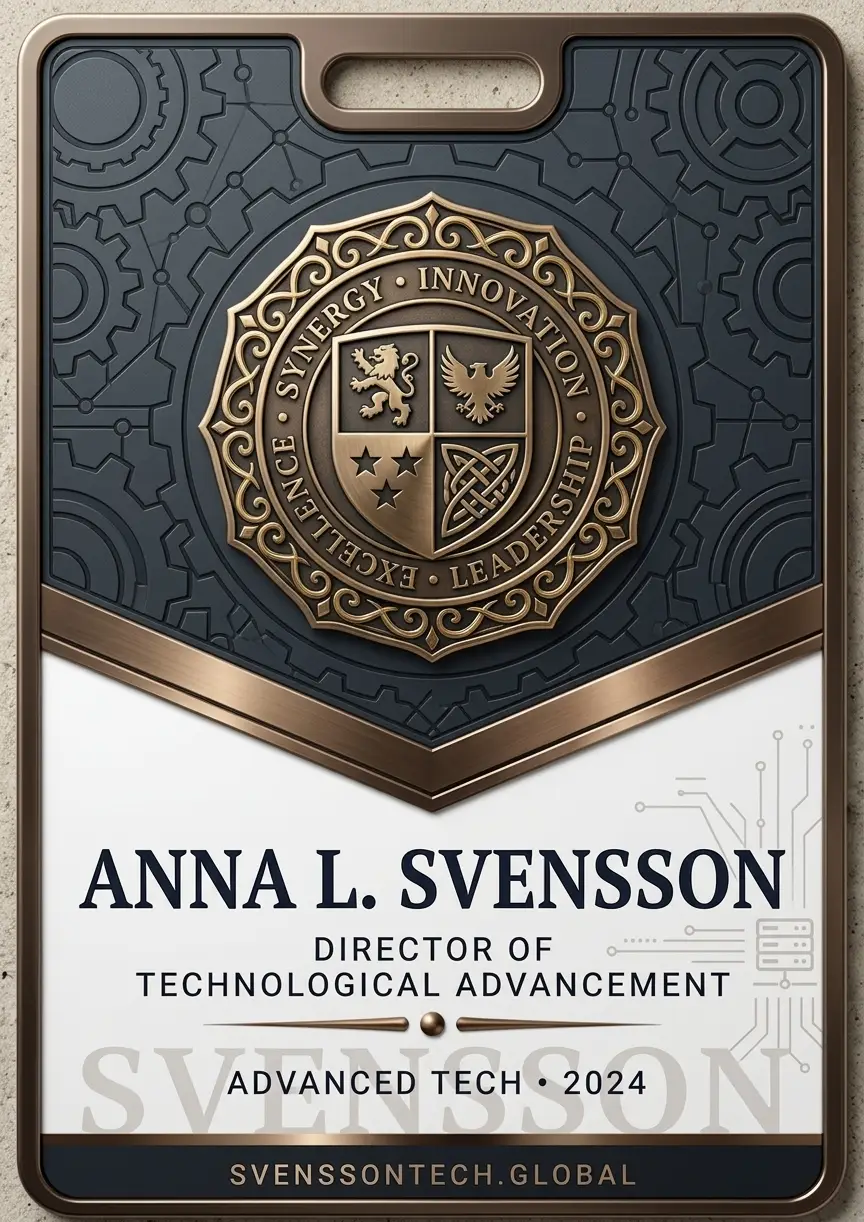
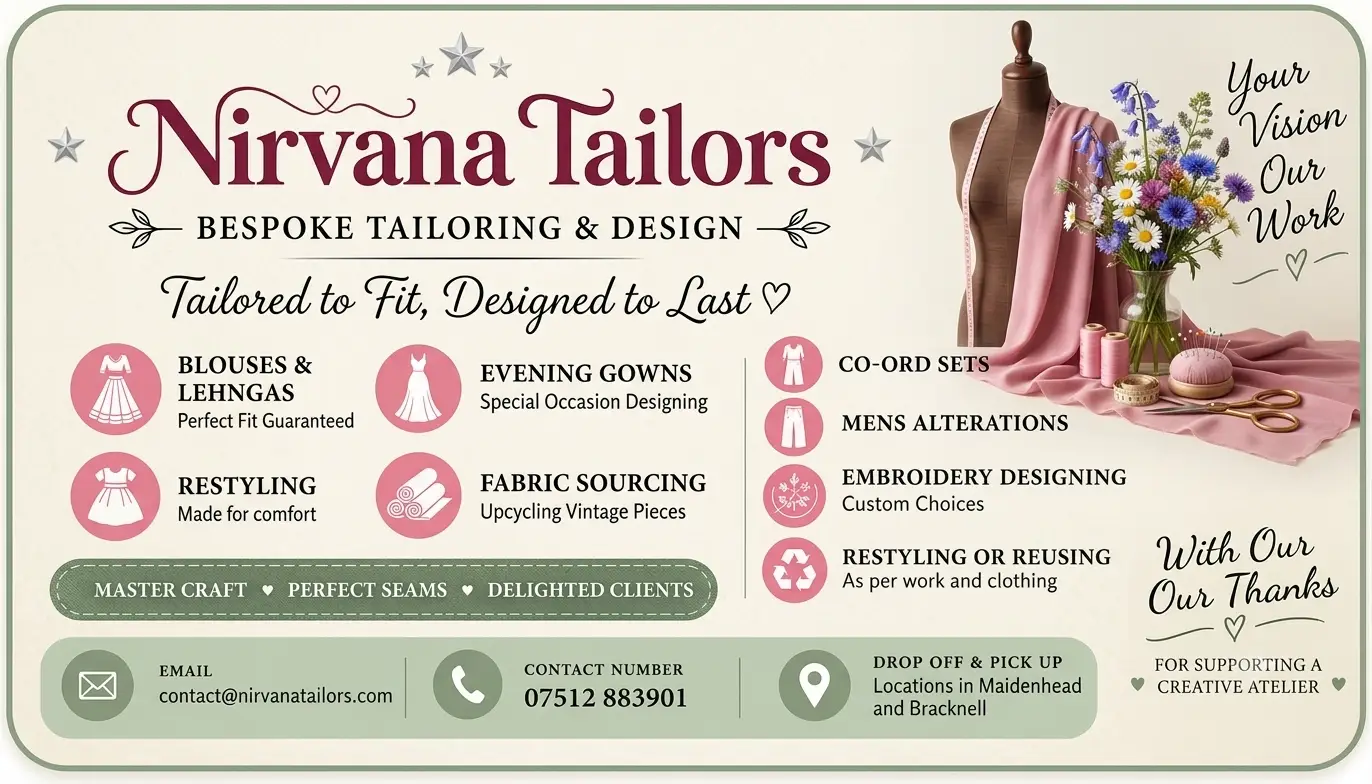
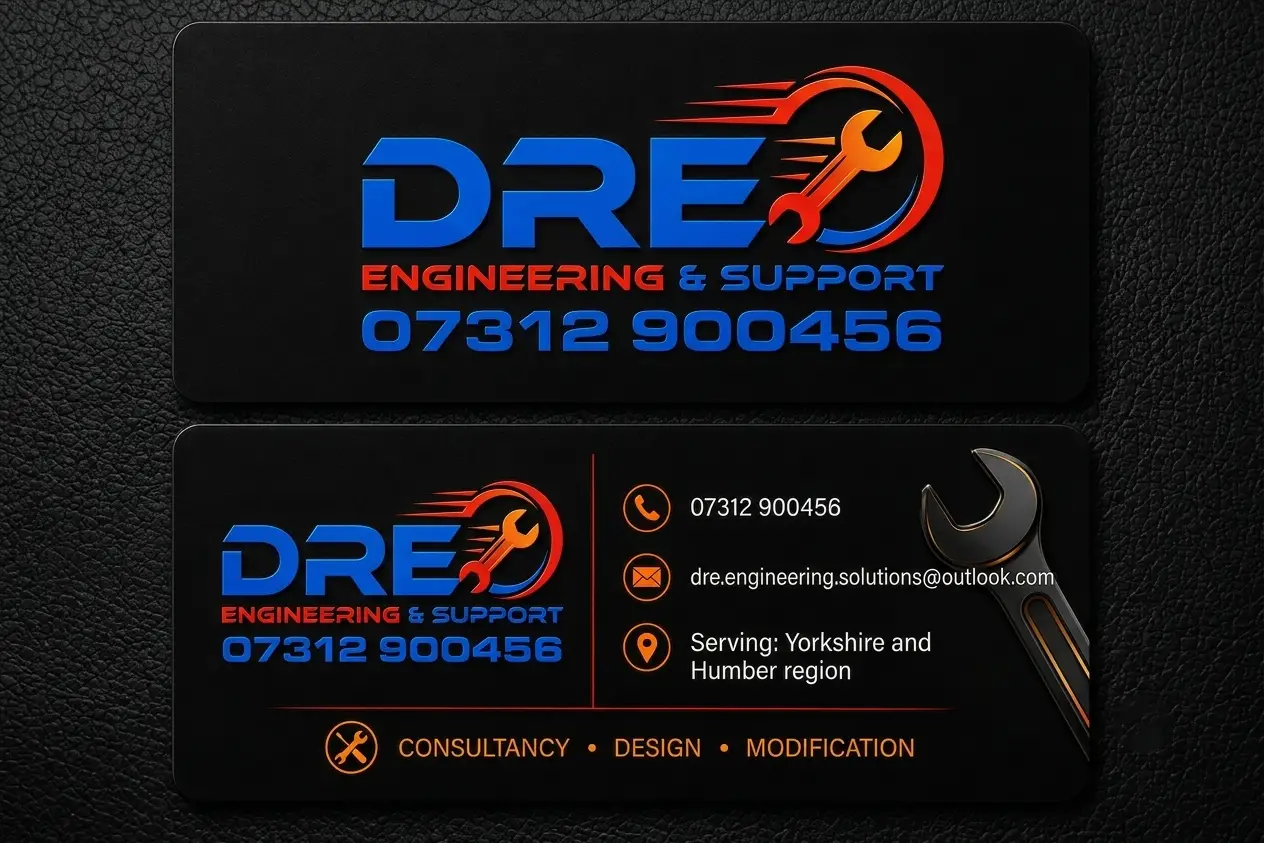
Every one of these still needed the work described below before it went on press. To see what we print from conventional artwork as well, browse the full example gallery.
Why AI Artwork Usually Isn’t Print-Ready
AI design tools are built for screens, not printing presses. Four things follow from that, and the fourth is the one that costs the most time.
Wrong size and shape
AI tools generate square or arbitrary-sized images, not the precise dimensions of a credit-card-sized plastic card. We have to resize and reshape the design to fit, which can shift or crop important elements if we are not careful about it.
No bleed
Printed cards need extra artwork around the edges — called bleed — that gets trimmed off during cutting. It guarantees there is no thin white line round the edge if the cut is a fraction of a millimetre out. AI-generated images are flat, finished pictures with nothing extra to give, so there is no bleed to extend and we have to create it artificially.
RGB instead of CMYK
Screens display colour using RGB — red, green and blue light. Printing presses use CMYK — cyan, magenta, yellow and black ink. AI tools only ever output RGB, and converting to CMYK can shift colours noticeably. Bright greens, vivid blues and rich purples are the usual casualties, and often look duller once converted.
Dark and black backgrounds
If your artwork has a black or very dark background, or a moody photo where the subject blends into shadow, that is the hardest type of file to convert. Pure black on screen (RGB 0,0,0) does not translate directly to pure black in CMYK printing of C0 M0 Y0 K100. Getting a rich, even black across a large background takes careful adjustment, or you end up with patchy, washed-out or slightly brown-looking “black” once printed. Where a dark subject blends into a dark background, that blend can shift unevenly during conversion and lose definition that was visible on screen.
We can usually fix this, but it takes more time than a standard file, and on rare occasions a small amount of contrast or detail is lost in the process. Our guide to why AI artwork needs converting to CMYK shows what a straight conversion does to black and to bright yellow, and how we correct them.
What We Do With Your Artwork
- Resize and reshape it to the exact card dimensions and bleed requirements.
- Convert the colour profile from RGB to CMYK.
- Check and correct the resulting colours, especially in dark or black areas.
- Email you a free proof to check the layout and wording. The colours on the proof are a guide only, because every screen shows colour differently.
How You Can Help Us Help You
- Send the file as early as possible. Colour correction on tricky artwork takes longer than a standard print-ready file.
- Tell us if you are open to small adjustments. A slightly different background tone often prints far more reliably than pure black.
- Check your proof carefully. Colours on your screen in RGB will never look one hundred per cent identical to the printed card in CMYK. That is a limitation of print, not an error on our part.
- If in doubt, ask us first. We are happy to look at your AI-generated design before you finalise it and flag anything likely to cause printing issues.
We are not precious about how a design gets made — AI, Photoshop, by hand, it makes no difference to us. We just want to make sure what ends up in your hand looks as close as possible to what you had in your head.
AI Artwork: Questions & Answers
-
Can I send AI-generated artwork for plastic card printing?
Yes. We accept AI-generated designs for plastic cards. However, we always have to perform work, sometimes extensively, to make the artwork printable. -
Why is AI-generated artwork not print-ready?
AI image tools are built for screens, not print. Files typically arrive the wrong size and shape for a card, with no bleed, and in RGB colour instead of the CMYK format needed for printing presses. -
What is bleed, and why does AI artwork not have it?
Bleed is extra artwork around the edge of a design that gets trimmed off during cutting, preventing a thin white line if the cut is slightly out. AI-generated images are flat, finished pictures with no extra edge content, so bleed has to be created artificially before printing. There is more on this in our bleed and size guide. -
Why do colours change when AI artwork is converted to CMYK?
Screens display colour in RGB, while printing presses use CMYK ink. AI tools only output RGB, and converting to CMYK can shift colours noticeably — particularly bright greens, vivid blues and rich purples, which can look duller once printed. Our page on CMYK versus RGB explains why. -
Why are black or dark backgrounds difficult to print from AI artwork?
Pure black on screen does not translate directly to pure black in CMYK printing. Getting an even black across a large background takes careful adjustment, otherwise it can print patchy, washed out or with a brown tinge. Dark subjects blending into dark backgrounds can also lose definition during conversion. -
What do you do to make AI-generated artwork print-ready?
We resize and reshape the artwork to the exact card dimensions and bleed requirements, convert the colour profile from RGB to CMYK, and check and correct the resulting colours, especially in dark areas. Then we email you a proof to check the layout and wording. The colours on the proof are a guide only, so if a colour has to be right, add a postal proof. -
Will my printed card look exactly like my AI-generated design on screen?
It is generally fairly close, but not identical. Screen colours in RGB will never match printed colours in CMYK exactly, particularly with bright or dark tones. This is a limitation of print rather than an error in production. Our page on CMYK versus RGB explains why.
Making one of your own? Our guide to using AI to design your card artwork has the prompts, the aspect ratio and the mistakes to avoid. Or see our artwork specifications for the exact sizes, formats and bleed we need, or let us design the card for you.