
Turning a Canva Business Card into a Plastic Card
Canva’s standard business card is 89 x 51mm, a paper card size. A plastic card is 86 x 54mm: 3mm narrower and 3mm taller. Create a new custom-size design of 86 x 54mm, copy your business card across, then fit it to the new shape: background into the bleed, wording 3mm in from the edge. Download it as a PDF Print file.
It’s a few minutes’ work, and you keep everything you designed. This guide shows what changes between the two sizes, two ways to move your design across, and what to check before you send it.
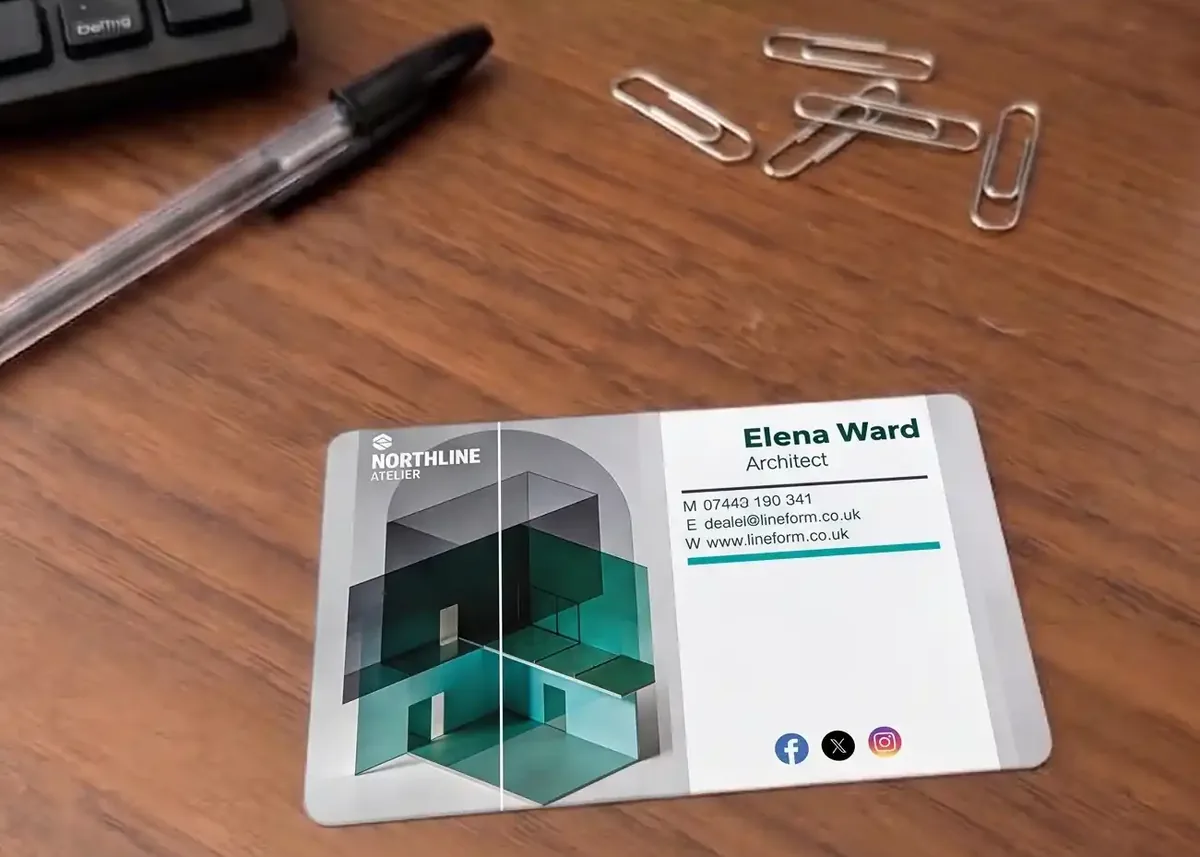
The short versionDon’t send the 89 x 51mm business card as it is. Make a custom-size design of 86 x 54mm in millimetres, or 54 x 86mm for portrait. Turn on print bleed. Copy the front onto page 1 and the back onto page 2. Stretch the background to the outer edge of the bleed, move wording 3mm in from the edge, and check nothing has shrunk or stretched. Download PDF Print with Crop marks and bleed ticked.
A Canva business card isn’t a plastic card size
Canva’s standard business card is 3.5 x 2 inches, or 89 x 51mm (Canva). That’s a paper business card. Plastic cards are made at 86 x 54mm, the size of a bank card, so they fit the card slots in a wallet.
| Width | Height | |
|---|---|---|
| Canva standard business card | 89mm (3.5in) | 51mm (2in) |
| Plastic card | 86mm (3.375in) | 54mm (2.125in) |
| Difference | 3mm narrower | 3mm taller |
Three millimetres doesn’t sound like much, but it changes the shape. Laid over each other, the plastic card cuts 1.5mm off each end of the paper design and leaves 1.5mm empty at the top and bottom:
What happens if you paste it across as it is
Here’s the business card pasted onto an 86 x 54mm page with print bleed showing, before anything has been moved, next to the same design fitted to the card:
White shows at the top and bottom, the sides miss the bleed, and the wording is too close to the edge.
The background fills the bleed all round, and the wording sits inside the safe area.
- White at the top and bottom. The paper design is 51mm tall; the card is 54mm. Without moving anything, 1.5mm of white shows inside the card at the top and the bottom.
- The sides miss the bleed. The design reaches past the card edge, but not to the outer edge of Canva’s 3.175mm bleed.
- Wording too close to the edge. On the paper card the wording sat 4mm in. Centred on the narrower plastic card, it’s 2.5mm in, outside the 3mm safe area, where the cut can clip it.
The white dashed line is the card edge and the amber line is the safe area: they’re drawn here, not printed. If you send us an 89 x 51mm file, our free artwork check will flag the size. You can fix it yourself at no charge, or we’ll correct the size and bleed of a finished file for £10 +vat.
The free way: copy it onto a new design
This works on every Canva plan, including the free one.
- Create a new design at a custom size. On Canva’s home page, select Custom size, change the units to mm (Canva help), and enter 86 by 54. For a portrait card, enter 54 by 86.
- Turn on print bleed. File, then Rulers and guides, then Show print bleed. In some versions it’s under File, then Settings.
- Copy the front across. In your business card design, select everything on the front page, copy it, and paste it onto page 1 of the new design. On a computer, Ctrl or Cmd with A, C and V does it.
- Add a page and copy the back onto page 2 the same way. If your business card is one-sided, you can design a back now: printing it costs nothing extra.
- Check the background came across. If it didn’t, set the background colour or picture again on the new page.
- Fit the design to the card, as below.
The paid way: Magic resize
On Canva’s paid plans, Magic resize can make a copy of your business card at a custom size, or resize the design itself (Canva’s resize help). Choose a custom size of 86 x 54mm, and make a copy, so your original business card stays as it is. Canva counts each use towards its monthly limit for AI features.
Resizing changes the page, but it can’t know what matters on your card. Treat the result as a first draft, turn on print bleed, and go through every check below, just as you would after copying it across by hand.
Fitting the design to the new shape
With print bleed showing, go through the card edge by edge:
- Stretch the background to the outer edge of the bleed on all four sides. The card is 3mm taller than before, so a background that fitted the paper card stops short at the top and bottom.
- Move wording, logos and QR codes in, so everything important is at least 3mm inside the card edge. Our free Canva safe-area guide marks the line: upload it, stretch it over the design, and delete it before you download.
- Keep logos and photos in proportion. Make them bigger or smaller from a corner. Don’t pull a logo wider or taller to fill the new space.
- Check small text hasn’t shrunk. Nothing should be under 6pt. Print the page at 100% scale, not “fit to page”, and read the smallest line at arm’s length. Our font size guide has the sizes to aim for.
- Check any QR code is still at least 15mm square, with clear space round it. Canva itself suggests no smaller than 2 x 2cm (Canva’s QR code help). Our guide to business cards with QR codes has more.
- Use the extra height. 3mm more top to bottom is room to space the lines out, rather than space to fill with more words.
Portrait cards
A portrait plastic card is the same card, at the same price, designed the other way up. In Canva, create a custom size of 54 x 86mm. A landscape business card won’t turn into a portrait one by resizing: the layout needs rebuilding, as here.
Not sure which way round? Our guide to portrait or landscape cards compares them.
Use the back
On our full colour plastic cards, printing the back costs nothing extra, so it’s worth designing one even if your paper card was one-sided. Put it on page 2 of your Canva design.
- A QR code to your booking page, your reviews or a page that saves your contact details, at least 15mm square.
- What you do: your services, opening hours or the area you cover.
- Your branding again, such as a full colour pattern or photo running to the edge, with bleed.
Our guide to what to put on a business card has more ideas for each side.
What changes when it’s plastic
Everything else about the design stays the same: the same colours, logo and wording. Our guide to designing a plastic business card covers layout and wording in more detail.
Downloading and sending it
- Select Share, then Download, and choose PDF Print.
- Tick Crop marks and bleed. Leave the crop marks on: we delete them. Our guide to Canva print bleed and crop marks explains both.
- Choose CMYK if your plan offers it. If not, send the RGB file, and see Canva CMYK and print colours.
- Download all pages, so the front and back come in one file.
- Email the PDF to sales@cpcards.co.uk with the quantity you want.
Before you send it, run through our Canva artwork checklist. We check every file free for technical problems such as size, bleed, resolution and colour mode. Checking the wording and numbers on your proof is down to you. If you’d rather not do it yourself, our design service designs your card for £29 +vat, with no limit on reasonable amends.
Questions & Answers
-
What size is a Canva business card?
Canva’s standard business card is 3.5 x 2 inches, which is 89 x 51mm. That’s a common paper business card size. A plastic card is 86 x 54mm, the size of a bank card.
-
Is a plastic business card the same size as a paper one?
No. A plastic business card is 86 x 54mm, 3mm narrower and 3mm taller than Canva’s 89 x 51mm business card. It’s the same size as a bank card, so it fits card slots in a wallet.
-
Can I just send you my Canva business card design?
You can, and our free check will tell you it’s the wrong size. You can then move it onto an 86 x 54mm design yourself, free, or we’ll correct the size and bleed of a finished file for £10 +vat.
-
Can I resize a Canva design for free?
Not with Canva’s Magic resize, which is on its paid plans. On the free plan, create a new custom-size design of 86 x 54mm and copy your design across, page by page. It takes a few minutes.
-
Will my design fit if I just change the size?
Not as it is. The plastic card is a different shape, so 1.5mm comes off each end and there’s 1.5mm more at the top and bottom. Backgrounds need stretching into the new space and wording near the ends needs moving in.
-
Do I still need print bleed for a plastic business card?
Yes. Turn on Show print bleed in your 86 x 54mm design, run the background to the outer edge of it, and download a PDF Print file with Crop marks and bleed ticked.
-
Can a plastic business card be portrait?
Yes. It’s the same card at the same price, just designed the other way up. In Canva, create a custom size of 54 x 86mm.
-
Can I print on the back of a plastic business card?
Yes, and on our full colour cards it costs nothing extra. Add a second page to your Canva design for the back.
-
How big should text be on a plastic business card?
At least 6pt, with contact details at about 7 to 9pt. Moving a design between sizes can shrink small text, so print your design at 100% on paper and read the smallest line at arm’s length.
Ready to order?

Send us your 86 x 54mm Canva PDF with the quantity you want. We’ll check the file free of charge and quote by email.
Your free photorealistic proof lets you check the layout and wording before anything is printed. The colours on the proof are a guide only, because every screen shows colour differently.