



Numbered Gift Cards: Sequential Numbers, PINs and Codes
Give every gift card its own number and record it when the card is sold, so each card can only be spent once. Numbers in order suit cards handed over at your counter and checked in your own register; if your till holds the balances, use random numbers in the format it asks for. Cards spent online also need a PIN under a scratch-off panel. We supply plastic gift cards printed in England, numbered from a start number or your own list.
This page is about the numbers on gift cards. Our guide to numbered plastic cards covers numbering on any card, and gift card codes in Excel or CSV shows the file step by step.
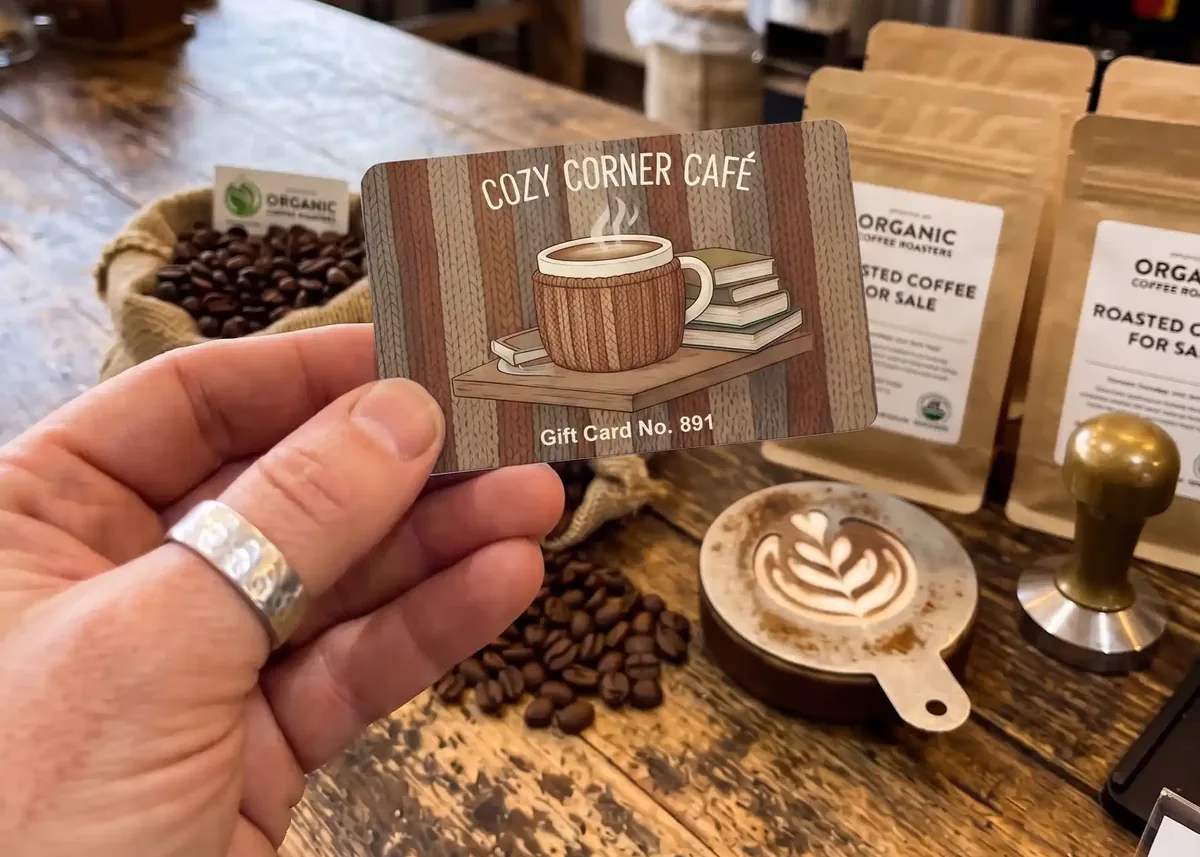
The short versionAsk your till supplier what numbers it accepts, or keep a register if your till has no gift card feature. Number cards in order if they’re always handed over at your counter and checked in your register, use random numbers if your till holds the balances, and add a PIN under a scratch-off panel if cards can be spent online. Then give us a start number, or send an Excel or CSV file formatted as Text.
Why give every gift card its own number?
So each card can only be spent once. The number ties a card to one line in your register, or on your till, which shows what the card was sold for, what’s left on it and when it was used.
A register can be a notebook or a spreadsheet: the card number, the date it was sold, what it’s for, the amount paid and the date it was used. Our gift card register template is ready to fill in. If your till has a gift card feature, it keeps the same record against each number, and a barcode or magnetic strip lets it find the card. For the other ways numbers help, see how to stop gift card fraud.
Should gift card numbers be sequential or random?
Sequential numbers are fine when every card is handed over at your counter and checked in your register. Use random numbers when your till holds the balances or a card can be spent online, because a number in order gives away the next one: anyone who sees 10400231 can try 10400232.
| How the cards are spent | What to print |
|---|---|
| At your counter, checked in your own register | Numbers in order, run on from a start number |
| At your till, which holds the balances | Random numbers, in the length and format your till asks for |
| Online too, by typing in a code | The card number on show, and a random PIN under a scratch-off panel |
| Through a system that makes its own numbers | Its numbers, from the file it exports |
Gift card systems say the same. Lightspeed recommends random numbers for gift cards on its R-Series till, and gives 10001 and 10002 as numbers that are easy to guess. Toast advises against turning on its public balance lookup for imported card numbers that run in order. Gift Up!, a gift card platform, names guessed codes as one of the three main kinds of gift card fraud.
Numbers in order still have their place: cards can be sold in order and checked off, and a gap in the register stands out. For random numbers, send us a file: an export from your till or gift card system, or a list you make yourself.
How many digits should a gift card number have?
Enough for every card you’ll ever sell, all the same length, and at least what your till asks for. Lightspeed’s R-Series and Shopify POS both need 8 or more, so 8 digits is a sensible minimum when a till is involved.
- The same length every time. 10400231 to 10400480 lines up in a register and sorts in order; 1 to 250 doesn’t.
- No zeros at the front. Start at 10001 or 10000001 rather than 0001, because a spreadsheet drops leading zeros unless the column is formatted as Text.
- Digits only, unless your system wants letters. Toast and Lightspeed’s X-Series take numbers only when they import a list. If you do use letters, leave out the ones that look alike, such as O and 0, or I, L and 1.
- Short enough to type in. Toast recommends 21 digits or fewer, because longer numbers can only be swiped. Over 15 digits, format the column as Text, or Excel turns the number into scientific notation and drops every digit after the 15th.
Prefixes for different values or shops
If you print money values on your cards, each value is a separate design, so give each its own block of numbers. Starting the £25 cards at 25000001 and the £50 cards at 50000001 tells staff the value at a glance, and each block can be re-ordered on its own. A prefix works with random numbers too: 25 followed by six random digits. With two shops, start one shop’s numbers with 1 and the other’s with 2, so the register shows where each card was sold.
Keep the year out of the number. For the same reason our gift card printing guide leaves a printed year off the card: one batch should last as long as it takes to sell.
What numbers will my till or gift card system accept?
It depends on the system. Some set a minimum length, some take digits only, and a few work only with cards or codes they make themselves, so ask your till supplier before you choose a format. We read each system’s help pages in November 2026, and this is what they say about the numbers on printed cards. Features change, so confirm with your supplier.
| System | What its help pages say |
|---|---|
| Shopify POS | Cards from another supplier need a unique printed code of 8 to 20 letters and numbers, which staff type in. See gift cards for Shopify POS. |
| Lightspeed Retail (R-Series) | Gift card barcodes must be 8 to 32 digits long. It recommends random numbers, because numbers in order are easy to guess. |
| Lightspeed Retail (X-Series) | Its guide to importing gift cards asks for numbers in digits only, with no spaces. |
| Lightspeed Restaurant (K-Series) | You create a batch of up to 1,000 cards and export it, and each card’s web link from that file is printed as a QR code. Lightspeed warns that anything else printed as the QR code won’t work. |
| Toast | It recommends 21 digits or fewer, and numbers on another supplier’s cards mustn’t start with 862. You give Toast the full list as a CSV or XLS file, and its guide to importing gift cards asks for digits only. It doesn’t scan ordinary barcodes for gift cards: staff swipe the card, type the number or scan a QR code made from Toast’s own card data. |
| PayPal Zettle | Codes of at least 6 letters or numbers, and it recommends 8. For cards that scan, Zettle makes the barcodes, and you download them as a CSV file to send with your card order. |
| SumUp Gift Cards | It takes physical cards with a code SumUp didn’t create: staff scan the code or type it in. The help pages we read give no length rule. |
| Gift Up! | Any code under 50 characters, and it supports Code 128, Code 39, Data Matrix, PDF417 and QR barcodes. It suggests making the codes in advance and printing them on the cards, and can issue codes from a list you upload. |
| Square | Only plastic gift cards ordered through Square can be loaded, sold or accepted as Square gift cards. Another supplier’s card can be recorded with a custom payment method, as a record only: Square doesn’t hold its balance. Using your own numbers with Square’s gift card system needs a developer or an app: see plastic gift cards and Square. |
Read together, a random number of 8 to 16 digits, not starting with 862, fits every rule above apart from Lightspeed Restaurant’s QR codes and Square’s own cards. That’s our reading of their pages, not a rule from any of them, so check with your supplier before you order.
If your system makes the numbers, use them. Many gift card and till systems can create the codes and export them as a spreadsheet: send us that file, and each card is printed from its row.
Where should the number go on a gift card?
Usually on the back, small, where staff can read it at the till: under the barcode if there is one, and clear of any scratch-off or write-on panel. It can go anywhere on either side, at any size, so some designs make it part of the front.


- Normally Arial or Times New Roman, in any CMYK colour, so the number can match your logo rather than look stamped on.
- 10pt or more for a number staff read and type in, with strong contrast against the colour behind it. Our guide to font sizes on plastic cards shows sizes to scale.
- Inside the safe area, 3mm in from the edge, with room for the longest number.
- Never under the scratch-off panel. The number has to be readable without scratching anything.
We add the numbers to your design, so leave a clear space and tell us where they go, and we’ll confirm how to set up your file. On our full colour PVC cards the number is printed under the surface, so it can’t scratch or wear off.
Do gift cards need a PIN under a scratch-off panel?
Only if a card can be spent without being handed over, online or by quoting its number. Then print the card number on show and a random PIN, or secret code, under a scratch-off panel. Anyone can copy the number from a card in your display, but nobody can read the PIN until the panel is scratched, so check it’s intact before you sell a card.
- The barcode holds the card number for your till’s scanner: black bars on a white box.
- The card number, printed under the bars, so staff can type it in and tell which card is which.
- The scratch-off panel hides the PIN. A typical panel is 8mm x 75mm, as here, and it has to stop at least 4mm from the edge.
- The wording beside it tells customers where the PIN is and how to use it, because nothing can be printed on the panel.
- A write-on panel for the valid-until date, filled in when the card is sold, on a white area with a line or two of terms. On a colour, the panel picks up the colour behind it.
- The safe area, 3mm inside the edge. Keep the number, barcode and panel inside it.
Most panel sizes are possible, and a card can have more than one. Scratch-off panels aren’t available on EcoTough or Plastic-Free Board cards.
Make each PIN random and unrelated to the card number, and never put it in the barcode: anyone can scan a barcode with a phone. The PINs come from a spreadsheet you send us, with the card number in column A and the PIN in column B. Keep your copy safe, because it’s the only record of which PIN is on which card. Our guide to gift card codes in Excel or CSV shows the file step by step, with example files to download.
Wording that tells customers where to look
Say on the card where each number is and what to do with it, and use the same words on your website, where people type them in. Lines you can copy:
- Your card number is under the barcode.
- Scratch the silver panel to see your PIN.
- To spend online, enter your card number and PIN at checkout.
- Keep your PIN private: anyone with both numbers can spend this card.
One exception: with Shopify POS, staff read the code when they sell the card, so it can’t be hidden. Keep unsold cards behind the counter instead. Our guide to gift cards for Shopify POS explains.
Can the number go in a barcode or on a magnetic strip as well?
Yes. One number can be printed on the card, carried in a barcode and encoded on a magnetic strip, so staff can scan it, swipe it or type it in. Give each its own column in your file, one row per card, and they match on every card.
| Row | A | B | C |
|---|---|---|---|
| 1 | Card number | PIN | Barcode |
| 2 | 58204917 | 7KQM-4TXP-9WRD | 58204917 |
| 3 | 30761458 | HC3V-YN6J-T4GK | 30761458 |
| 4 | 92846031 | R9FW-K7DX-3MQC | 92846031 |
The barcode goes on a white box with the number printed underneath, so staff can type it in if a scan fails. Your till decides the type: Code 39 is the most popular on the cards we supply, and Code 128 is more compact. Our guide to gift cards with barcodes covers sizes and testing.
A magnetic strip runs across the back, 13mm deep and 3mm down from the top edge. We encode it from a start number or your file, or leave it blank for you to encode. Strips need a 760 micron card and aren’t available on EcoTough or Plastic-Free Board. Our guide to magnetic stripe gift cards covers tracks, HiCo and LoCo.
On our white and metallic hot foil cards, a barcode or QR code has to be the same on every card, so for numbers your till reads, choose full colour cards. For a printed number on a hot foil card, ask us.
How do I send you the numbers for my gift cards?
Give us a start number and the cards run on from it, or send an Excel or CSV file with one row per card. Re-orders carry on from the last number you issued, so no two cards share a number.
- A start number, such as 10400001. Give us the last number too: 250 cards from 10400001 end at 10400250.
- Or a file, with headings in row 1, one row per card and a column for everything printed or encoded. Format the columns as Text before you paste anything in, so Excel keeps zeros at the front and long numbers whole.
- Numbers from your system: use its export, keeping only the columns that go on the cards, because everything in the file is printed.
- Check it before you send it. Numbers are printed as they are in your file, and we can’t check them against your till: our artwork check is technical and doesn’t cover numbers. Look for duplicates, and turn any formulas into plain values.
- Attach it to an email, and keep a copy.
For a re-order, tell us the last number you issued, or send a file laid out the same way as the first. Our guides to numbered plastic cards and gift card codes in Excel or CSV cover the file in more depth, with example files.
Try real cards on your till first
Add a postal proof to your order: we post you a few identical real cards with the barcode in place, so you can try them on your own till before the rest are printed. It’s optional, for full colour cards only, £65 +vat, and takes around 5 working days. Once you approve it, the rest are printed in around 7 working days. We can’t test cards on your till for you, because every till and scanner is different.
How do I order numbered gift cards?
Email sales@cpcards.co.uk or use our gift card quote form. We often reply within minutes, 9am to 5pm, Monday to Friday. Tell us:
- How many cards, and how many designs or printed values.
- How to number them: a start number or your file, and where the number goes.
- Any extras, such as a barcode, a magnetic strip, a scratch-off panel or write-on panels, and whether you’d like a postal proof.
- Your artwork, at 92 x 60mm with 3mm of bleed, or your logo and wording for our £29 +vat design service.
Numbering, barcodes, scratch-off panels and magnetic strips are priced on your quote. Our gift cards are 86 x 54mm and 760 microns thick, printed in full colour on both sides, then bonded between clear PVC sheets and cut, so the print can’t scratch or wear off. Every order gets a free email proof showing where the number sits, so you can check the layout and wording before anything is printed. The colours on the proof are a guide only, because every screen shows colour differently.
Production takes 7 working days from proof approval and payment. Express takes 3 to 4 working days: ask us for cost and availability.
How much do numbered gift cards cost?
Gift cards start at £75.00 +vat for 25, and the price per card falls as the quantity goes up, because much of the work in an order is the same whatever the quantity. See how to keep the cost down.
| Quantity | Price from |
|---|---|
| 25 | £75.00 +vat £3.00 each |
| 50 | £79.00 +vat £1.58 each |
| 100 | £85.00 +vat 85p each |
| 200 | £99.00 +vat 49.5p each |
| 250 | £109.00 +vat 43.6p each |
| 500 | £175.00 +vat 35p each |
| 1,000 | £245.00 +vat 24.5p each |
Prices are for one design from your print-ready artwork. Delivery is free within Great Britain, and our delivery prices list the charges for Northern Ireland, the Republic of Ireland and the Channel Islands. They exclude VAT and extras such as numbering, which are priced on your quote.
Selling them over the counter? Our card carriers and wallets turn a card into a present, and we quote them with the cards as one job.
Questions & Answers
-
What is a numbered gift card?
A gift card printed with its own number, so you can record each card when it’s sold and check it when it’s spent. The number can also go in a barcode or on a magnetic strip, so your till can find the card’s balance. Recorded in a register or on your till, the number stops a card being spent twice.
-
Should gift card numbers be sequential or random?
Sequential numbers are fine if every card is handed over at your counter and checked in your register. If your till holds the balances or a card can be spent online, use random numbers in the format your till supplier asks for, because a number in order gives away the next one. Cards spent online also need a PIN under a scratch-off panel. Lightspeed, for one, recommends random numbers for gift cards on its R-Series till.
-
How many digits should a gift card number have?
Enough for every card you’ll ever sell, all the same length, and at least what your till asks for. Lightspeed R-Series and Shopify POS both need 8 or more. Start at 10001 or 10000001 rather than 0001, so a spreadsheet can’t drop the zeros at the front.
-
What is the PIN on a gift card for?
It means a card can only be spent online, or by quoting its number, by someone who has the card itself. The PIN is a random code printed under a scratch-off panel, while the card number stays on show. Nobody can read the PIN until the panel is scratched.
-
Where do the card number and PIN go on a gift card?
The card number usually goes on the back, small, where staff can read it: under the barcode if there is one. If the card needs a PIN, it goes under a scratch-off panel at least 4mm from the edge, with the instruction printed beside it, because nothing can be printed on the panel. Keep the number clear of the panel, so it can be read without scratching anything.
-
Can the same number go on the card, in a barcode and on a magnetic strip?
Yes. Give each its own column in your Excel or CSV file, one row per card, and all three are printed or encoded from the same row, so they match on every card. Never put the PIN in the barcode: anyone can scan a barcode with a phone.
-
How do I send you the numbers for my gift cards?
Give us a start number and the cards run on from it, or send an Excel or CSV file with one row per card, the columns formatted as Text so Excel keeps any zeros at the front. Numbers are printed as they are in your file, so check it before you send it.
-
Do re-orders carry on the numbering?
Yes. Tell us the last number you issued, or send a new file laid out the same way as the first, and the new cards carry on from there, so no two cards share a number.
-
Where can I get numbered gift cards printed in the UK?
CP Cards supplies them, printed in England. Our minimum order is 25 cards, from £75.00 +vat, with numbering priced on your quote. Delivery is free within Great Britain, and our delivery prices list the charges for Northern Ireland, the Republic of Ireland and the Channel Islands. Every order gets a free email proof, so you can check the layout and wording before anything is printed. For a quote, email sales@cpcards.co.uk or use our quote form.
Ready to order numbered gift cards?

Tell us how many cards you need and how they should be numbered, or attach your file. We’ll quote by email, often within minutes, 9am to 5pm, Monday to Friday.