



How to Design a Gift Card
A gift card is the only card you’ll print that’s bought by one person and used by another. So it has to look good enough to give, and be clear enough that someone who has never visited you knows exactly what to do with it.
This guide covers what goes on each side, the three ways of handling the value, the numbers and codes that make it work at your till, wording you can copy, and how to present the finished card.
The short versionFront: your logo and the words Gift Card, designed to look like a present. Back: how to use it, a card number with a barcode or scratch-off code, To and From, your terms and your website. Decide how the value works before you design anything else.
A gift card, labelled
A gift card does two jobs. The front has to look like a present, because someone is about to hand it over as one. The back has to work at your till, weeks later, for someone who has never been in before. Here’s how the two sides divide the work.
- Your name or logo. The first thing the person receiving it should see is who it’s from.
- The words “Gift Card”. Obvious, and still the detail most often forgotten in a busy design.
- The value, if it’s fixed. Only on cards sold at one set amount. See the three ways of showing the value below.
- How to use it. One or two lines: in store, online, or both.
- To and From. A write-on panel turns the card into the gift tag as well. It takes an ordinary pen.
- Card number and barcode. So your till can find the card’s balance, and so you can tell one card from another.
- Your terms. Two or three short lines. The rest can live on your website.
- Your website. Where the recipient can find you, and check the balance if your system allows it.
Willow & Wren is a made-up shop. The barcode in the drawing is an illustration and won’t scan.
Decide how the value works first
This is the decision that shapes the rest of the design, so make it before anything else. There are three ways to do it.
If you hold the value on your till, ask your EPOS provider what the card needs to carry before you design it. Barcodes can be Code39, Code128 or EAN5; magnetic strips can be encoded for you or left blank for your system to encode; and the postal proof lets you test a real card on your own till before the full order is printed. We supply the physical cards; the balances are managed by your own system.
Selling treatments?If you’re a salon, spa or clinic and the card buys a treatment rather than goods, our guide to treatment gift cards shows which set-up suits you, what to put on the card and how to keep track of each one.
Designing the front
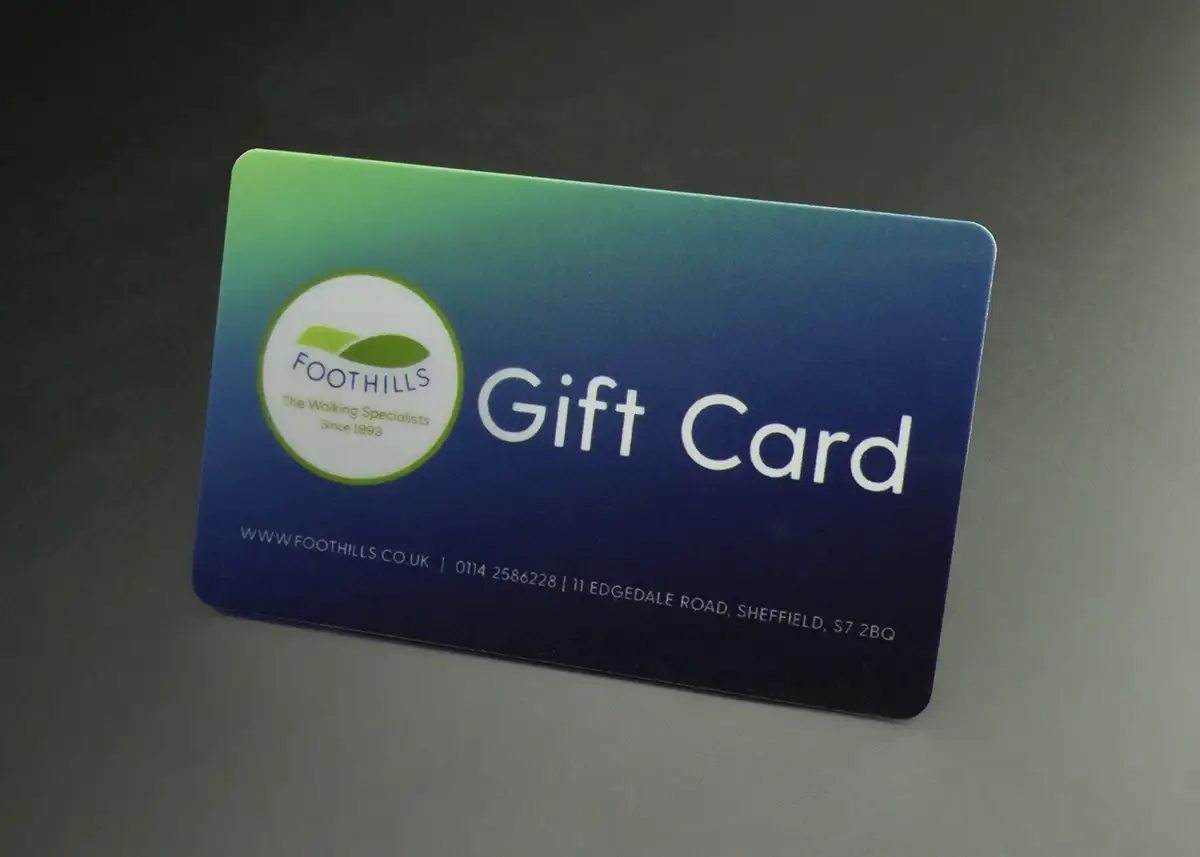
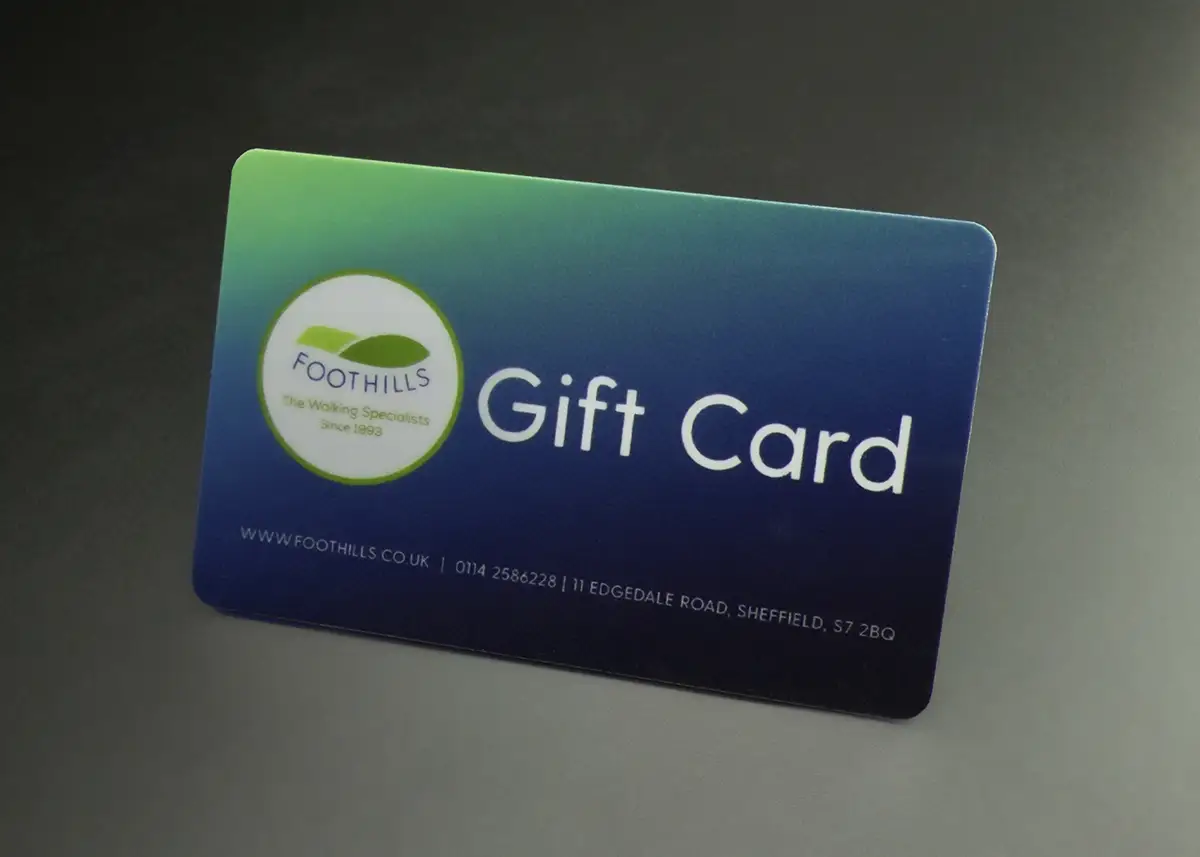
- Make it look like a present. This is the one card you print whose job includes being given away. Rich colour, a good image and plenty of space look more generous than a crowded card.
- Say “Gift Card” clearly. Set it large enough to read at arm’s length on a display stand.
- Run the design to the edge. Full-bleed images look more expensive than a white border. Extend the background 3mm past the edge (the bleed) and keep words 3mm inside it.
- Leave out the year, unless it’s a seasonal design. A card that says Christmas is hard to sell in March.
- Match your loyalty cards. Most businesses order gift cards and loyalty cards in the same design, so the two read as a set.
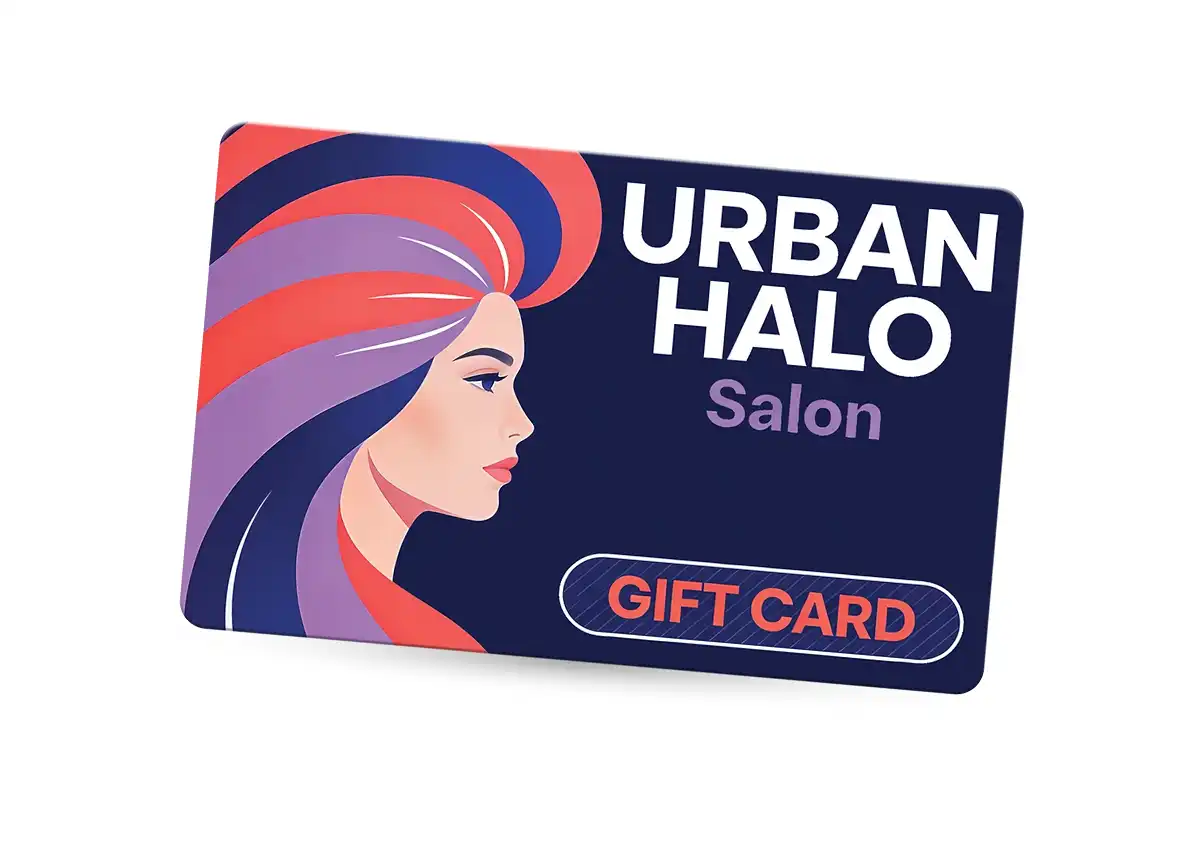
For a premium look, a metallic base card starts the whole card in luxury gold or classic silver, and it’s a common choice for gift cards, where the card itself is part of what’s being given. Any CMYK colour prints onto it, but white text and white images aren’t possible, so design around that. Metallic foiling on one element, such as your logo, is the subtler option.
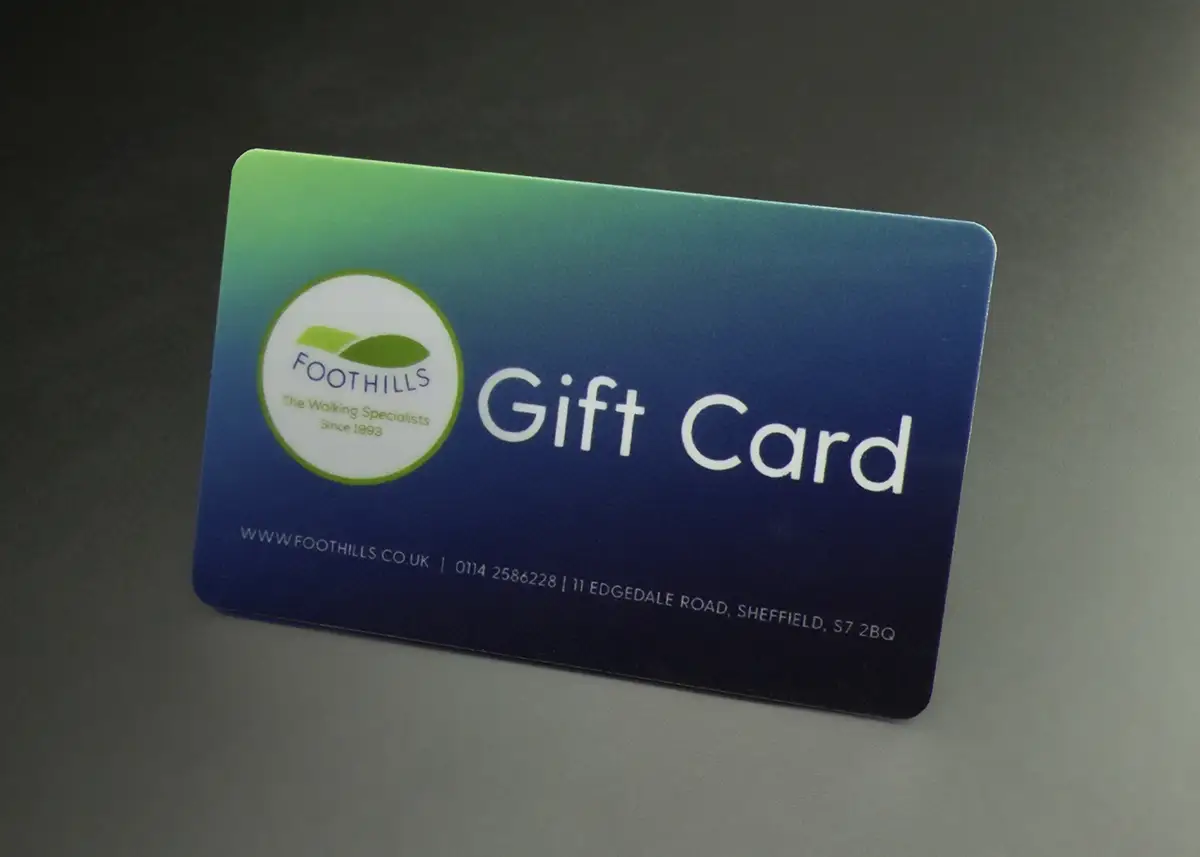
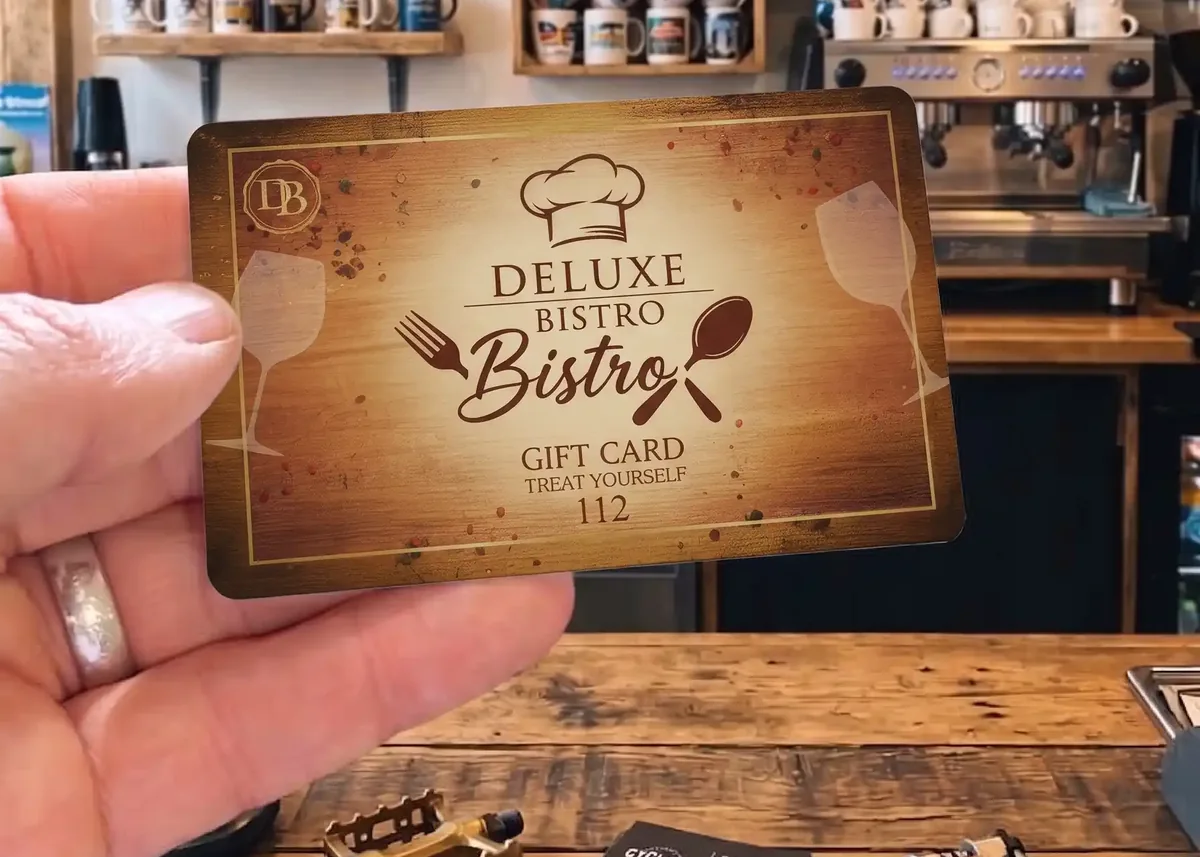
If your design has a black or very dark background, consider a Premium Matt finish: it helps disguise surface scratches. It’s £20 +vat per order; High Gloss is included. Our guide to High Gloss v Premium Matt compares the two.
Designing the back
The back is printed in full colour at no extra cost, and it’s where the card earns its keep. In order of importance:
- The card number, printed where it can always be seen. Give us a start number and the cards run on from it, or send exact numbers in a spreadsheet. Numbers can be printed in any CMYK colour, so they can match your logo. Our guide to numbered plastic cards explains the choices.
- Whatever your till reads: a barcode, a magnetic strip or a QR code. Put a barcode on a white box so it scans first time.
- A scratch-off panel, if the card carries a code to redeem online. A typical panel is 8mm x 75mm, it stops at least 4mm from the edge, and nothing can be printed on the panel itself. Our guide to gift card codes in Excel or CSV shows how to supply the codes.
- How to use it, in a line or two.
- To and From, or a value panel, as write-on panels. Plastic doesn’t take an ordinary pen, so writing on plastic cards needs a write-on panel.
- Your terms and your website.
Wording you can copy
These are lines businesses commonly print on their gift cards. Change the words in brackets to suit, and choose the terms that match how your scheme actually works. They’re a starting point, not legal advice: your terms are your decision.
Can be used in full or part payment.
Check your balance at [website] or in store.
No cash alternative.
Lost or stolen cards cannot be replaced.
Full terms at [website].
Whatever you choose, print the same terms on the card that you show on your website and at the till, so a customer never finds two versions.
Keeping gift cards secure
A gift card is worth money, so it’s worth a little thought about how someone might copy or misuse one.
- Give every card its own number, and keep a record of the cards you sell.
- Hide any redemption code under a scratch-off panel. A code printed openly on a card in a display rack is a code anyone can photograph.
- Never put the secret code in the barcode. Anyone can scan a barcode with a phone. The barcode should carry the card number.
- Add a mark that’s hard to copy. Metallic foiling gives the impression of a security mark and helps deter cards being replicated.
More ideas, from signature strips to RFID, are in our guide to stopping cards being copied.
Selling them
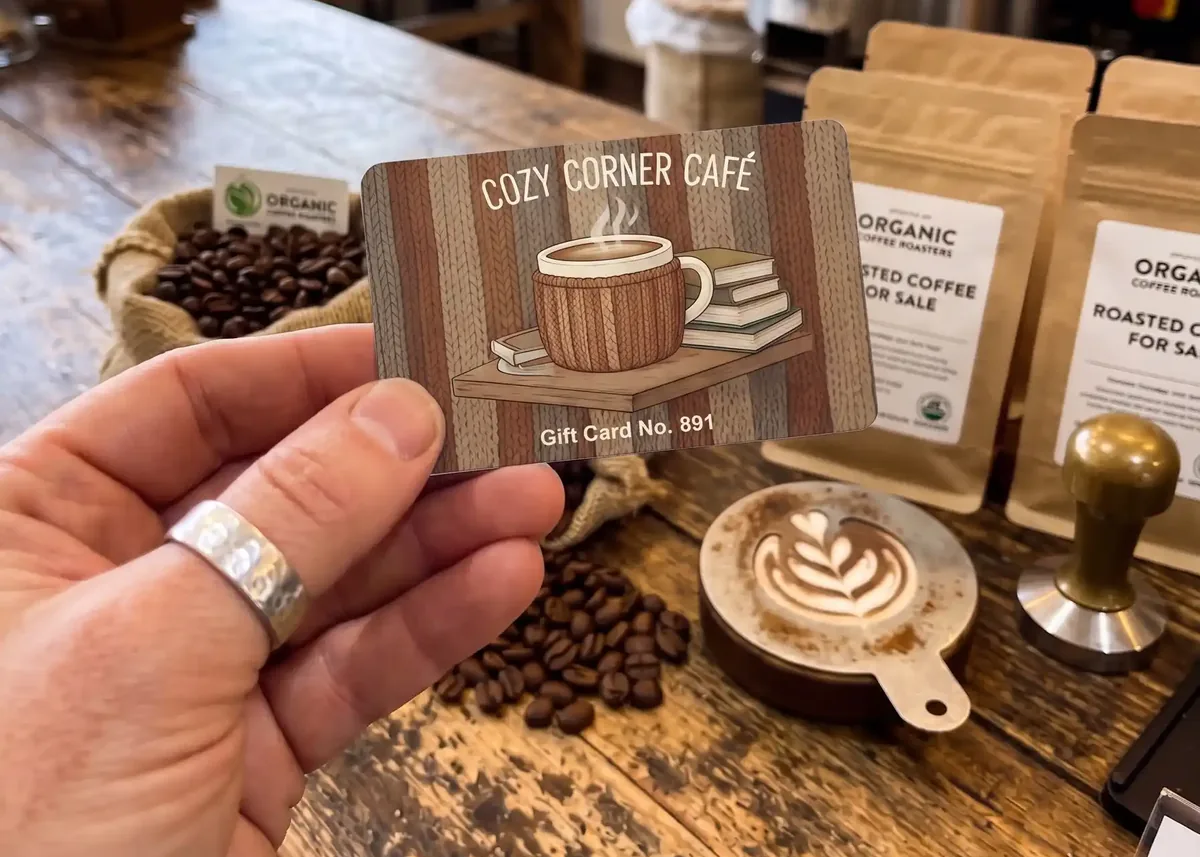
Gift cards sell when people see them. Keep a few on show by the till or on the reception desk, with a small sign, and mention them when customers pay, especially in the weeks before a busy date.
Gift cards sell in waves: Christmas, Mother’s Day, Valentine’s Day, Father’s Day. Order well before each one. Standard production is 7 working days from proof approval and payment, and express production of 3 to 4 working days is also available: ask us for cost and availability.
Your gift card checklist
- How the value works is decided: printed, written on, or held on your till
- Your till’s needs are checked with your EPOS provider: barcode type, magnetic strip or QR code
- The front says Gift Card and looks like a present
- Every card has its own number, and you’ll keep a record of them
- Any redemption code is under a scratch-off panel
- How to use it and your terms are on the back, and match your website
- Write-on panels for To and From, or for the value, if you need them
- No year or season on a card you’ll sell all year
- Bleed and safe zone: background 3mm past the edge, words 3mm inside it
Questions & Answers
-
What should be on a gift card?
On the front: your name or logo, the words Gift Card and, if it’s sold at a fixed amount, the value. On the back: how to use it, a card number with a barcode, magnetic strip or scratch-off code, your terms and your website.
-
Should the value be printed on the gift card?
Only if you sell it at one fixed amount. Otherwise, add a write-on value panel for your staff to fill in, or hold the value on your till against the card’s number.
-
Can every gift card have its own number?
Yes. Give us a start number and the cards run on from it, or send the exact numbers in an Excel file. The numbers can be printed in any CMYK colour.
-
Will my gift cards work with my till?
In most cases. We can add a barcode, a magnetic strip or a QR code. Ask your EPOS provider which one their system reads before you design the card. We supply the physical cards; the balances are managed by your own system.
-
Can I write on a plastic gift card?
Not reliably with an ordinary pen on the printed surface. Add a write-on panel for To and From or for the value: it takes an ordinary pen.
-
How do I stop gift cards being copied?
Give every card its own number and keep a record of them, hide any redemption code under a scratch-off panel, and never put the secret code in the barcode. Metallic foiling also helps deter cards being replicated.
-
What size is a gift card?
Our gift cards are 86 x 54mm and 760 microns thick, the same as a bank card. Set your artwork up at 92 x 60mm, which includes 3mm of bleed all round.
-
Can you design my gift cards for me?
Yes. Our in-house design service is £29 +vat, with no limit on reasonable amends, and you approve a free photorealistic proof before anything is printed.
Ready to print your gift cards?
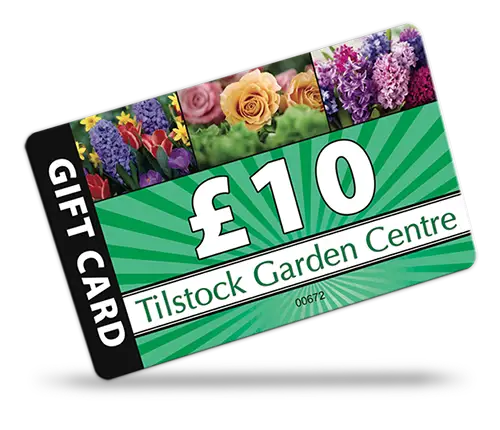
Send us your design, or your logo and a few ideas, and we’ll email a free photorealistic proof before anything is printed.
Gift cards start at 25 cards, so you can try a scheme before committing to a large order.