



Gym and Club Membership Card Systems: How Cards Work With Your Software
A gym or club membership card system has three parts: the card, the reader and the software. The card carries a number, the reader passes it on, and the software finds the member. We supply the card, not the reader or the software, so ask your software supplier what it reads before you order.
This guide to membership card systems is for gyms, clubs and leisure centres in the UK. To compare every kind of card, see types of membership card.

The short versionAsk your software supplier what the reader reads, who sets the card numbers and how a new card is linked to a member. Then order a barcode, QR code, magnetic strip or RFID card to match. With no software, a printed year and a list of members can be enough.
What is a gym or club membership card system?
A gym membership card system is a card, a reader and software working together. The reader passes the card’s number to the software, just as if someone had typed it in. The software finds the member and shows whether they’re paid up.
The member’s record stays in the software, so a lost card doesn’t have to mean a lost record: if your system allows it, a new card can take over.
Who supplies whatThe reader and software come from elsewhere: ask your software or door entry supplier. We don’t sell either, we don’t integrate with any system, and we can’t test a card on yours.
Barcode, QR code, magnetic strip or RFID: what’s the difference?
Each needs its own kind of reader, so the reader decides the card, not the other way round. For barcode types and sizes, see membership cards with barcodes.
| The reader | What the card holds | What it suits | |
|---|---|---|---|
| Barcode | A barcode scanner, 1D or 2D | A number, which can include letters. Code 39 is the most popular on our cards | Staff scanning members in at a desk |
| QR code | A 2D scanner, or a phone or tablet camera, not a 1D scanner | The member’s number, or a different web address on every card | Tablet check-in, and links to an app or renewal page |
| Magnetic strip | A swipe reader | A number, which we encode, or a blank strip for you to encode. HiCo is the more durable | Systems that already have swipe readers |
| RFID chip | An RFID reader at a door, turnstile or desk | A chip and antenna inside the card. The simplest chips hold a fixed ID number that your system looks up. We supply them unencoded | Tapping in at doors and turnstiles |
Mifare Classic 1K is the standard chip for most door entry and gym systems, and older systems often run at 125kHz. Cards can’t be re-chipped after printing, so if you’re not sure, send us the make and model of your reader or a photo of a card. We can usually identify it, and we’ll tell you whether we can supply it. Our guide to RFID membership cards helps you decide whether a chip is worth paying for.
Members who carry keys can have a key tag or combo card with a barcode, QR code or number, but not a magnetic strip or an RFID chip. A printed code can be photocopied, so its security is in your system: see how to stop cards being copied.
Which type of card should I choose?
The one your reader already reads. If you’re starting from nothing, these questions settle it. Start at the top.
- Choosing a card type?
- Do you already have a reader or scanner?If yes: Match itAsk your supplier what it reads
- If not: Will members tap in at a door or turnstile?If yes: RFID cardConfirm the chip with your door entry supplier
- If not: Will staff scan members with a barcode scanner?If yes: BarcodeOn a white box, with the number underneath
- If not: Will a phone or tablet camera do the scanning?If yes: QR codeAt least 15mm square
- If not: A printed numberPlus the year, and a list of members
Which card works with my gym software?
The one its reader reads, and only your software supplier can confirm that. Some systems take plastic cards from any supplier, some sell their own tags or fobs, and some use a barcode in an app instead.
We read these systems’ own pages in October 2026, and features change. We haven’t tested our cards on any of them, and listing a system doesn’t mean we work with it. Some are mainly used outside the UK.
| What its own pages say | What to ask or order | |
|---|---|---|
| PushPress | For open gym check-in, not class check-ins: plastic cards with sequential barcodes of 6 to 12 numbers, numbers only, from a variety of vendors. (PushPress help) | A run from a start number such as 100001. Ask which barcode type it reads, and whether this covers your plan. |
| Pike13 | Key tags from third-party vendors, with a printed code of at least 4 characters. It strongly recommends QR codes for tablet cameras. (Pike13 help) | A key tag or card with a QR code, entered on the client’s profile as you hand it over. |
| Gym Insight | Says it works with any barcode key tags, and any barcode scanner with keyboard wedge emulation. (Gym Insight) | A barcode card or key tag. Confirm the barcode type. |
| GymMaster | Assigns each member an RFID fob or key card, by presenting it to a GymMaster reader. It doesn’t say whether other suppliers’ work. (GymMaster help) | Ask GymMaster before you order, and ask which chip it reads. |
| Glofox | A barcode in the member app, with no key tags or fobs to buy. It doesn’t mention plastic cards. (Glofox) | You may not need a card to check in. If you want one, ask what it can read. |
Where do the card numbers come from?
Either your software gives you the numbers, or the cards run on from a start number and each one is linked to a member as you hand it over.
You send us a list
Send the numbers in an Excel file, and each card is printed with its own. Format the column as Text, so leading zeros aren’t lost.
You give us a start number
The cards run on from it, such as 10001, 10002 and so on. When someone joins, you scan or type the next card’s number into their record.
- On an RFID card, a printed number or barcode can go on the outside too. We supply the chips unencoded, so ask your supplier how a new card is linked to a member.
- Names can be printed from your spreadsheet, or added as people join through bureau personalisation, which delivers to you, not to your members. Check your spreadsheet before you send it, because our artwork check is technical and doesn’t cover names or spelling.
- Photos. We can’t print a different photo on each card. Your software may show one when a card is scanned, or a photoseal seals a passport-sized photo on to the card.
Re-orders carry on from the last number issued. Our guide to numbered plastic cards shows how to lay out the file, and how to re-order.
What should I ask my software supplier?
Ask these before you order. The answers are the specification for your cards.
- The reader. Which reader do we have or need, and who supplies it?
- What it reads. A barcode, a QR code, a magnetic strip or an RFID chip?
- Barcodes. Which type: Code 39, Code 128 or EAN? Is the scanner 1D or 2D?
- Number rules. Are there limits on length or characters?
- Magnetic strips. HiCo or LoCo, and which track holds the number?
- RFID. Which chip and frequency? Does anything have to be written to the chip, and who does that?
- Other suppliers’ cards. Do you accept them, or only your own?
- Getting numbers in. Can we import a list, or is each card added as it’s handed over?
- Lost and replaced cards. Can a new card take over a record? If we replace all our cards, can we keep the numbers?
Do I need software for membership cards?
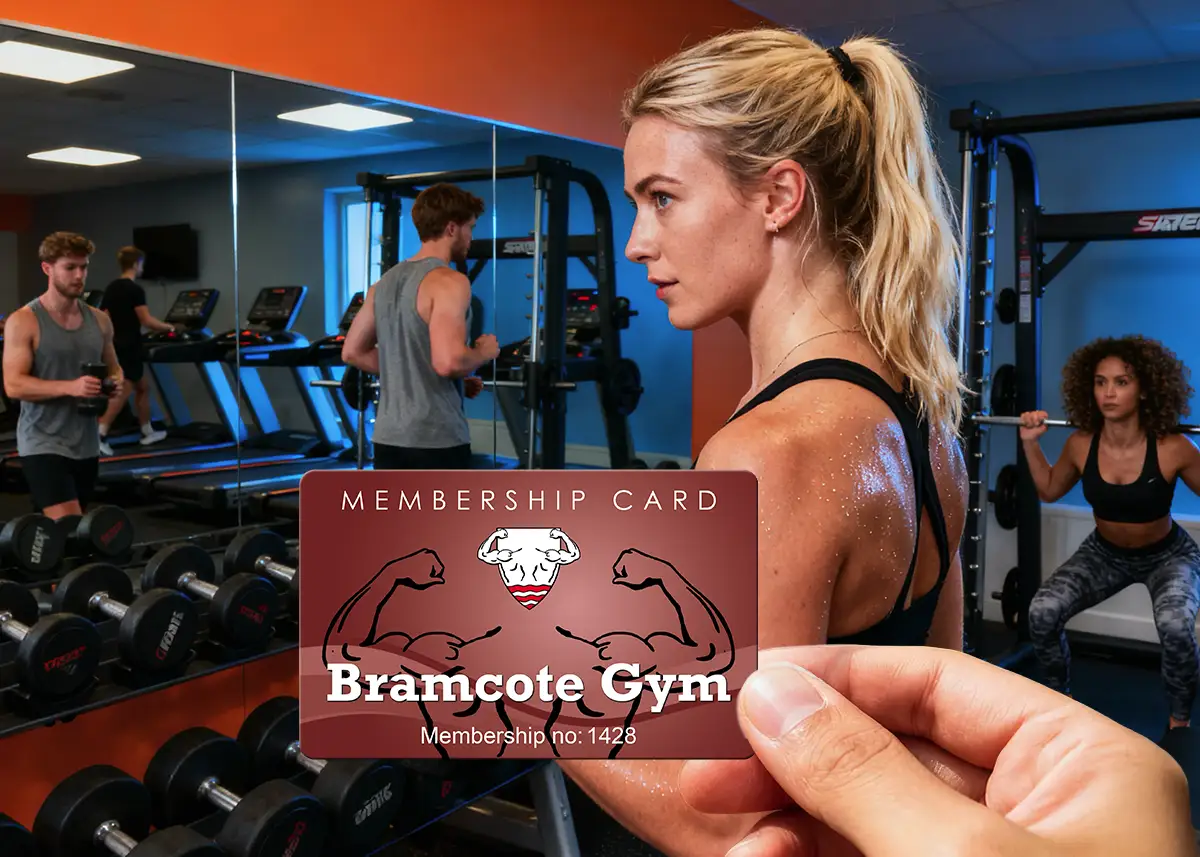
No. A printed card, a list of members and someone looking at the card at the door can be enough. A card only needs a code if something is going to read it. Decide how a card shows it’s current before the first batch is printed:
- The year on the card. Everyone’s card runs out together. Change the colour each year and an old one stands out.
- A fixed expiry date. For memberships that start at different times, printed on each card from your list.
- A write-on panel. “Valid until” written in pen at each renewal, so one batch lasts several years.
Give every card a number and keep a list of who has it, so you can cancel a lost one. If staff need to check a face, a photoseal seals a passport-sized photo on to the card. You only need a gym membership card printer if cards have to be made one at a time, on the day, or if each person’s photo must be printed on their card: compare card printers and ordering printed cards, or see our gym and leisure club examples.
How do I change to new membership cards?
With a barcode, QR code or magnetic strip, keep the same numbers and the same type of code, and your software should see no change: check with your supplier. With new numbers, or new RFID cards, each card has to be linked to its member.
- Find out what the old card does. Ask your supplier, or send us the make and model of your reader or a photo of a card.
- Choose your numbers. To keep them on a printed code or strip, send us the list in an Excel file. Old and new cards then scan as the same member, and your system can’t tell them apart, so use new numbers if old cards must stop working. A list can’t set what a reader gets from an RFID chip, so ask your supplier how new RFID cards are linked.
- Check whether the readers change too. A swipe reader won’t read a QR code. While you move over, one card can carry the same number as a barcode and a strip, so it works on both.
- Make the new card easy to spot. A new colour shows staff an old card at a glance. Pick a date when old cards stop being accepted, and tell your members. If you kept the numbers, old cards still scan, so only staff checking the colour can enforce that date.
How can I test a card before the full run?
Add a postal proof to your order: a few identical cards posted to you, so you can scan or swipe them on your own system before the rest are printed. Because they’re identical, they test the type of code, not every number. It’s optional, and most customers don’t add one.
- Cost and time. £65 +vat and around 5 working days, then around 7 working days for the full order after you approve it.
- Which cards. Full colour cards only. Hot foil cards have no postal proof, so email sales@cpcards.co.uk before relying on a code on one.
- RFID cards. Tell us you want to try the chip on your reader, and we’ll confirm what we can do.
- A free first check. Print your email proof at actual size and try the barcode on your scanner.
What do I need to send you?
Use our quote form, or email these to sales@cpcards.co.uk.
- The specification. Your supplier’s answers, the make and model of your reader, or a photo of a card.
- The numbers. A start number, or an Excel file with one row per card.
- The items and quantity. Full-size cards, key tags or combo cards, from 25.
- The artwork. Your print-ready file, or your logo and wording for our design service at £29 +vat.
Our artwork check is technical, so you check the wording. Your free email proof shows where the names and numbers sit, so you can check the layout and wording. The colours on the proof are a guide only, because every screen shows colour differently. Standard production is 7 working days from proof approval and payment. Express takes 3 to 4 working days: ask us for cost and availability.
How much do membership cards cost?
Standard full colour gym membership cards start at £75.00 +vat for 25, and 1K Mifare RFID cards at £182.00 +vat for 25. The price per card falls as the quantity goes up, because much of the work in an order is the same whatever the quantity.
| Quantity | Standard card | RFID card (1K Mifare) |
|---|---|---|
| 25 | £75.00 +vat £3.00 each | £182.00 +vat £7.28 each |
| 50 | £79.00 +vat £1.58 each | £186.00 +vat £3.72 each |
| 100 | £85.00 +vat 85p each | £238.00 +vat £2.38 each |
| 200 | £99.00 +vat 49.5p each | £394.00 +vat £1.97 each |
| 250 | £109.00 +vat 43.6p each | £446.00 +vat £1.78 each |
| 500 | £175.00 +vat 35p each | £612.00 +vat £1.22 each |
| 1,000 | £245.00 +vat 24.5p each | £1,007.00 +vat £1.01 each |
Full colour on both sides. Standard cards are 760 microns. RFID prices are for 1K Mifare cards, 820 microns. Tell us your chip and we’ll quote. Barcodes, numbering, magnetic strips and names are priced on your quote. Key tags start at £98.00 +vat for 25.
Questions & Answers
-
What is a gym or club membership card system?
A card, a reader and software working together. The card carries a number, the reader passes it on, and the software finds the member. We supply the card, not the reader or the software.
-
What do I need to scan membership cards?
A reader that suits the card, and software to look the number up. That means a barcode scanner for a barcode, a 2D scanner or a camera for a QR code, a swipe reader for a magnetic strip, or an RFID reader for a chip.
-
Which card works with my gym software?
The one your software’s reader reads, and only your software supplier can confirm that. Ask what it reads, who sets the card numbers, and whether it accepts cards from another supplier.
-
Do I need software for membership cards?
No. A printed year or expiry date and a list of members can be enough, with staff looking at the card at the door.
-
How do I change to new membership cards?
With a barcode, QR code or magnetic strip, send us your existing numbers in an Excel file, keep the same type of code, and your software should see no change: check with your supplier. Old and new cards then scan as the same member, so use new numbers if old cards must stop working. With RFID, expect to link each new card to its member, and ask your supplier how.
-
Can I test a membership card on my system before the full order?
For a barcode, QR code or magnetic strip, yes: add a postal proof to a full colour order, and a few identical cards are posted to you to scan or swipe on your own system. It costs £65 +vat and takes around 5 working days. The cards are identical, so they test the type of code, not every number. For RFID, ask us first.
-
Where can I get membership cards for a gym or club system in the UK?
CP Cards supplies plastic membership cards with barcodes, QR codes, magnetic strips or RFID chips, from £75.00 +vat for 25, printed in England, with a free email proof. Delivery is free within Great Britain, and our delivery prices list the charges for Northern Ireland, the Republic of Ireland and the Channel Islands. Email sales@cpcards.co.uk with what your reader reads and how many you need, and we’ll reply with a quote, often within minutes, 9am to 5pm, Monday to Friday.
Ready to order cards for your system?

Tell us what your reader reads, how the cards should be numbered and how many you need. We’ll quote by email, often within minutes, 9am to 5pm, Monday to Friday.